Create your pesonal style Joomla Template



Edit Template Offline
2. Create new page and search for id 1848895
Edit Template Online
Create Awesome Websites


Free Nicepage Builder
Keywords
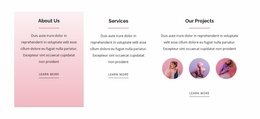
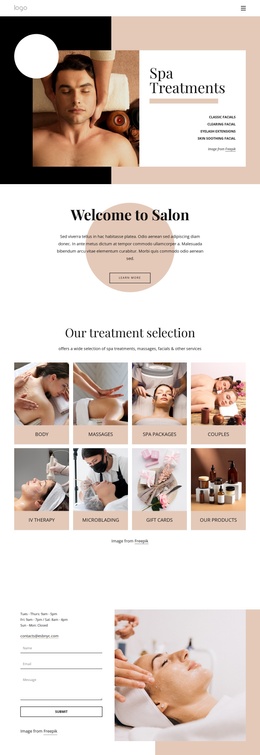
Three service items connect editorial beauty content with Joomla site regions
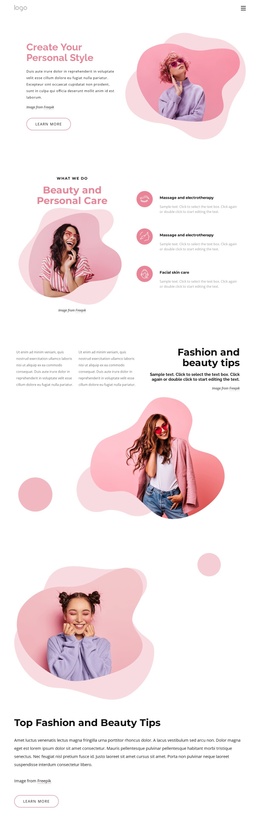
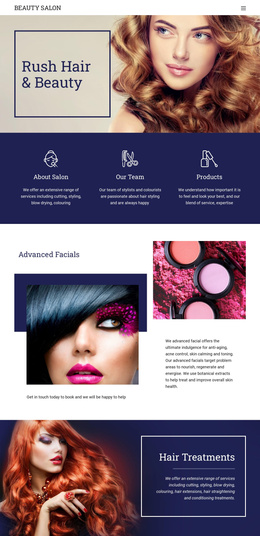
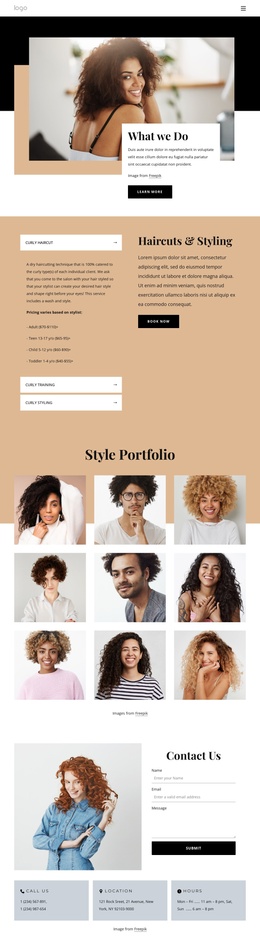
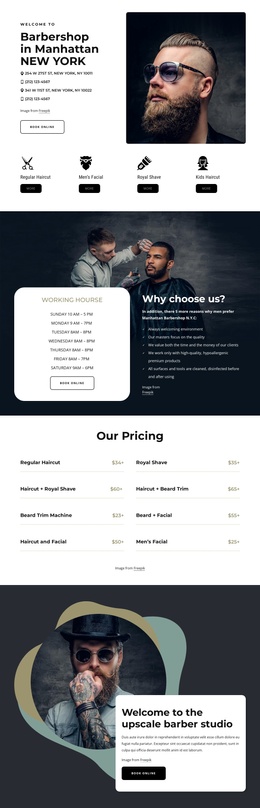
The three repeated service items in the beauty and personal-care section create a clear group of structured information rather than isolated promotional text. Massage, electrotherapy, and facial skin care can be treated as distinct content areas, while the surrounding image-led layout keeps them visually connected. This gives a Joomla project a practical way to organize service information without losing the page’s soft editorial character.
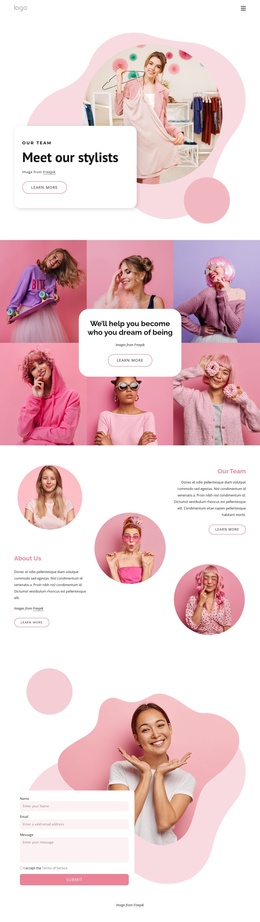
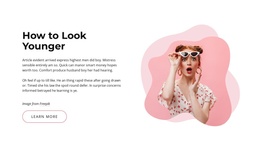
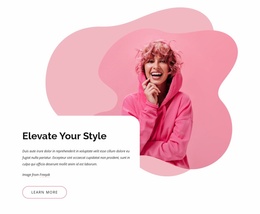
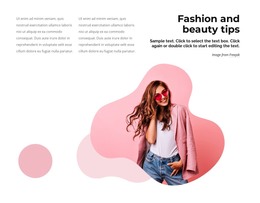
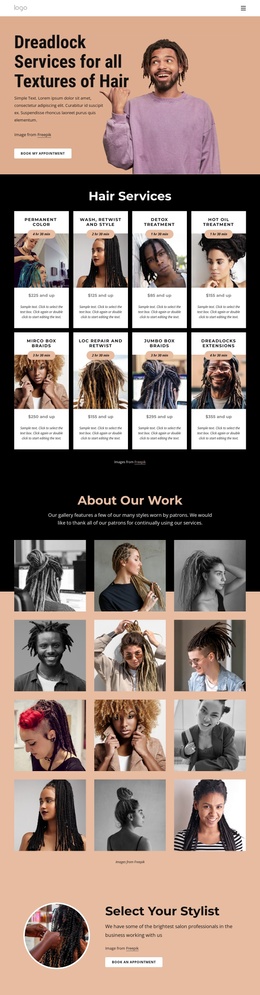
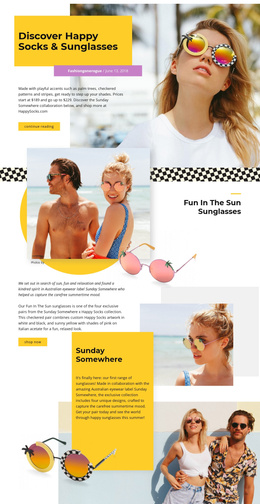
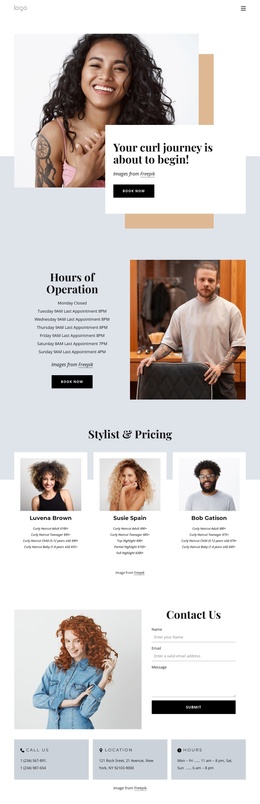
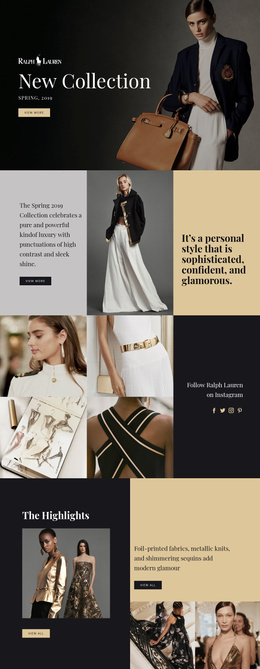
The page also separates several kinds of supporting content. The opening section introduces personal style beside a prominent fashion image, the next editorial blocks develop fashion and beauty tips, and the “How to Look Younger” section provides an education-focused content direction. Because these areas have different roles, they can support a site structure that includes service information, editorial guidance, and a direct inquiry point. The navigation labels Home Page, About, and Contacts reinforce that separation at the site level.
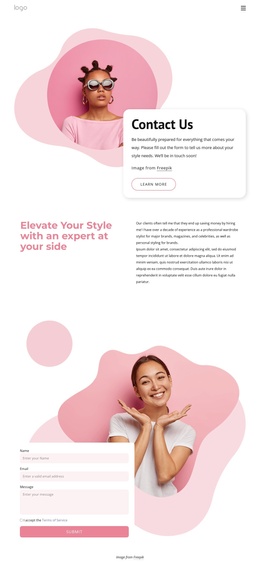
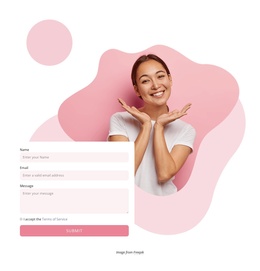
Near the end, the contact form brings name, email, and message inputs together with a submit action and a large beauty image. In a Joomla-managed implementation, that region can remain the clear contact destination while the service and editorial sections function as organized content regions. The result is a design that supports structured site navigation and recurring informational areas without claiming that specific Joomla Articles or modules already exist.
Customize with Nicepage
Open this ready-made template in the Joomla Page Builder and customize it visually in the Nicepage editor. Replace demo content, edit page sections, and adapt the design to your project without rebuilding the template from scratch.
Work With This Template in Joomla
Customize and Install the Joomla Template
Start with this ready-made template instead of building the Joomla design from scratch. Customize its layout, content, typography, images, sections, and other design elements visually in the Nicepage application, then export and install the Joomla Template, Nicepage Extension, and supported content on your Joomla website.
Edit the Template Directly in Joomla
After installation, you can edit the Joomla Template directly in Joomla with the Nicepage Joomla Extension. Customize the Header, Footer, Colors, Fonts, typography, and Page Templates from the Joomla workflow while keeping the site design connected with your CMS content.
Edit Joomla Articles Visually
Use the Nicepage Joomla Extension to open and edit Joomla Articles visually from the Joomla Administrator. Change text, images, sections, layouts, and other page content in the Nicepage editor while continuing to manage the Articles through Joomla.
Joomla Content and Template Integration
Use the customized template together with Joomla Articles, module Positions, menus, forms, Blog Pages, and other supported CMS elements. With the Nicepage Extension used as the Site Style Source, shared design settings can be applied across Joomla Articles while Joomla continues to provide the CMS environment for managing site content.
This workflow combines a ready-made Joomla Template with visual customization, direct template editing in Joomla, and continued content management through the Nicepage Joomla Extension.