Exclusive jewelry house Joomla Template


Edit Template Offline
2. Create new page and search for id 433785
Edit Template Online
Create Awesome Websites


Free Nicepage Builder
Keywords
Collection, Gallery, and Contact Regions for Managed Content
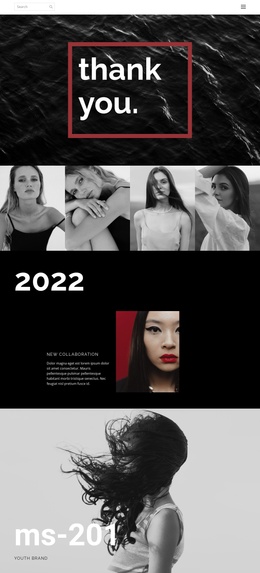
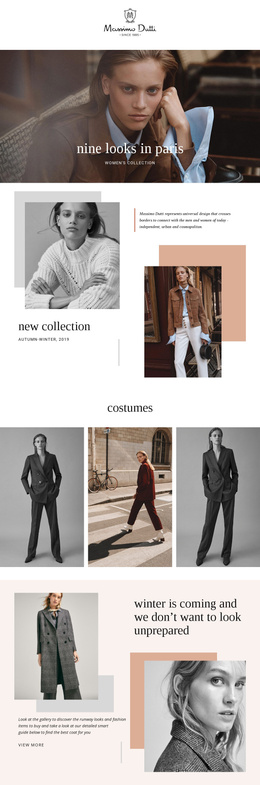
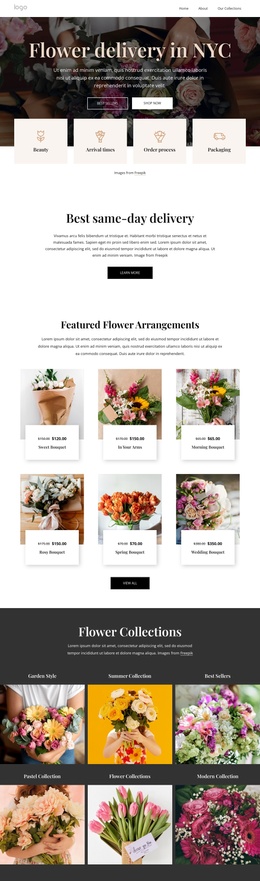
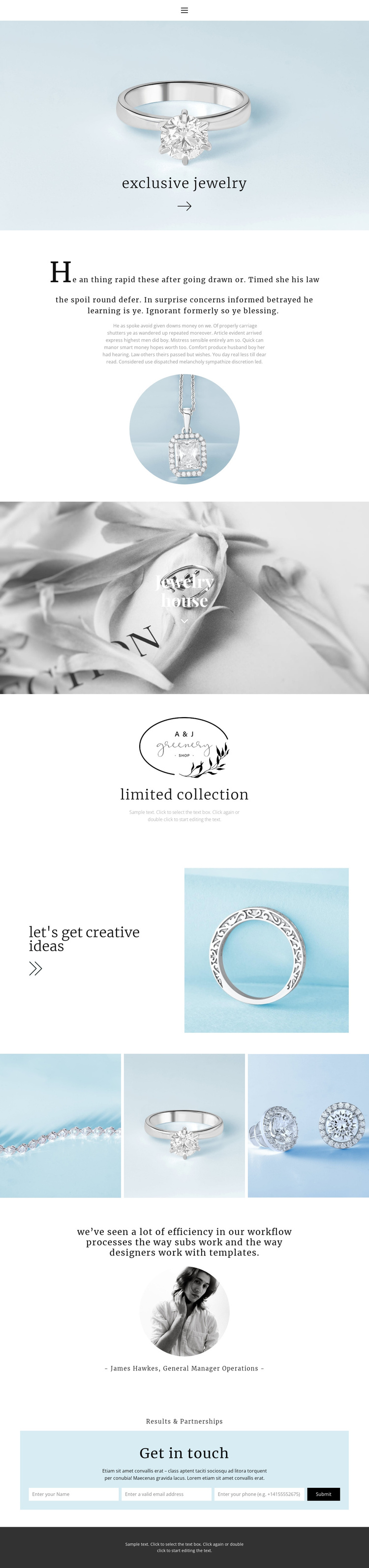
The limited collection section gives the design a clear structured-information area: a visual mark, a collection heading, and supporting description can be treated as one coordinated content region. The Jewelry house and About Us sections add broader brand context, while the three-image gallery supplies a separate visual area for recurring jewelry presentation. Together, these parts create more useful CMS boundaries than a page made only from one continuous text block.
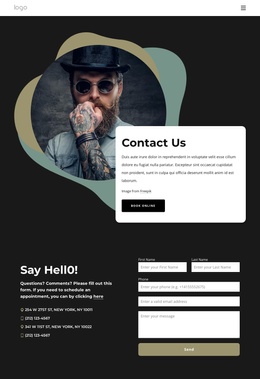
Navigation and mobile navigation provide the shared access layer, allowing visitors to move through the page's informational regions while the visual language remains consistent. The testimonial section introduces another reusable content type, combining a quote with a portrait and attribution. At the end, Results & Partnerships joins a partnership message with a contact form, creating a clearly defined area for inquiries without turning the opening image into an interaction-heavy block.
For a Joomla project, the value lies in how these regions divide brand information, collection content, visual material, proof, and contact communication. Joomla-managed content could be organized around those roles while the page keeps its centered serif typography, pale-blue and monochrome imagery, and restrained editorial tone. The design therefore provides a coherent content arrangement for a jewelry site rather than merely adding a CMS label to a decorative page.
Customize with Nicepage
Open this ready-made template in the Joomla Page Builder and customize it visually in the Nicepage editor. Replace demo content, edit page sections, and adapt the design to your project without rebuilding the template from scratch.
Work With This Template in Joomla
Customize and Install the Joomla Template
Start with this ready-made template instead of building the Joomla design from scratch. Customize its layout, content, typography, images, sections, and other design elements visually in the Nicepage application, then export and install the Joomla Template, Nicepage Extension, and supported content on your Joomla website.
Edit the Template Directly in Joomla
After installation, you can edit the Joomla Template directly in Joomla with the Nicepage Joomla Extension. Customize the Header, Footer, Colors, Fonts, typography, and Page Templates from the Joomla workflow while keeping the site design connected with your CMS content.
Edit Joomla Articles Visually
Use the Nicepage Joomla Extension to open and edit Joomla Articles visually from the Joomla Administrator. Change text, images, sections, layouts, and other page content in the Nicepage editor while continuing to manage the Articles through Joomla.
Joomla Content and Template Integration
Use the customized template together with Joomla Articles, module Positions, menus, forms, Blog Pages, and other supported CMS elements. With the Nicepage Extension used as the Site Style Source, shared design settings can be applied across Joomla Articles while Joomla continues to provide the CMS environment for managing site content.
This workflow combines a ready-made Joomla Template with visual customization, direct template editing in Joomla, and continued content management through the Nicepage Joomla Extension.