Designer vision of fashion Joomla Template



Edit Template Offline
2. Create new page and search for id 32495
Edit Template Online
Create Awesome Websites


Free Nicepage Builder
Keywords
Trend Stories and Reusable Regions Suit Structured CMS Content
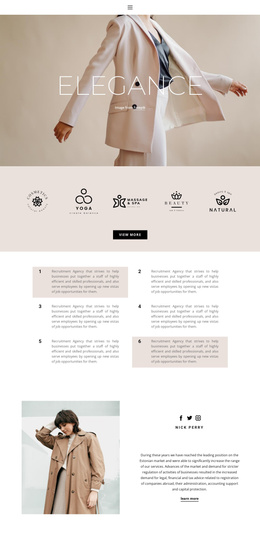
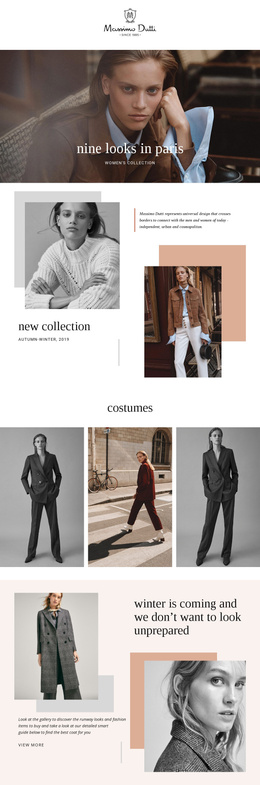
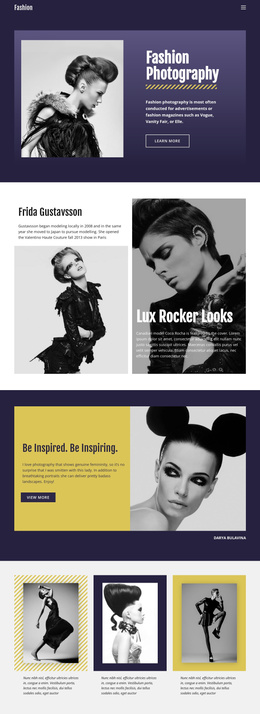
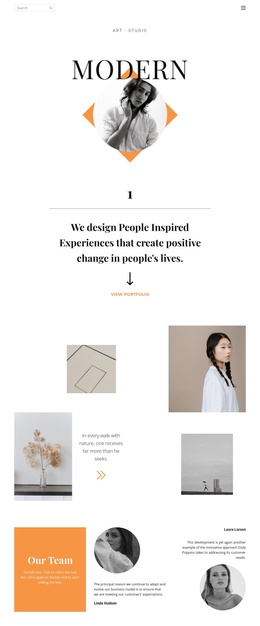
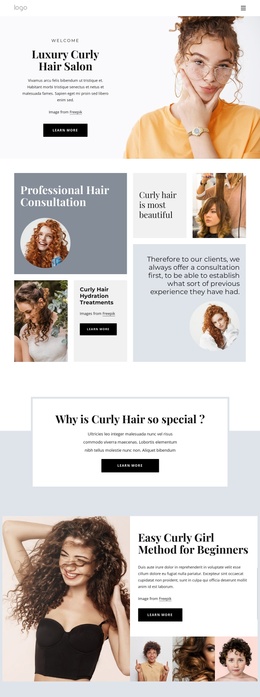
The page divides its fashion coverage into recognizable editorial regions rather than presenting one uninterrupted text field. The opening Fashion Trends feature introduces the subject through a portrait, editorial commentary, and a dark supporting panel. Further down, the three numbered stories separate coverage of the modeling world, platform sandals, and vest styling into distinct content themes. That division gives a CMS-managed project clear areas for maintaining related fashion information while preserving the page’s visual relationship between image and text.
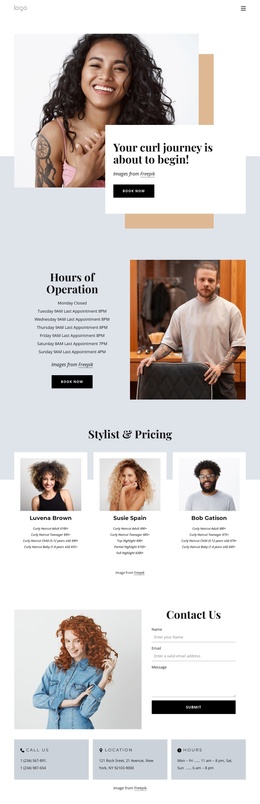
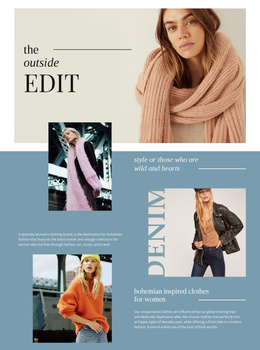
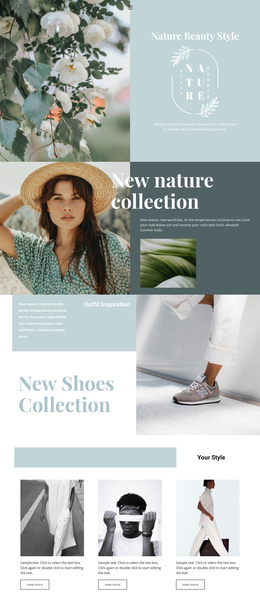
The galleries add another structured content role. One collage contains a large portrait and four supporting fashion photographs; other image groups contain three or four photographs alongside captions or editorial copy. These repeated image areas can support visual content associated with trend coverage, while the header and footer provide shared regions for navigation and social destinations. The existing read-more action also identifies a natural point for extending the first story beyond its summary.
For a Joomla project, the value is therefore in the correspondence between the design’s content regions and an organized editorial site. The template does not prove that Joomla Articles, categories, or module positions already exist. Instead, its story blocks, image areas, navigation, and social footer provide a coherent visual structure into which Joomla-managed content could be adapted without reducing the design to a generic CMS wrapper.
Customize with Nicepage
Open this ready-made template in the Joomla Page Builder and customize it visually in the Nicepage editor. Replace demo content, edit page sections, and adapt the design to your project without rebuilding the template from scratch.
Work With This Template in Joomla
Customize and Install the Joomla Template
Start with this ready-made template instead of building the Joomla design from scratch. Customize its layout, content, typography, images, sections, and other design elements visually in the Nicepage application, then export and install the Joomla Template, Nicepage Extension, and supported content on your Joomla website.
Edit the Template Directly in Joomla
After installation, you can edit the Joomla Template directly in Joomla with the Nicepage Joomla Extension. Customize the Header, Footer, Colors, Fonts, typography, and Page Templates from the Joomla workflow while keeping the site design connected with your CMS content.
Edit Joomla Articles Visually
Use the Nicepage Joomla Extension to open and edit Joomla Articles visually from the Joomla Administrator. Change text, images, sections, layouts, and other page content in the Nicepage editor while continuing to manage the Articles through Joomla.
Joomla Content and Template Integration
Use the customized template together with Joomla Articles, module Positions, menus, forms, Blog Pages, and other supported CMS elements. With the Nicepage Extension used as the Site Style Source, shared design settings can be applied across Joomla Articles while Joomla continues to provide the CMS environment for managing site content.
This workflow combines a ready-made Joomla Template with visual customization, direct template editing in Joomla, and continued content management through the Nicepage Joomla Extension.