Different kinds of body treatment Joomla Template


Named Treatments Create a Structured Joomla Content Region
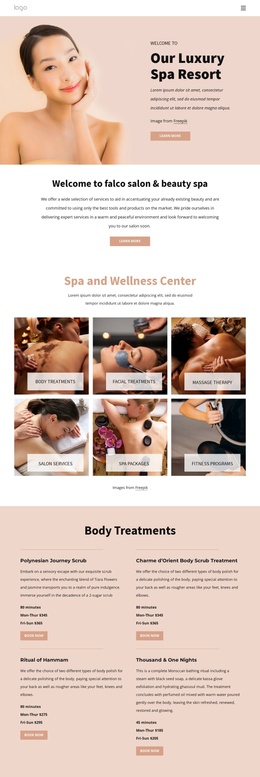
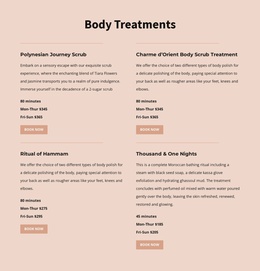
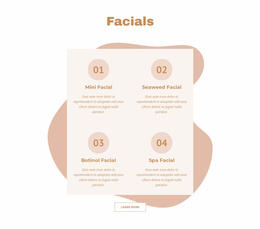
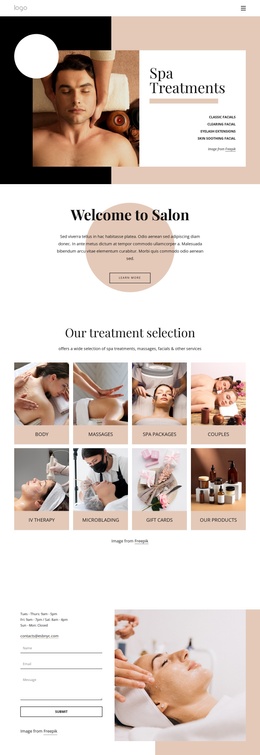
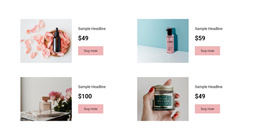
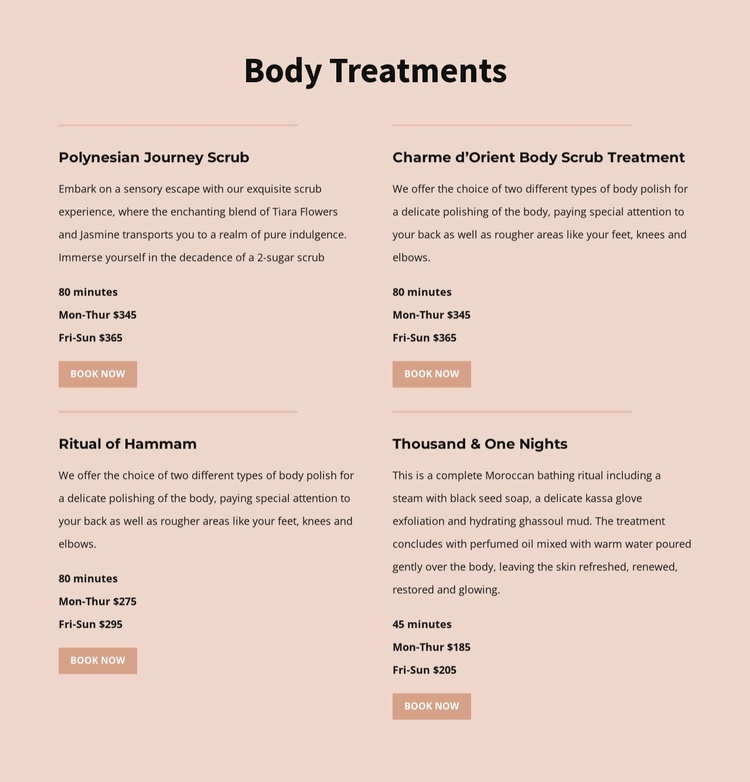
The four offerings divide the section into clear informational units that can serve as a stable treatment area within a Joomla-managed page. The heading identifies the subject, while each repeated item keeps the same editorial pattern: treatment name, descriptive copy, duration, weekday pricing, and a Book Now action. This consistency makes the services easier to maintain as a group without flattening the differences between Polynesian Journey Scrub, Charme d’Orient Body Scrub Treatment, Ritual of Hammam, and Thousand & One Nights.
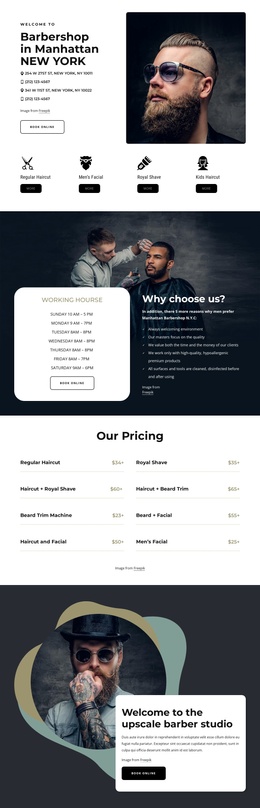
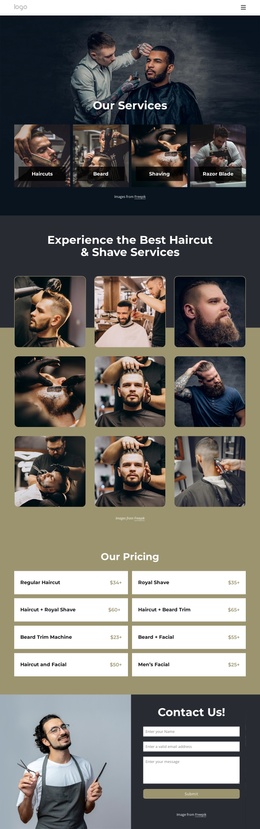
The duration and pricing lines add a practical layer to the service descriptions. The first two offerings show 80 minutes with weekday prices of $345 and $365. Ritual of Hammam uses the same 80-minute duration but displays $275 and $295, while Thousand & One Nights presents a shorter 45-minute option with $185 and $205. These displayed values describe the content currently arranged in the section and can be updated as the surrounding CMS-managed project changes.
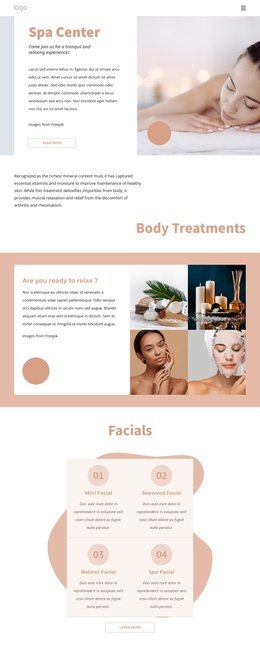
The two-column grid gives the four items a compact content region, with horizontal rules providing separation between neighboring treatments. Warm blush color, dark text, muted peach accents, and generous spacing establish a consistent presentation for the information. Within a Joomla-oriented project, this block can remain a reusable visual services region while broader pages and editorial content are managed around it.
Customize with Nicepage
Open this ready-made template in the Joomla Page Builder and customize it visually in the Nicepage editor. Replace demo content, edit page sections, and adapt the design to your project without rebuilding the template from scratch.
Edit Template Offline
2. Create a new page or select existing
3. Click Add new block, search for id 6089544 and click enter
Edit Template Online
Create Awesome Websites


Free Nicepage Builder
Keywords
Work With This Template in Joomla
Customize and Install the Joomla Template
Start with this ready-made template instead of building the Joomla design from scratch. Customize its layout, content, typography, images, sections, and other design elements visually in the Nicepage application, then export and install the Joomla Template, Nicepage Extension, and supported content on your Joomla website.
Edit the Template Directly in Joomla
After installation, you can edit the Joomla Template directly in Joomla with the Nicepage Joomla Extension. Customize the Header, Footer, Colors, Fonts, typography, and Page Templates from the Joomla workflow while keeping the site design connected with your CMS content.
Edit Joomla Articles Visually
Use the Nicepage Joomla Extension to open and edit Joomla Articles visually from the Joomla Administrator. Change text, images, sections, layouts, and other page content in the Nicepage editor while continuing to manage the Articles through Joomla.
Joomla Content and Template Integration
Use the customized template together with Joomla Articles, module Positions, menus, forms, Blog Pages, and other supported CMS elements. With the Nicepage Extension used as the Site Style Source, shared design settings can be applied across Joomla Articles while Joomla continues to provide the CMS environment for managing site content.
This workflow combines a ready-made Joomla Template with visual customization, direct template editing in Joomla, and continued content management through the Nicepage Joomla Extension.