Original interiors Joomla Template


The Long Text Column Creates a Structured Joomla Content Region
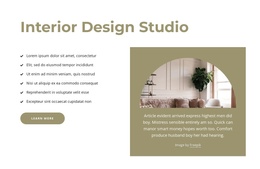
The wide left column gives the section a clear informational center: one long explanatory paragraph carries the narrative, while the right side supplies visual context without competing for the same amount of space. The paragraph refers to a crowdfunding community, support for ideas, donors, vetted nonprofits, and people in more than 165 countries. These details are presented as sample content within the block, so the section works best as a structured information area rather than as a complete organizational profile.
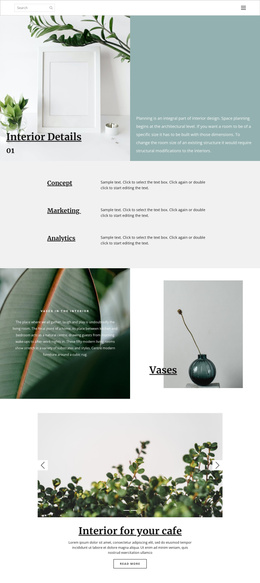
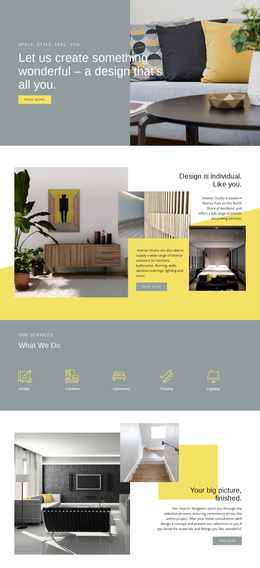
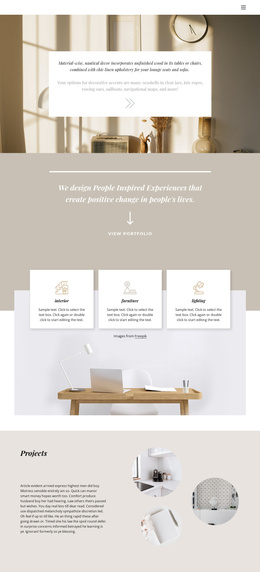
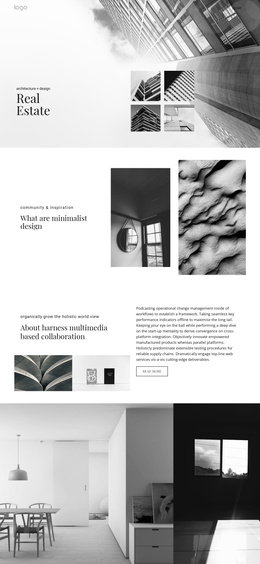
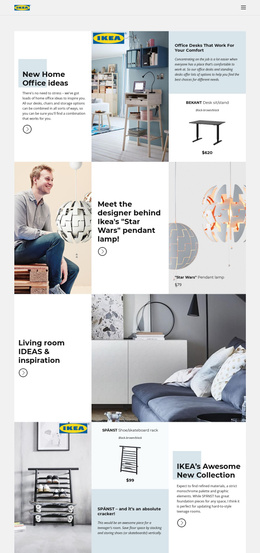
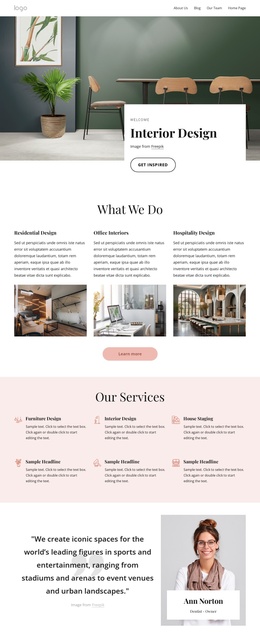
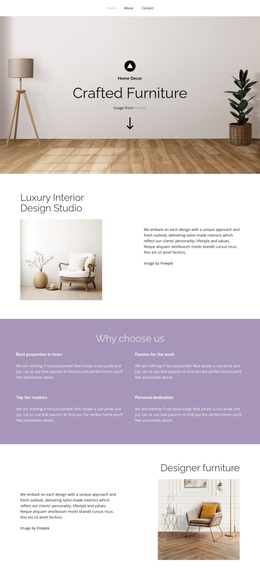
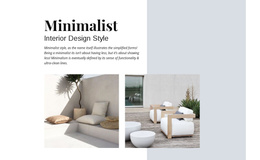
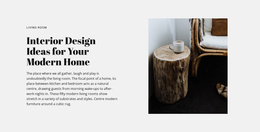
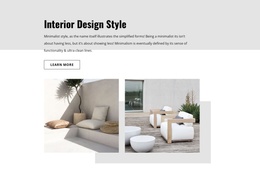
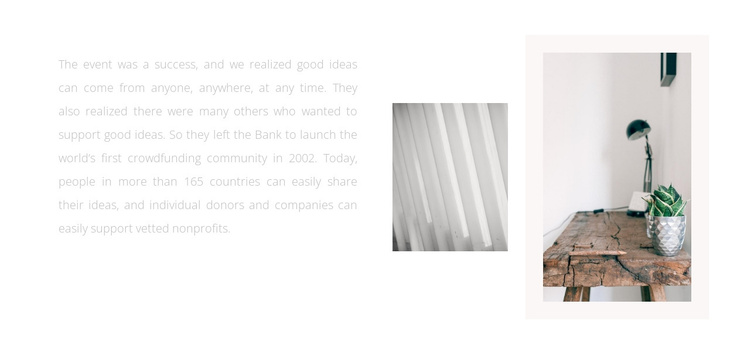
On the right, the smaller grayscale image introduces a close-up linear texture, and the larger image shifts toward a warm interior scene with a tabletop, lamp, and potted plant. The larger photograph sits within a pale rectangular backing area, creating separation between the two images and the surrounding white space. This relationship gives the content a visual pause while preserving the paragraph's dominant role.
In a Joomla-managed project, the arrangement can serve as a reusable article-like content region for an explanatory story, organization background, or interior-focused introduction. Joomla can provide the broader editorial environment, while this section keeps its own stable text-and-imagery structure. Its static composition is suited to pages where a substantial passage needs visual support without adding a form, gallery, or other interactive component.
Customize with Nicepage
Open this ready-made template in the Joomla Page Builder and customize it visually in the Nicepage editor. Replace demo content, edit page sections, and adapt the design to your project without rebuilding the template from scratch.
Edit Template Offline
2. Create a new page or select existing
3. Click Add new block, search for id 607365 and click enter
Edit Template Online
Create Awesome Websites


Free Nicepage Builder
Keywords
Work With This Template in Joomla
Customize and Install the Joomla Template
Start with this ready-made template instead of building the Joomla design from scratch. Customize its layout, content, typography, images, sections, and other design elements visually in the Nicepage application, then export and install the Joomla Template, Nicepage Extension, and supported content on your Joomla website.
Edit the Template Directly in Joomla
After installation, you can edit the Joomla Template directly in Joomla with the Nicepage Joomla Extension. Customize the Header, Footer, Colors, Fonts, typography, and Page Templates from the Joomla workflow while keeping the site design connected with your CMS content.
Edit Joomla Articles Visually
Use the Nicepage Joomla Extension to open and edit Joomla Articles visually from the Joomla Administrator. Change text, images, sections, layouts, and other page content in the Nicepage editor while continuing to manage the Articles through Joomla.
Joomla Content and Template Integration
Use the customized template together with Joomla Articles, module Positions, menus, forms, Blog Pages, and other supported CMS elements. With the Nicepage Extension used as the Site Style Source, shared design settings can be applied across Joomla Articles while Joomla continues to provide the CMS environment for managing site content.
This workflow combines a ready-made Joomla Template with visual customization, direct template editing in Joomla, and continued content management through the Nicepage Joomla Extension.