Minimalist Home Decor Furniture Joomla Template


Edit Template Offline
2. Create new page and search for id 6667771
Edit Template Online
Create Awesome Websites


Free Nicepage Builder
Keywords
Category Navigation Connects Product and Lifestyle Content
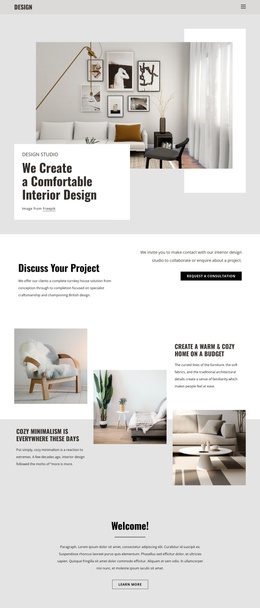
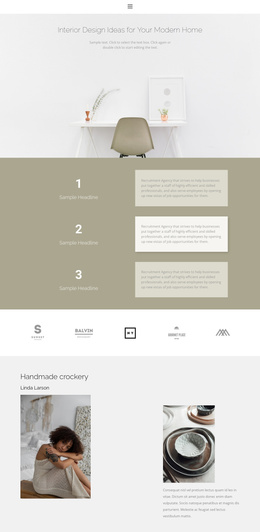
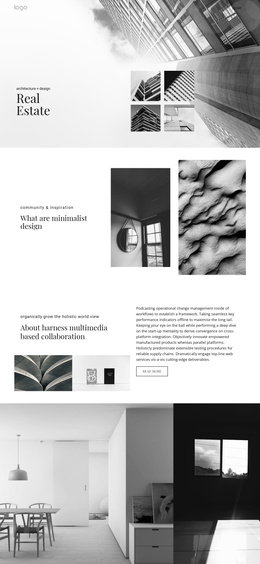
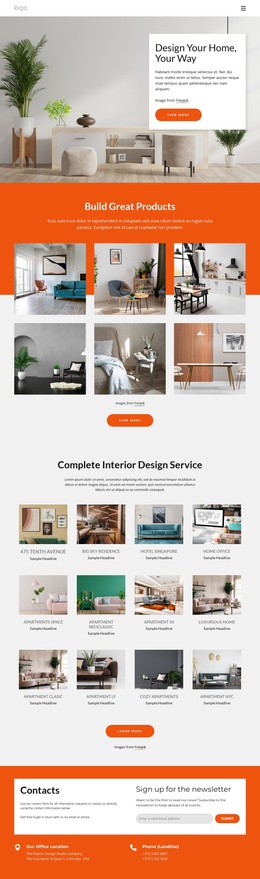
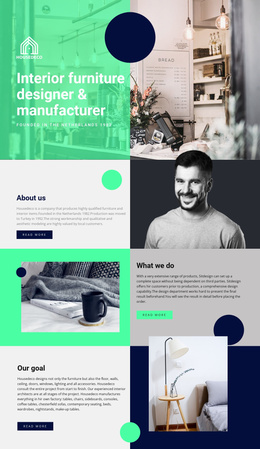
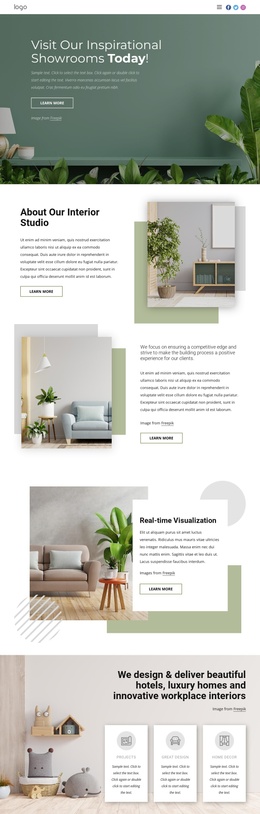
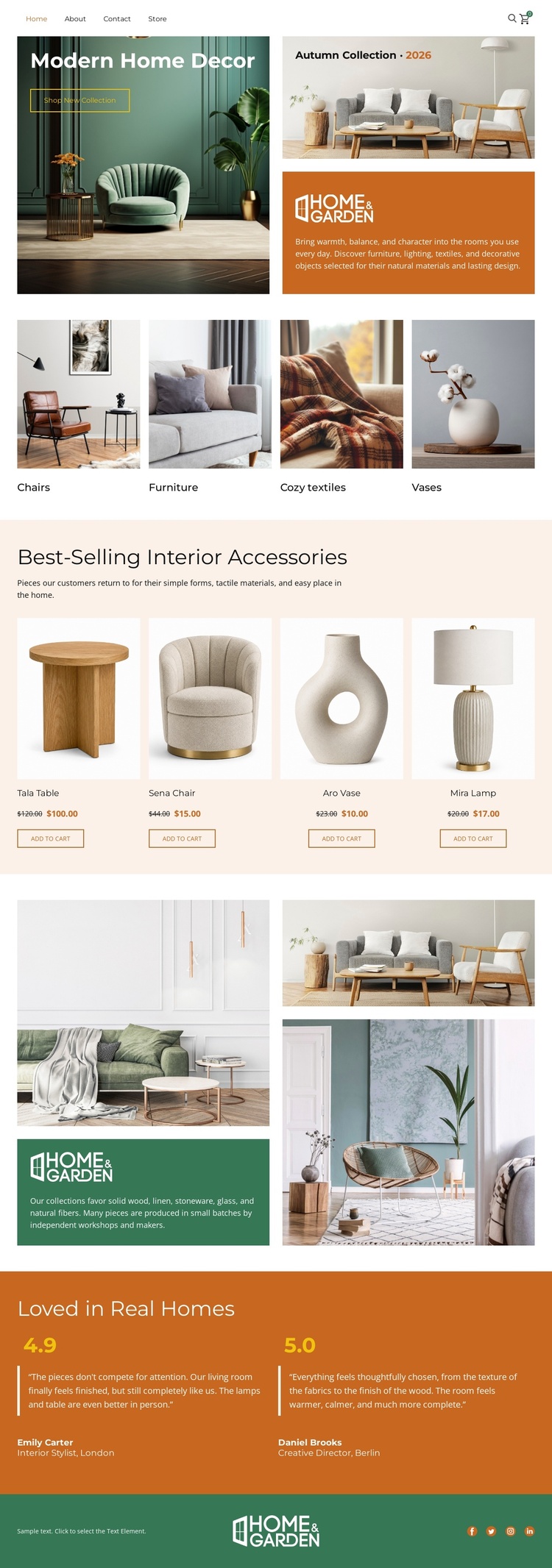
The four decor categories give the page a structured way to separate Chairs, Furniture, Cozy textiles, and Vases before visitors reach the featured product area. That relationship is useful for a CMS-managed furnishings site because recurring product or category information can remain distinct from the editorial content that explains the home-lifestyle direction. The four product cards then create another repeated content region, with each item visibly organized around imagery, a name, a price area, and a purchase action.
The Home & Garden split section adds a broader informational region beside its interior collage, while the two rated testimonial blocks create a separate customer-oriented area. Navigation at the top and the branded footer with social icons provide shared site regions that can frame those content groups consistently. In a Joomla project, the value lies in how these areas can correspond to organized site content and menus without treating the demo product names, prices, ratings, or review text as verified store data. A Joomla-oriented implementation can preserve the distinction between category browsing, product presentation, lifestyle messaging, and customer proof. The design therefore offers a practical visual arrangement for structured content while leaving the editorial and commerce records to the CMS environment.
Customize with Nicepage
Open this ready-made template in the Joomla Page Builder and customize it visually in the Nicepage editor. Replace demo content, edit page sections, and adapt the design to your project without rebuilding the template from scratch.
Work With This Template in Joomla
Customize and Install the Joomla Template
Start with this ready-made template instead of building the Joomla design from scratch. Customize its layout, content, typography, images, sections, and other design elements visually in the Nicepage application, then export and install the Joomla Template, Nicepage Extension, and supported content on your Joomla website.
Edit the Template Directly in Joomla
After installation, you can edit the Joomla Template directly in Joomla with the Nicepage Joomla Extension. Customize the Header, Footer, Colors, Fonts, typography, and Page Templates from the Joomla workflow while keeping the site design connected with your CMS content.
Edit Joomla Articles Visually
Use the Nicepage Joomla Extension to open and edit Joomla Articles visually from the Joomla Administrator. Change text, images, sections, layouts, and other page content in the Nicepage editor while continuing to manage the Articles through Joomla.
Joomla Content and Template Integration
Use the customized template together with Joomla Articles, module Positions, menus, forms, Blog Pages, and other supported CMS elements. With the Nicepage Extension used as the Site Style Source, shared design settings can be applied across Joomla Articles while Joomla continues to provide the CMS environment for managing site content.
This workflow combines a ready-made Joomla Template with visual customization, direct template editing in Joomla, and continued content management through the Nicepage Joomla Extension.