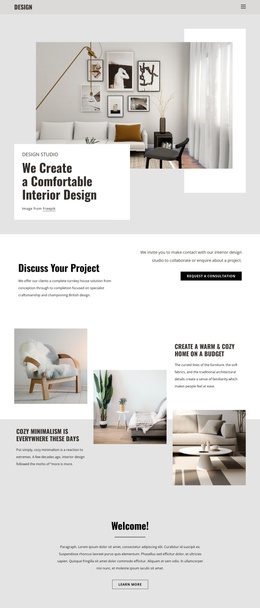
We specialise in luxurious interiors Joomla Template



Edit Template Offline
2. Create new page and search for id 6282858
Edit Template Online
Create Awesome Websites


Free Nicepage Builder
Keywords
Portfolio, Locations, and Contact Regions Shape the Studio Content
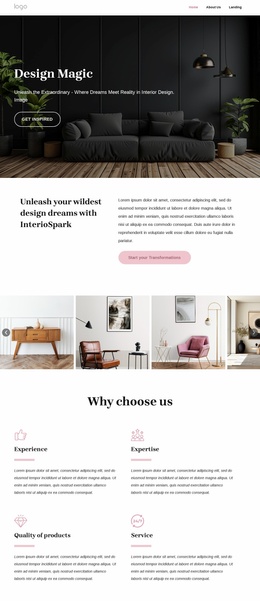
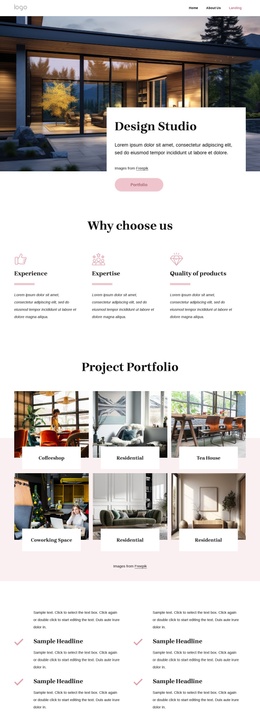
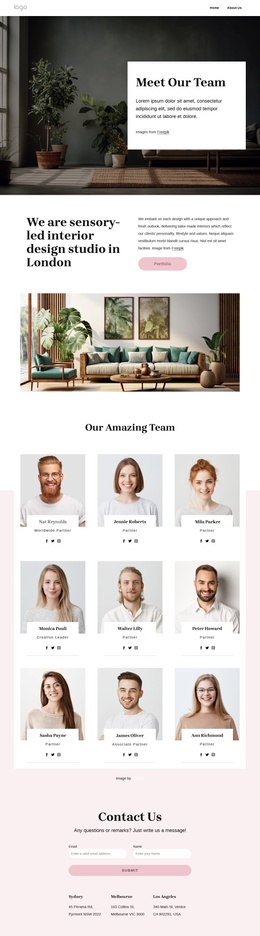
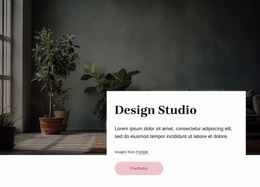
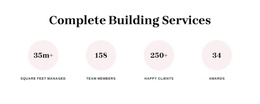
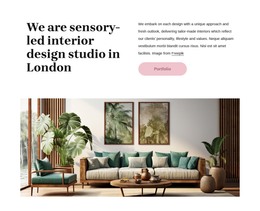
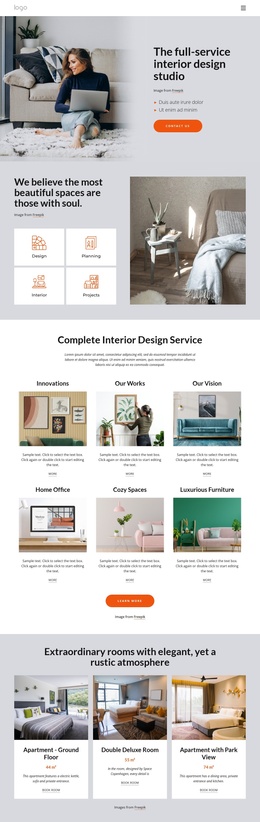
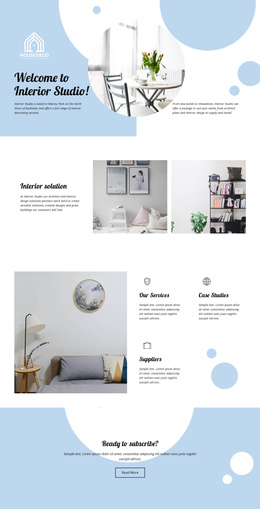
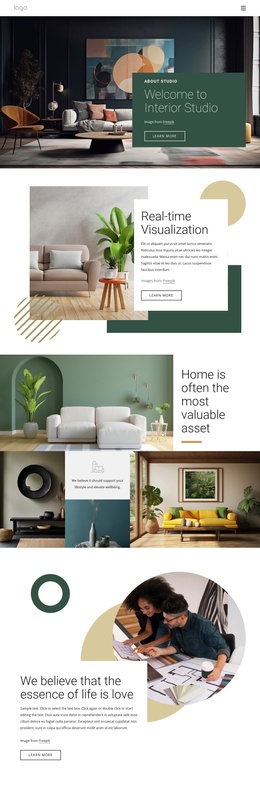
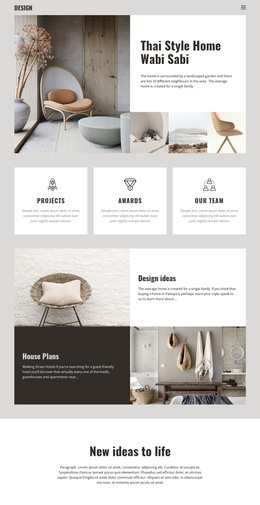
The page separates its information into recognizable content regions that can be maintained as a structured studio presentation. The hero introduces the Design Studio, while the Portfolio button points toward the project-focused material that follows. The three feature items—experience, expertise, and quality of products—supply a compact capability area rather than mixing those ideas into the gallery itself. This separation gives navigation and content groupings clear roles.
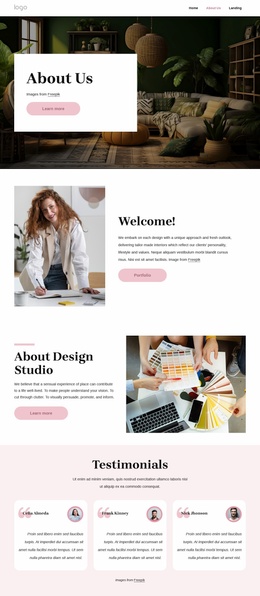
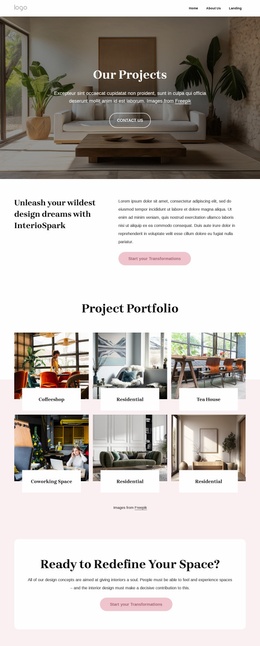
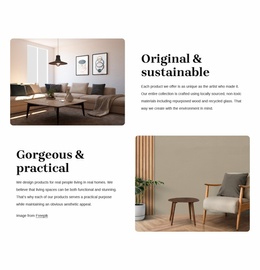
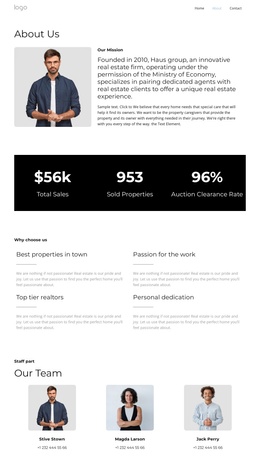
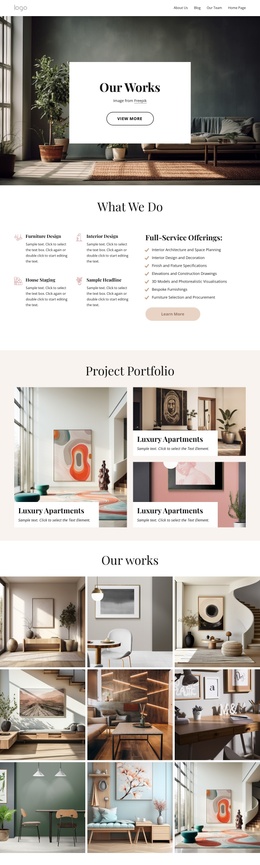
The project area is particularly suitable for organized editorial content because its six repeated tiles already distinguish coffeeshop, residential, tea house, and coworking space work. The team section adds another recurring group, using portrait cards, roles, social links, and carousel controls to present the people behind the studio. Three blog cards create a further content region with headlines, excerpts, and Read More actions, while the later gallery connects visual examples with the stated interior design and brand identity approach.
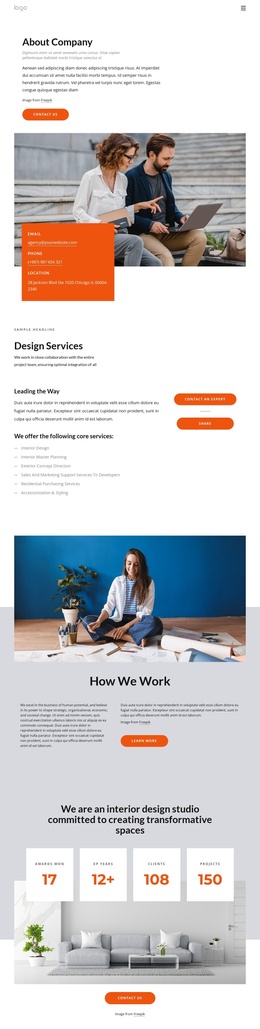
Near the end, the contact form and three location listings create a practical inquiry region for the studio. Sydney, Melbourne, and Los Angeles are presented as structural location entries, not verified business details beyond the supplied page content. This division between portfolio, capability, people, editorial content, and contact information gives a Joomla-oriented project a coherent set of managed site regions while preserving the same visual relationship between the sections.
Customize with Nicepage
Open this ready-made template in the Joomla Page Builder and customize it visually in the Nicepage editor. Replace demo content, edit page sections, and adapt the design to your project without rebuilding the template from scratch.
Work With This Template in Joomla
Customize and Install the Joomla Template
Start with this ready-made template instead of building the Joomla design from scratch. Customize its layout, content, typography, images, sections, and other design elements visually in the Nicepage application, then export and install the Joomla Template, Nicepage Extension, and supported content on your Joomla website.
Edit the Template Directly in Joomla
After installation, you can edit the Joomla Template directly in Joomla with the Nicepage Joomla Extension. Customize the Header, Footer, Colors, Fonts, typography, and Page Templates from the Joomla workflow while keeping the site design connected with your CMS content.
Edit Joomla Articles Visually
Use the Nicepage Joomla Extension to open and edit Joomla Articles visually from the Joomla Administrator. Change text, images, sections, layouts, and other page content in the Nicepage editor while continuing to manage the Articles through Joomla.
Joomla Content and Template Integration
Use the customized template together with Joomla Articles, module Positions, menus, forms, Blog Pages, and other supported CMS elements. With the Nicepage Extension used as the Site Style Source, shared design settings can be applied across Joomla Articles while Joomla continues to provide the CMS environment for managing site content.
This workflow combines a ready-made Joomla Template with visual customization, direct template editing in Joomla, and continued content management through the Nicepage Joomla Extension.