Help in organizing the space at home Joomla Template


Edit Template Offline
2. Create new page and search for id 290466
Edit Template Online
Create Awesome Websites


Free Nicepage Builder
Keywords
Concept Rows, Decor Sections, and Contact Regions Organize CMS Content
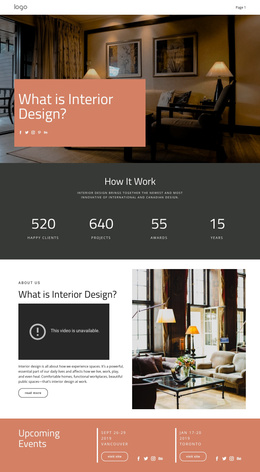
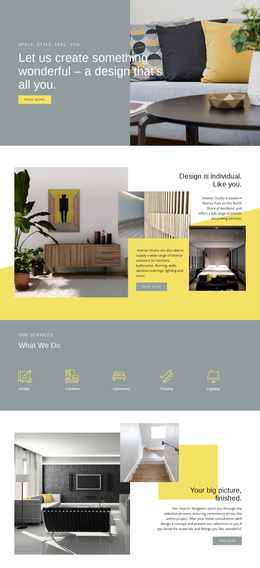
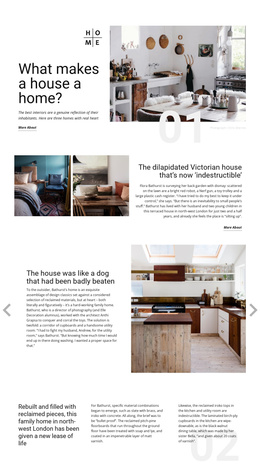
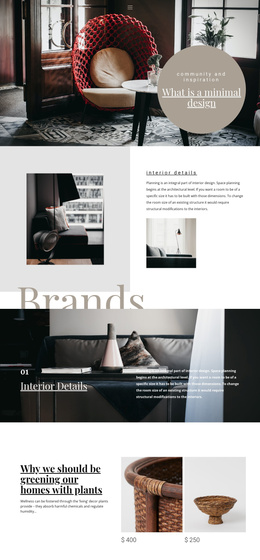
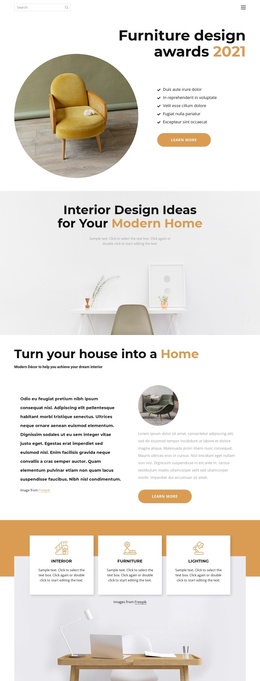
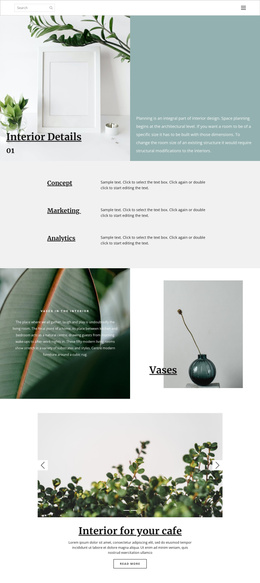
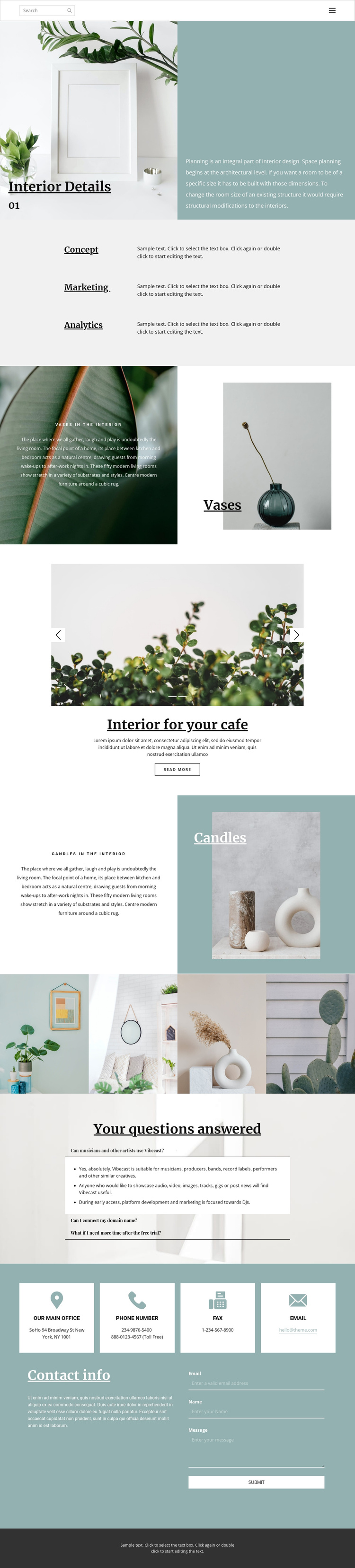
The page divides its interior subject into reusable informational regions rather than presenting one uninterrupted image sequence. Interior Details provides the opening context, while the Concept, Marketing, and Analytics rows create three labeled areas for explaining different aspects of a project. The Vases and Candles panels then narrow the focus to individual decor elements, and the cafe interior carousel offers a separate visual subject with a read-more action. This combination gives structured content a clear place beside imagery.
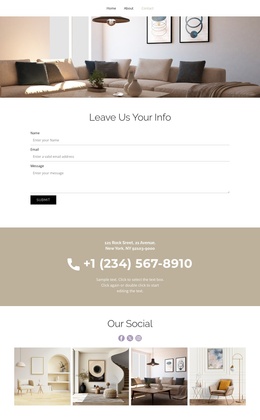
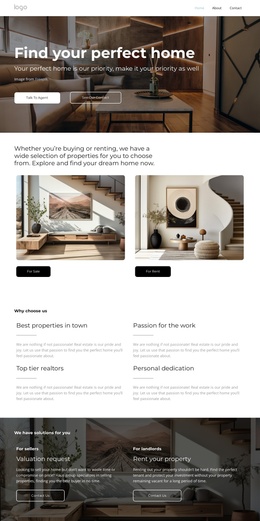
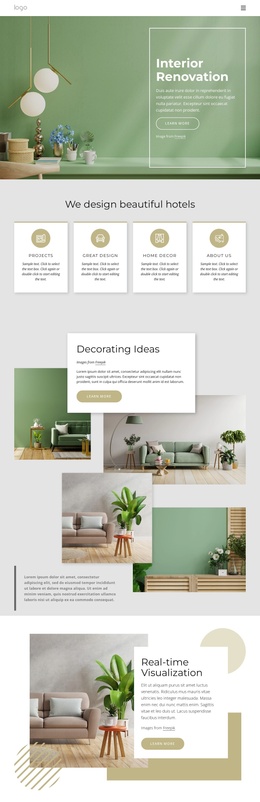
The four-image gallery can serve as a visual collection within the same site structure, while the three expandable questions provide a compact area for answers that should not interrupt the primary showcase. Near the end, four contact information cards are grouped with a message form, creating a defined region for office, phone, fax, and email content. These relationships are useful when adapting the design for Joomla-managed content because different informational groups can remain visually coordinated without becoming one undifferentiated article. The sample FAQ wording, Vibecast reference, and contact details are structural placeholders, not verified business information. In a Joomla project, the page therefore offers an organized visual framework for articles, menus, galleries, and contact-oriented content rather than evidence that those CMS items already exist.
Customize with Nicepage
Open this ready-made template in the Joomla Page Builder and customize it visually in the Nicepage editor. Replace demo content, edit page sections, and adapt the design to your project without rebuilding the template from scratch.
Work With This Template in Joomla
Customize and Install the Joomla Template
Start with this ready-made template instead of building the Joomla design from scratch. Customize its layout, content, typography, images, sections, and other design elements visually in the Nicepage application, then export and install the Joomla Template, Nicepage Extension, and supported content on your Joomla website.
Edit the Template Directly in Joomla
After installation, you can edit the Joomla Template directly in Joomla with the Nicepage Joomla Extension. Customize the Header, Footer, Colors, Fonts, typography, and Page Templates from the Joomla workflow while keeping the site design connected with your CMS content.
Edit Joomla Articles Visually
Use the Nicepage Joomla Extension to open and edit Joomla Articles visually from the Joomla Administrator. Change text, images, sections, layouts, and other page content in the Nicepage editor while continuing to manage the Articles through Joomla.
Joomla Content and Template Integration
Use the customized template together with Joomla Articles, module Positions, menus, forms, Blog Pages, and other supported CMS elements. With the Nicepage Extension used as the Site Style Source, shared design settings can be applied across Joomla Articles while Joomla continues to provide the CMS environment for managing site content.
This workflow combines a ready-made Joomla Template with visual customization, direct template editing in Joomla, and continued content management through the Nicepage Joomla Extension.