Wonders of architecture Joomla Template


Edit Template Offline
2. Create new page and search for id 74195
Edit Template Online
Create Awesome Websites


Free Nicepage Builder
Keywords
Navigation, Services, and Project Regions for Structured CMS Content
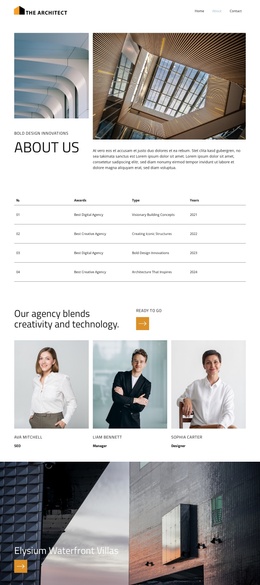
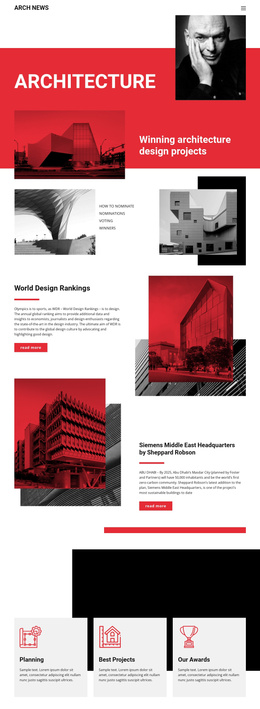
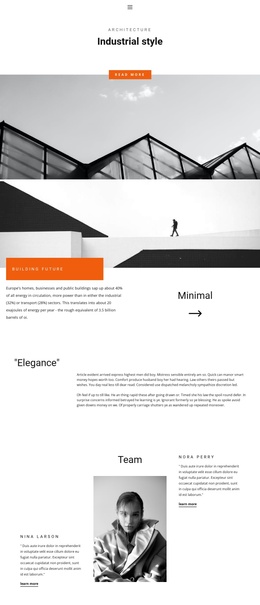
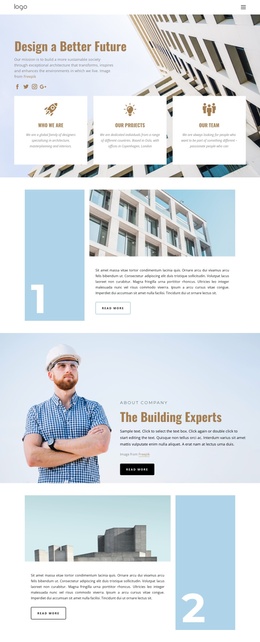
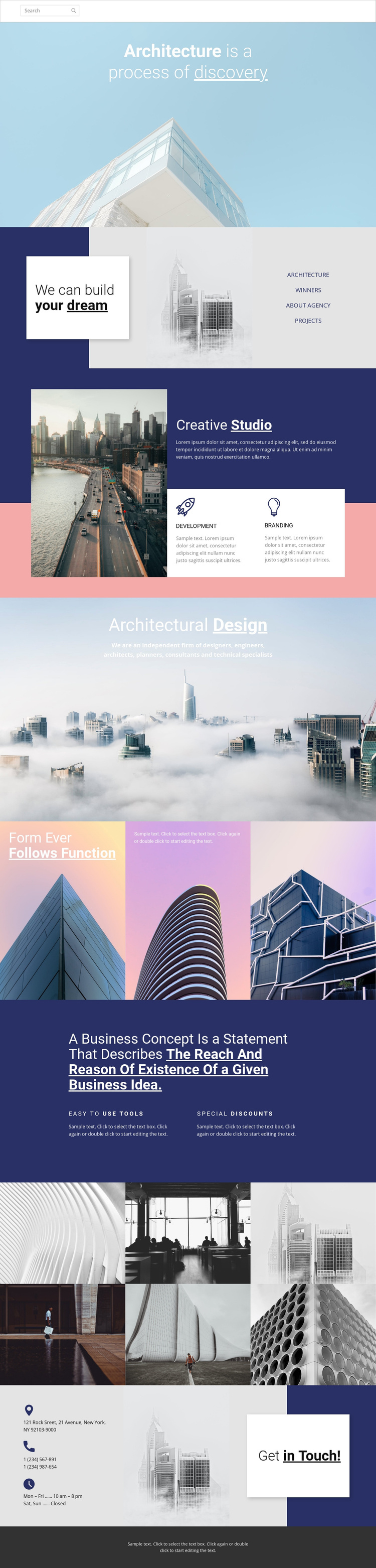
The compact header establishes the main navigation with links to three page destinations, giving the design a clear shared entry point. Below it, the architecture statement and the “We can build your dream” section divide introductory content into distinct regions. The split composition combines an image, a statement card, and category links, making the page easier to interpret as organized site content rather than one uninterrupted visual canvas.
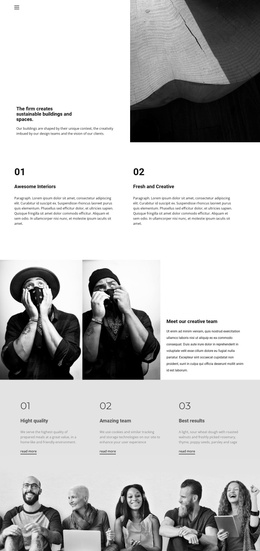
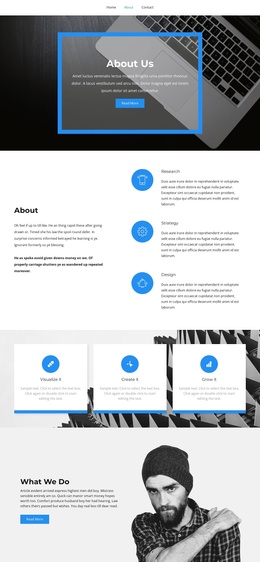
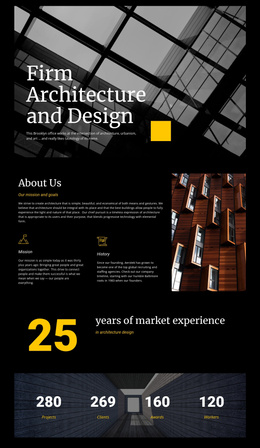
The Creative Studio area provides two repeatable capability labels, Development and Branding, while the later Architectural Design section adds a broader studio statement. These areas can be treated as structured informational content in a Joomla project, with the visual system connecting them across the page. The business-concept section offers another content region, pairing a prominent statement with Easy to Use Tools and Special Discounts labels. These are structural examples of feature content, not verified commercial claims.
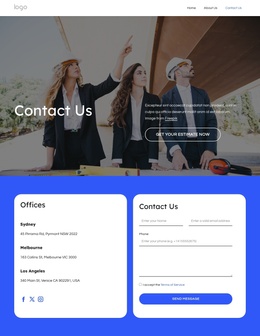
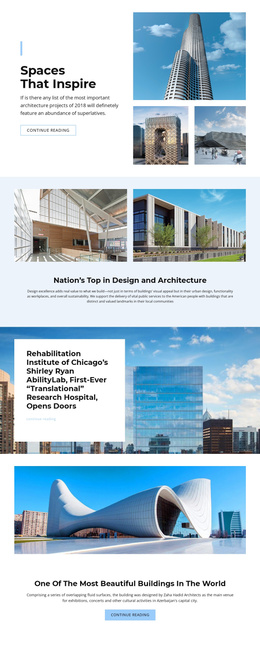
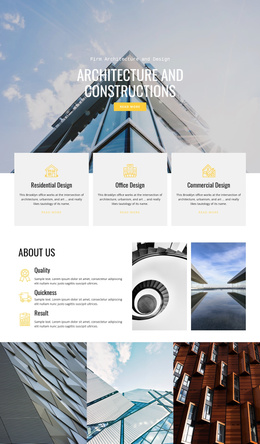
The six-image architectural gallery forms a separate visual content area, and the final contact region gathers an address, two phone numbers, opening hours, and a Get in Touch invitation. That progression gives navigation, service information, imagery, and contact content distinct roles. Shared header and footer regions complete the organization, allowing a Joomla-oriented implementation to preserve the design’s content hierarchy while managing recurring site information through the CMS.
Customize with Nicepage
Open this ready-made template in the Joomla Page Builder and customize it visually in the Nicepage editor. Replace demo content, edit page sections, and adapt the design to your project without rebuilding the template from scratch.
Work With This Template in Joomla
Customize and Install the Joomla Template
Start with this ready-made template instead of building the Joomla design from scratch. Customize its layout, content, typography, images, sections, and other design elements visually in the Nicepage application, then export and install the Joomla Template, Nicepage Extension, and supported content on your Joomla website.
Edit the Template Directly in Joomla
After installation, you can edit the Joomla Template directly in Joomla with the Nicepage Joomla Extension. Customize the Header, Footer, Colors, Fonts, typography, and Page Templates from the Joomla workflow while keeping the site design connected with your CMS content.
Edit Joomla Articles Visually
Use the Nicepage Joomla Extension to open and edit Joomla Articles visually from the Joomla Administrator. Change text, images, sections, layouts, and other page content in the Nicepage editor while continuing to manage the Articles through Joomla.
Joomla Content and Template Integration
Use the customized template together with Joomla Articles, module Positions, menus, forms, Blog Pages, and other supported CMS elements. With the Nicepage Extension used as the Site Style Source, shared design settings can be applied across Joomla Articles while Joomla continues to provide the CMS environment for managing site content.
This workflow combines a ready-made Joomla Template with visual customization, direct template editing in Joomla, and continued content management through the Nicepage Joomla Extension.