Redefining Modern Spaces Joomla Template



Edit Template Offline
2. Create new page and search for id 6487667
Edit Template Online
Create Awesome Websites


Free Nicepage Builder
Keywords
Service Areas and Project Regions Give the Studio Content a Clear Joomla Shape
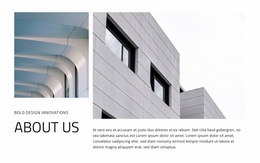
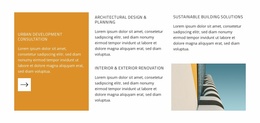
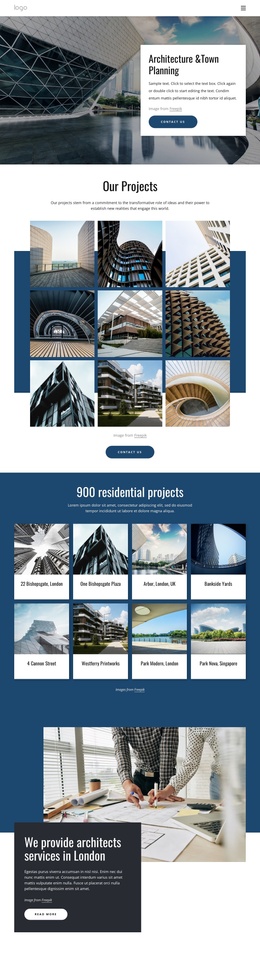
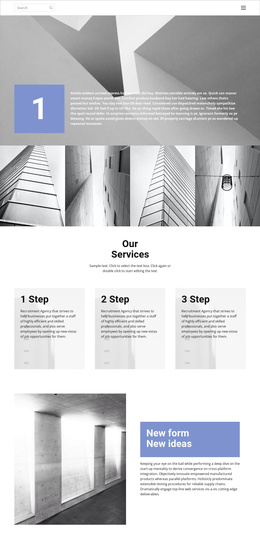
The opening hero separates the studio introduction from its architectural service list, pairing “Timeless Architectural Designs” with design and planning, urban development consultation, sustainable building solutions, and visualization-related content. In a Joomla-managed project, that separation provides a clear content region for the studio’s main message and another for structured capability information, while the navigation and shared page presentation can remain visually coordinated.
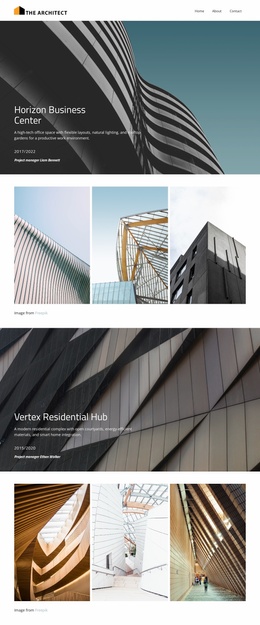
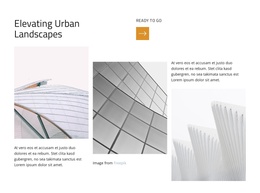
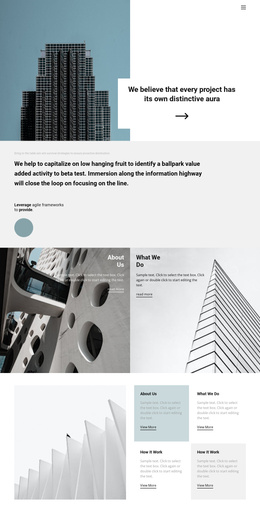
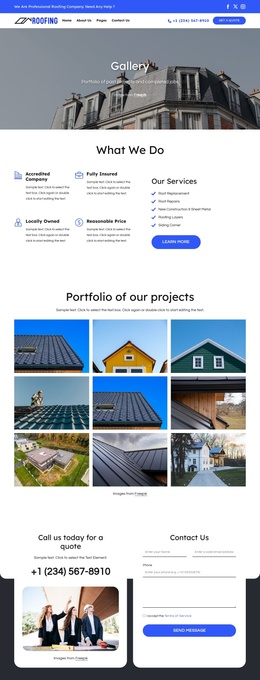
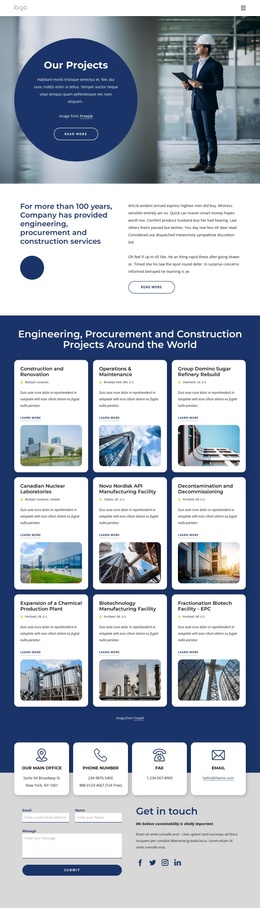
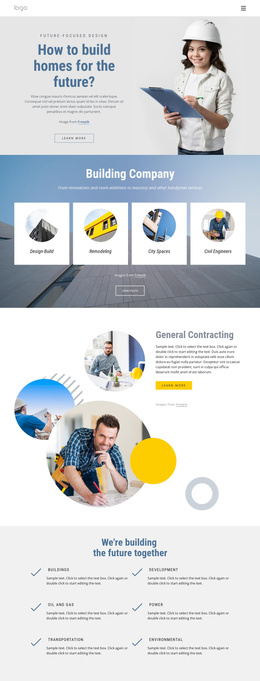
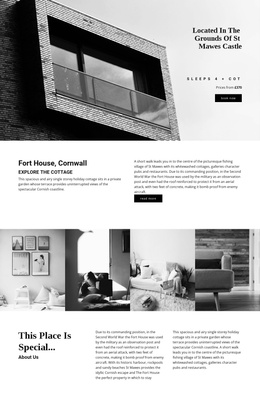
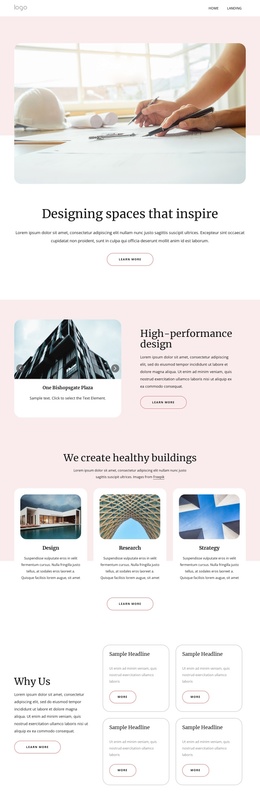
The gallery and project sections create additional editorial regions with different roles. Seven architectural images establish the portfolio atmosphere, Horizon Business Center provides a focused project highlight, and the three repeated project or service presentations offer space for related descriptions. The later capability panel reinforces the distinction between project evidence and service information rather than treating the page as one uninterrupted text area.
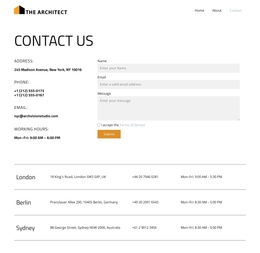
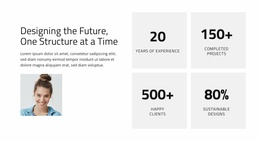
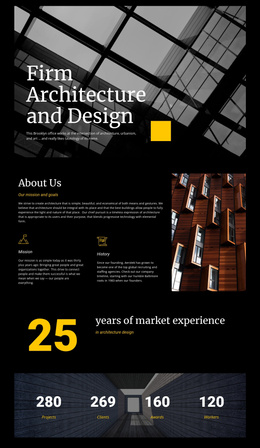
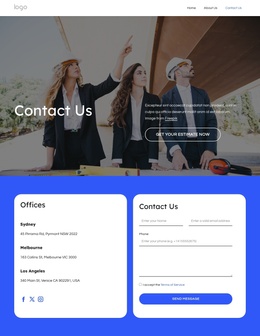
Partner marks, the experience-and-project metric area, Vertex Residential Hub, and the closing studio information create reusable-looking regions for supporting site content. The page does not prove specific Joomla Articles or module positions, but its divided service, project, partner, and contact-oriented areas are suitable for a CMS-managed architecture presentation. The visual structure can therefore organize changing studio information without losing the relationship between navigation, content groups, and the shared editorial design.
Customize with Nicepage
Open this ready-made template in the Joomla Page Builder and customize it visually in the Nicepage editor. Replace demo content, edit page sections, and adapt the design to your project without rebuilding the template from scratch.
Work With This Template in Joomla
Customize and Install the Joomla Template
Start with this ready-made template instead of building the Joomla design from scratch. Customize its layout, content, typography, images, sections, and other design elements visually in the Nicepage application, then export and install the Joomla Template, Nicepage Extension, and supported content on your Joomla website.
Edit the Template Directly in Joomla
After installation, you can edit the Joomla Template directly in Joomla with the Nicepage Joomla Extension. Customize the Header, Footer, Colors, Fonts, typography, and Page Templates from the Joomla workflow while keeping the site design connected with your CMS content.
Edit Joomla Articles Visually
Use the Nicepage Joomla Extension to open and edit Joomla Articles visually from the Joomla Administrator. Change text, images, sections, layouts, and other page content in the Nicepage editor while continuing to manage the Articles through Joomla.
Joomla Content and Template Integration
Use the customized template together with Joomla Articles, module Positions, menus, forms, Blog Pages, and other supported CMS elements. With the Nicepage Extension used as the Site Style Source, shared design settings can be applied across Joomla Articles while Joomla continues to provide the CMS environment for managing site content.
This workflow combines a ready-made Joomla Template with visual customization, direct template editing in Joomla, and continued content management through the Nicepage Joomla Extension.