Design in architecture Joomla Template


Edit Template Offline
2. Create new page and search for id 24113
Edit Template Online
Create Awesome Websites


Free Nicepage Builder
Keywords
Rankings, Projects, and Awards Form Structured Editorial Regions
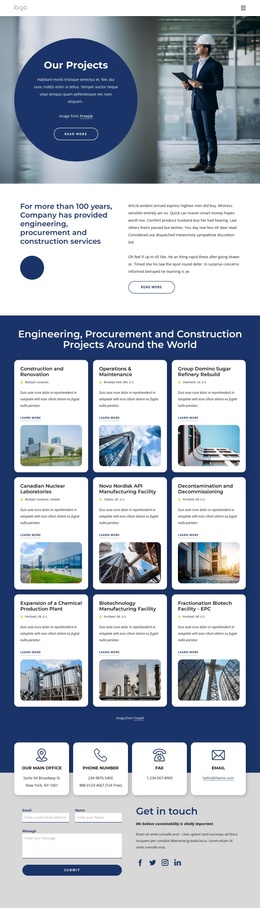
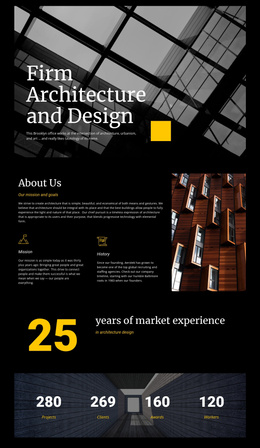
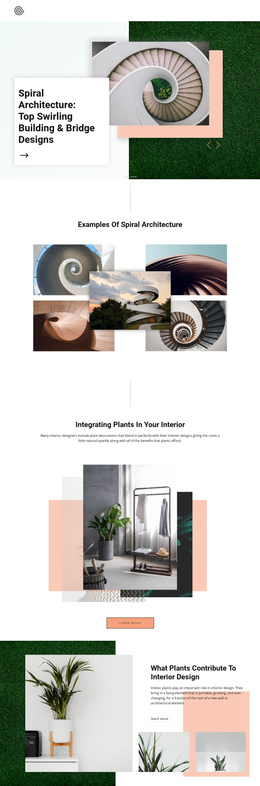
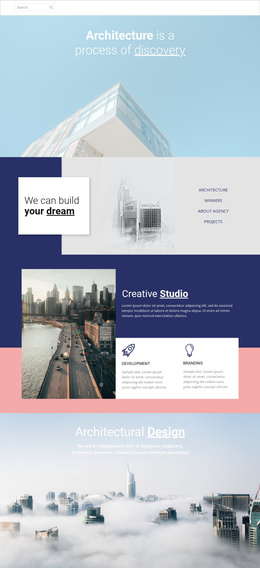
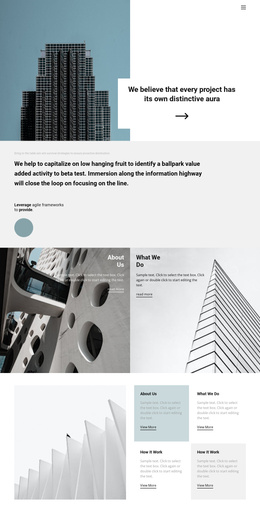
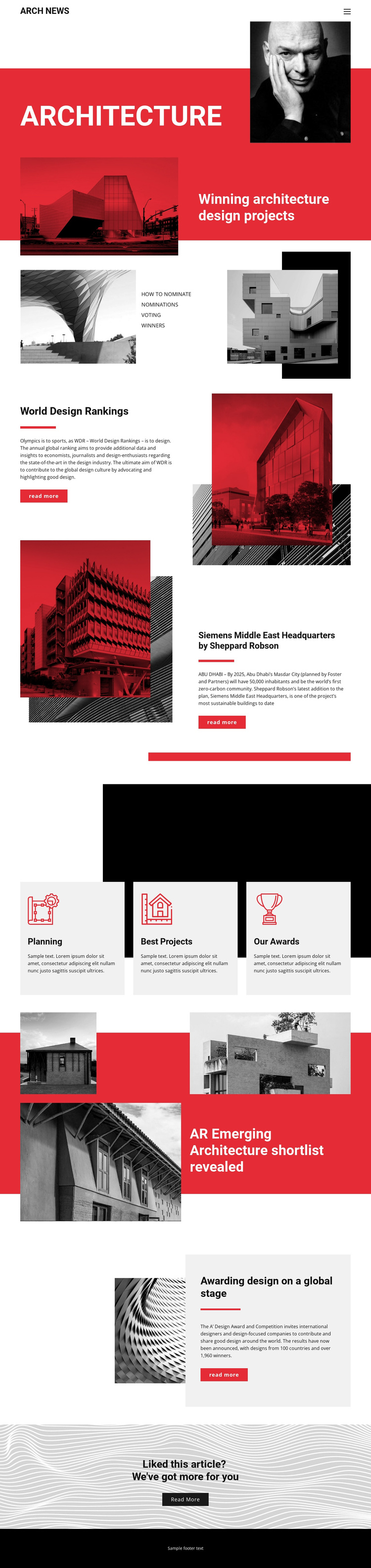
The page divides its editorial material into content regions that can be understood independently while remaining part of one publication design. The opening Architecture hero introduces winning architecture design projects and places How to Nominate, Nominations, Voting, and Winners within the same broad story context. That is followed by World Design Rankings, whose explanatory text and read-more action create a focused feature area rather than another undifferentiated paragraph.
The Siemens Middle East Headquarters section adds a named project story with an attribution to Sheppard Robson and a reference to Abu Dhabi. The three equal cards for Planning, Best Projects, and Our Awards then provide compact topic regions that can organize recurring architecture coverage. Lower on the page, the AR Emerging Architecture shortlist and A’ Design Award and Competition section extend the editorial range from emerging work to award-focused reporting.
For a Joomla-oriented project, these verified regions offer a useful relationship between navigation, recurring informational content, feature articles, and image-led stories. The design does not prove that Joomla Articles or module positions already exist, but its separated content areas can be mapped to CMS-managed material while the shared ARCH NEWS header, visual treatment, and footer keep the publication recognizable across the site.
Customize with Nicepage
Open this ready-made template in the Joomla Page Builder and customize it visually in the Nicepage editor. Replace demo content, edit page sections, and adapt the design to your project without rebuilding the template from scratch.
Work With This Template in Joomla
Customize and Install the Joomla Template
Start with this ready-made template instead of building the Joomla design from scratch. Customize its layout, content, typography, images, sections, and other design elements visually in the Nicepage application, then export and install the Joomla Template, Nicepage Extension, and supported content on your Joomla website.
Edit the Template Directly in Joomla
After installation, you can edit the Joomla Template directly in Joomla with the Nicepage Joomla Extension. Customize the Header, Footer, Colors, Fonts, typography, and Page Templates from the Joomla workflow while keeping the site design connected with your CMS content.
Edit Joomla Articles Visually
Use the Nicepage Joomla Extension to open and edit Joomla Articles visually from the Joomla Administrator. Change text, images, sections, layouts, and other page content in the Nicepage editor while continuing to manage the Articles through Joomla.
Joomla Content and Template Integration
Use the customized template together with Joomla Articles, module Positions, menus, forms, Blog Pages, and other supported CMS elements. With the Nicepage Extension used as the Site Style Source, shared design settings can be applied across Joomla Articles while Joomla continues to provide the CMS environment for managing site content.
This workflow combines a ready-made Joomla Template with visual customization, direct template editing in Joomla, and continued content management through the Nicepage Joomla Extension.