Building and construction projects Joomla Template


Edit Template Offline
2. Create new page and search for id 6078242
Edit Template Online
Create Awesome Websites


Free Nicepage Builder
Keywords
Ten Project Categories Give Joomla Content a Structured Starting Point
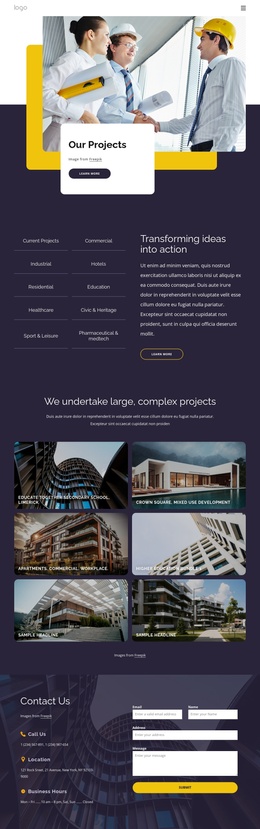
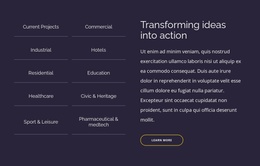
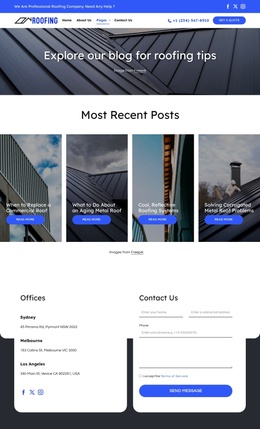
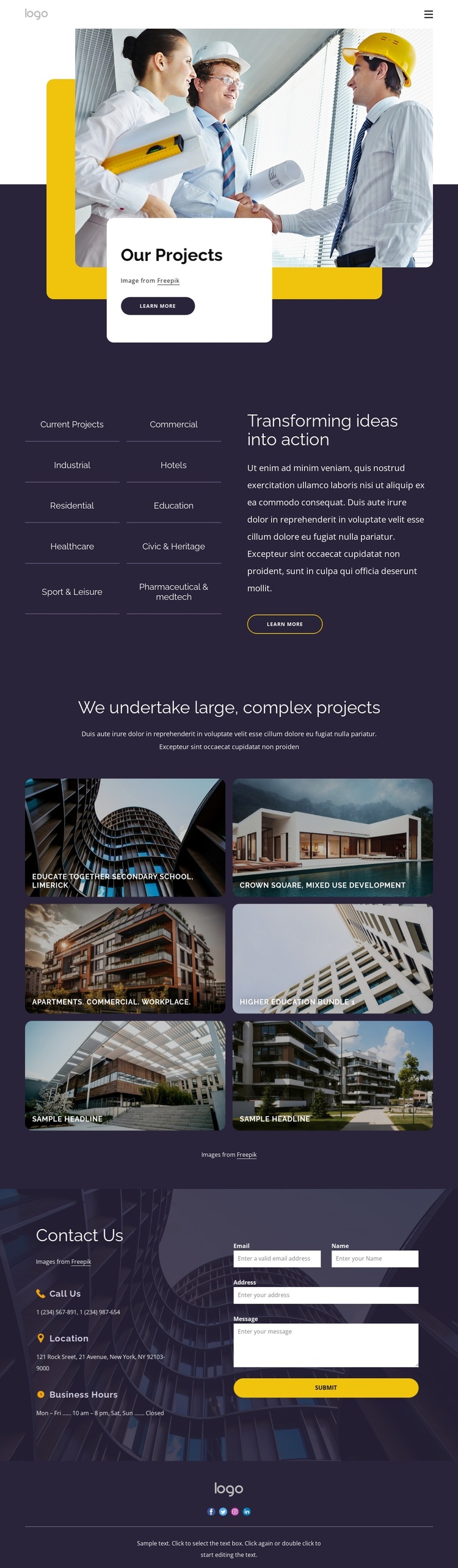
The ten-item category section gives this design a useful content framework for an architecture or construction site managed through Joomla. Commercial, industrial, hotels, residential, education, healthcare, civic and heritage, sport and leisure, and pharmaceutical work are presented as distinct areas beside explanatory text and a Learn more button. These categories can guide how recurring project information is organized, while the visual system keeps the sections connected rather than treating each topic as an unrelated page element.
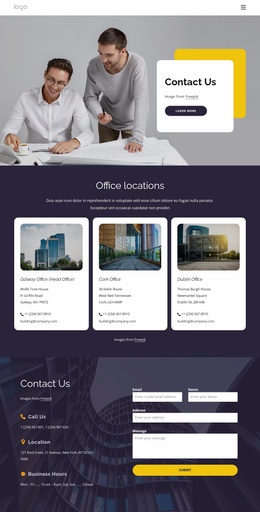
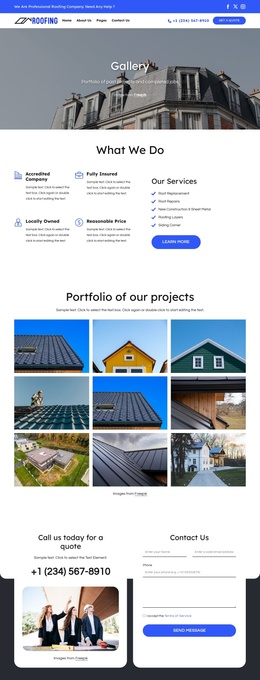
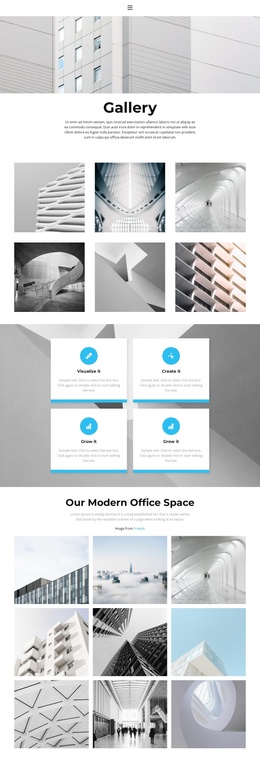
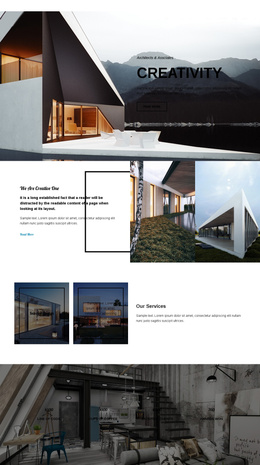
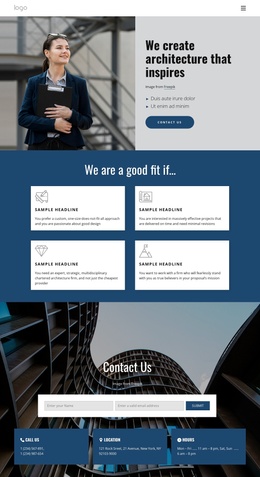
The six featured image tiles add a second content layer. Architectural imagery and project labels create a gallery-led way to present work, while sample entries such as Educate Together Secondary School, Crown Square, and Higher Education Bundle 1 indicate the kind of project records the layout can accommodate. They should remain structural examples until replaced with confirmed client content. At the end, three contact-information items and an inquiry form provide a clearly separated communication area for visitors who have reviewed the portfolio. The shared header, navigation, logo, and social footer also create reusable site regions around these content areas. In a Joomla project, the design therefore offers a coherent arrangement for structured project information, visual examples, and contact content without assuming that specific Joomla Articles or modules already exist.
Customize with Nicepage
Open this ready-made template in the Joomla Page Builder and customize it visually in the Nicepage editor. Replace demo content, edit page sections, and adapt the design to your project without rebuilding the template from scratch.
Work With This Template in Joomla
Customize and Install the Joomla Template
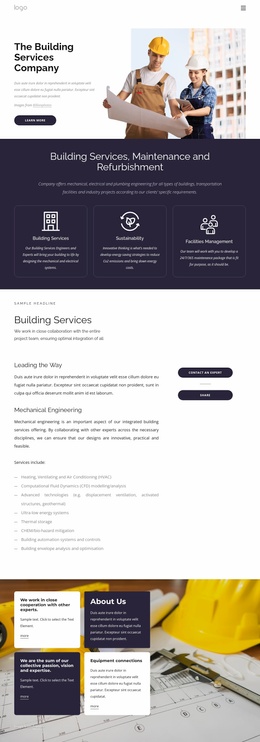
Start with this ready-made template instead of building the Joomla design from scratch. Customize its layout, content, typography, images, sections, and other design elements visually in the Nicepage application, then export and install the Joomla Template, Nicepage Extension, and supported content on your Joomla website.
Edit the Template Directly in Joomla
After installation, you can edit the Joomla Template directly in Joomla with the Nicepage Joomla Extension. Customize the Header, Footer, Colors, Fonts, typography, and Page Templates from the Joomla workflow while keeping the site design connected with your CMS content.
Edit Joomla Articles Visually
Use the Nicepage Joomla Extension to open and edit Joomla Articles visually from the Joomla Administrator. Change text, images, sections, layouts, and other page content in the Nicepage editor while continuing to manage the Articles through Joomla.
Joomla Content and Template Integration
Use the customized template together with Joomla Articles, module Positions, menus, forms, Blog Pages, and other supported CMS elements. With the Nicepage Extension used as the Site Style Source, shared design settings can be applied across Joomla Articles while Joomla continues to provide the CMS environment for managing site content.
This workflow combines a ready-made Joomla Template with visual customization, direct template editing in Joomla, and continued content management through the Nicepage Joomla Extension.