We specialise in delivering large complex building projects Joomla Template



Edit Template Offline
2. Create new page and search for id 6104676
Edit Template Online
Create Awesome Websites


Free Nicepage Builder
Keywords
Five Service Regions Lead Into Portfolio and Contact Content
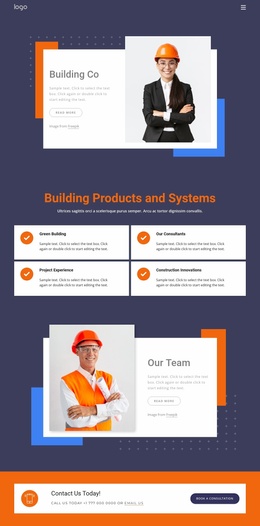
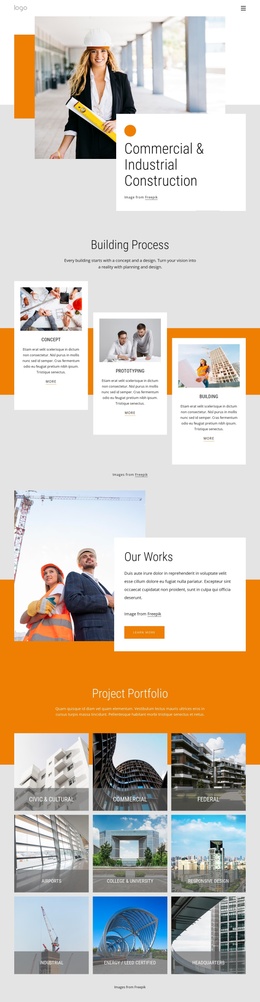
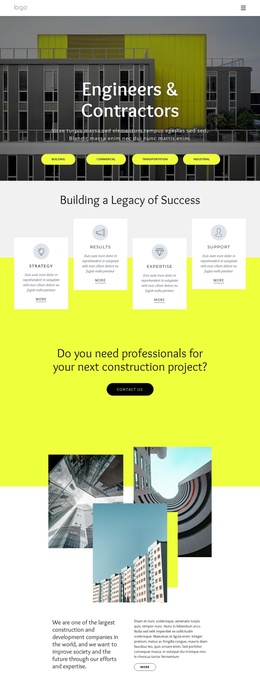
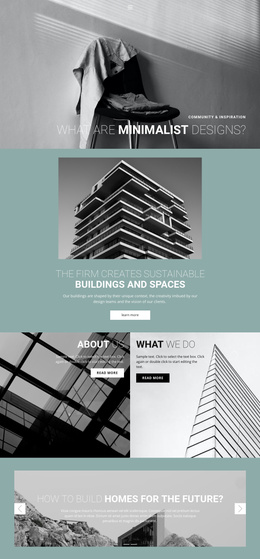
The repeated service labels—Finance, Plan, Build, Activate, and Operate—divide the design into recognizable information areas that can be treated as structured content regions in a Joomla-managed site. The four-column section adds another layer of organization through About Us, What We Do, Our Mission, and All Benefits, giving recurring informational subjects clear places within the page. This is different from presenting one undifferentiated block of company copy: the design already separates the topics visitors may need to browse.
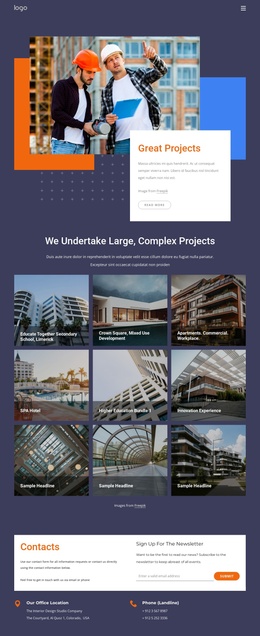
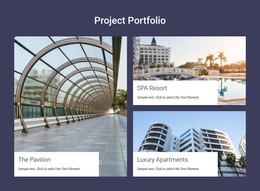
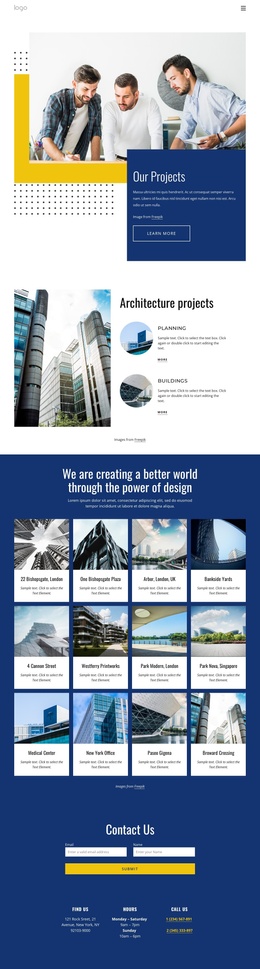
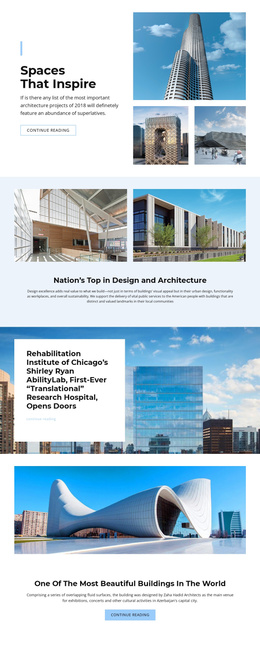
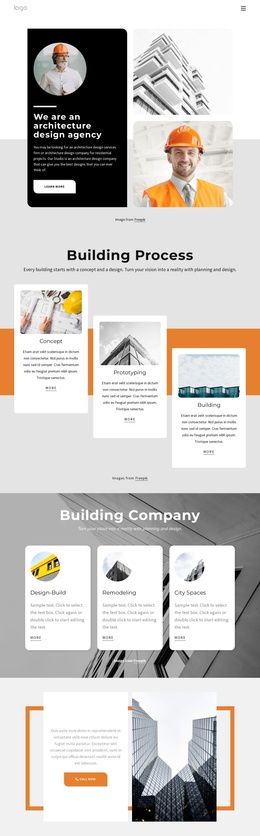
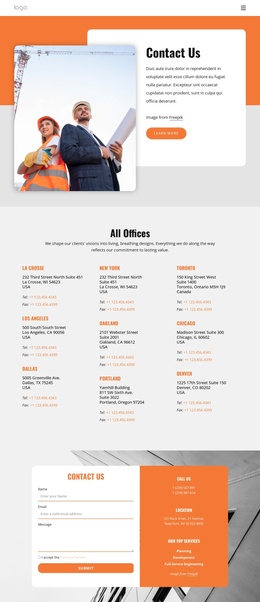
The portfolio section provides a second content group built around three project panels: The Pavilion, SPA Resort, and Luxury Apartments. Their captions and image-led arrangement can support project-focused content while remaining connected to the surrounding construction imagery. The capability overview then groups Building, Preconstruction, Development, Leadership, Self-Performance, and Sustainability beside explanatory text, creating a structured summary of the organization’s scope. Shared company and story sections, including worker images and read-more actions, give the page additional regions for background information. Finally, the contact area joins contact information with newsletter signup content, creating a clear closing region for ongoing communication. The result is a design whose menus, service areas, project content, and contact region can be organized as coordinated CMS-managed sections.
Customize with Nicepage
Open this ready-made template in the Joomla Page Builder and customize it visually in the Nicepage editor. Replace demo content, edit page sections, and adapt the design to your project without rebuilding the template from scratch.
Work With This Template in Joomla
Customize and Install the Joomla Template
Start with this ready-made template instead of building the Joomla design from scratch. Customize its layout, content, typography, images, sections, and other design elements visually in the Nicepage application, then export and install the Joomla Template, Nicepage Extension, and supported content on your Joomla website.
Edit the Template Directly in Joomla
After installation, you can edit the Joomla Template directly in Joomla with the Nicepage Joomla Extension. Customize the Header, Footer, Colors, Fonts, typography, and Page Templates from the Joomla workflow while keeping the site design connected with your CMS content.
Edit Joomla Articles Visually
Use the Nicepage Joomla Extension to open and edit Joomla Articles visually from the Joomla Administrator. Change text, images, sections, layouts, and other page content in the Nicepage editor while continuing to manage the Articles through Joomla.
Joomla Content and Template Integration
Use the customized template together with Joomla Articles, module Positions, menus, forms, Blog Pages, and other supported CMS elements. With the Nicepage Extension used as the Site Style Source, shared design settings can be applied across Joomla Articles while Joomla continues to provide the CMS environment for managing site content.
This workflow combines a ready-made Joomla Template with visual customization, direct template editing in Joomla, and continued content management through the Nicepage Joomla Extension.