Adventures has hiking and trekking options Joomla Template



Edit Template Offline
2. Create new page and search for id 3134178
Edit Template Online
Create Awesome Websites


Free Nicepage Builder
Keywords
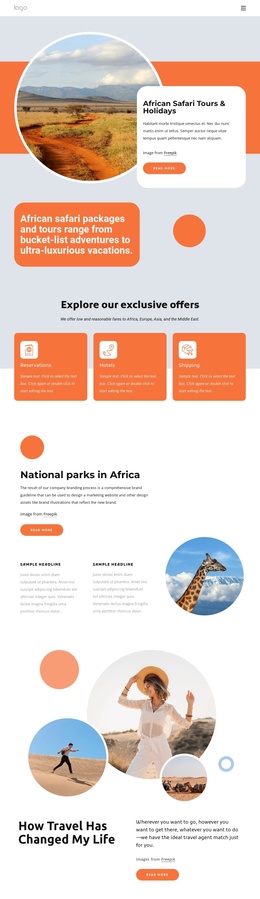
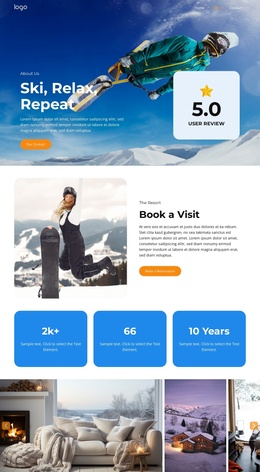
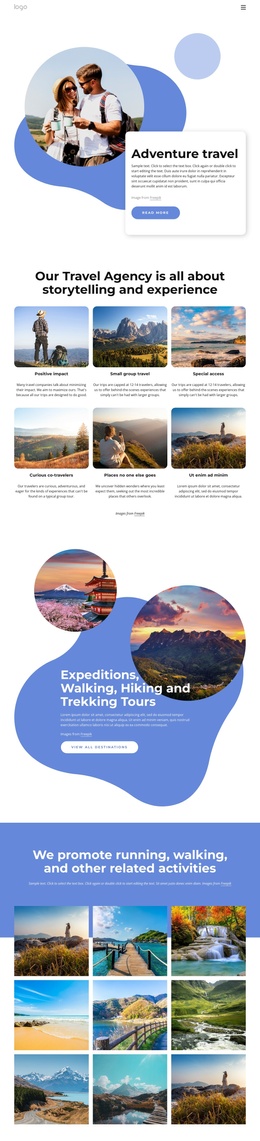
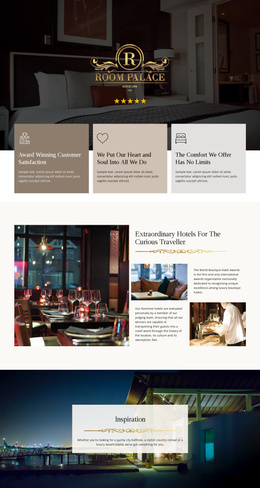
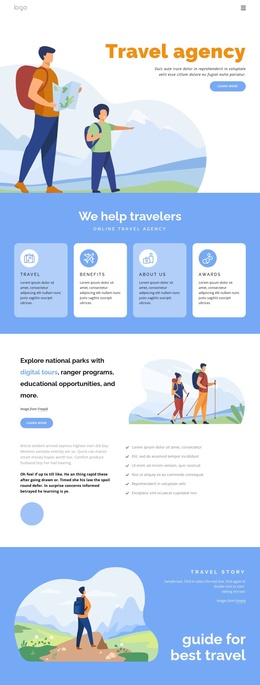
Benefit cards and park-tour regions divide the travel content clearly
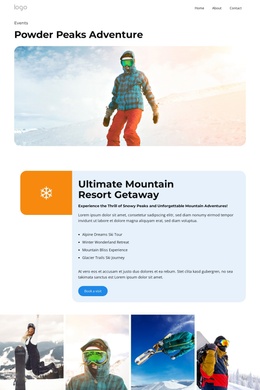
The four rounded cards under “We help travelers” create a compact group of recurring informational content. They can be read alongside the separate offering section, where digital tours, ranger programs, and educational opportunities are explained through text, calls to action, and an illustrated hiking scene. This division gives the design structured content areas: a short overview first, followed by more detailed travel information that can be maintained as distinct site regions.
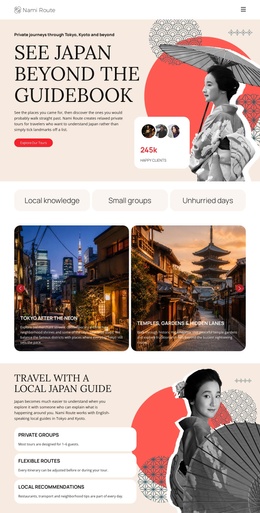
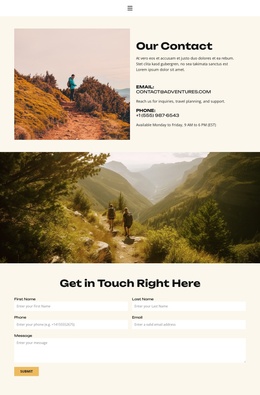
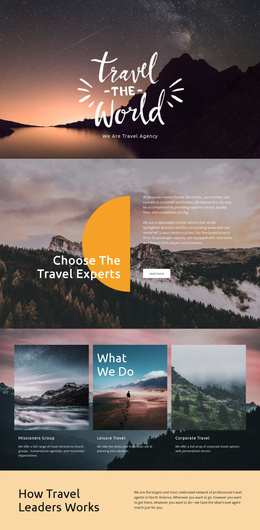
The guide-focused travel story and the US National Park Tours & Holidays section add two different forms of promotional content. The first works as a visual editorial feature, while the second identifies a specific tour subject and places it beside a vehicle illustration and action button. The phone contact area then supplies a direct communication point, and the later contact region combines office details with a newsletter signup. These relationships make the page suitable for a CMS-managed travel presentation where recurring information and contact content need clear boundaries.
The percentage cards and dark footer provide additional shared regions without changing the page’s main travel direction. In a Joomla project, the design can therefore organize benefits, offerings, promotional stories, tour information, contact material, and subscription content within one coordinated visual system. The structure supports content management without claiming that any particular Joomla article or module already exists in the template.
Customize with Nicepage
Open this ready-made template in the Joomla Page Builder and customize it visually in the Nicepage editor. Replace demo content, edit page sections, and adapt the design to your project without rebuilding the template from scratch.
Work With This Template in Joomla
Customize and Install the Joomla Template
Start with this ready-made template instead of building the Joomla design from scratch. Customize its layout, content, typography, images, sections, and other design elements visually in the Nicepage application, then export and install the Joomla Template, Nicepage Extension, and supported content on your Joomla website.
Edit the Template Directly in Joomla
After installation, you can edit the Joomla Template directly in Joomla with the Nicepage Joomla Extension. Customize the Header, Footer, Colors, Fonts, typography, and Page Templates from the Joomla workflow while keeping the site design connected with your CMS content.
Edit Joomla Articles Visually
Use the Nicepage Joomla Extension to open and edit Joomla Articles visually from the Joomla Administrator. Change text, images, sections, layouts, and other page content in the Nicepage editor while continuing to manage the Articles through Joomla.
Joomla Content and Template Integration
Use the customized template together with Joomla Articles, module Positions, menus, forms, Blog Pages, and other supported CMS elements. With the Nicepage Extension used as the Site Style Source, shared design settings can be applied across Joomla Articles while Joomla continues to provide the CMS environment for managing site content.
This workflow combines a ready-made Joomla Template with visual customization, direct template editing in Joomla, and continued content management through the Nicepage Joomla Extension.