Beach destinations to visit this summer Joomla Template



Edit Template Offline
2. Create new page and search for id 1631673
Edit Template Online
Create Awesome Websites


Free Nicepage Builder
Keywords
Service Cards and Destination Regions Organize Travel Content
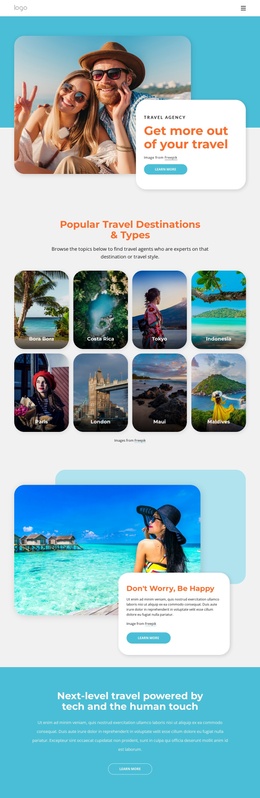
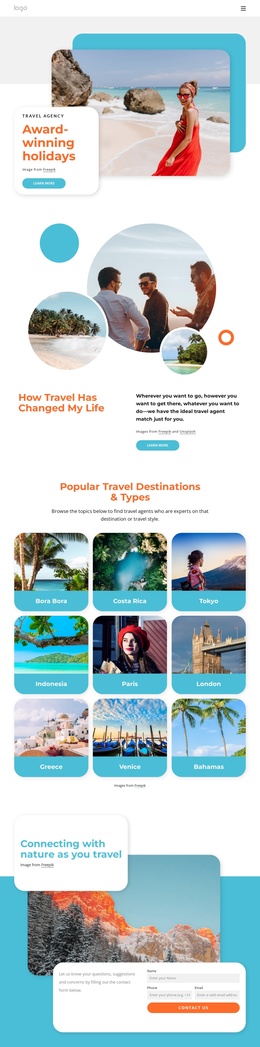
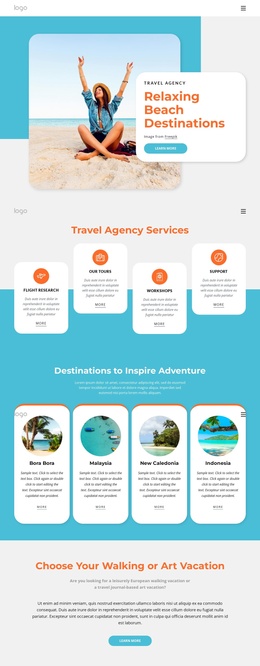
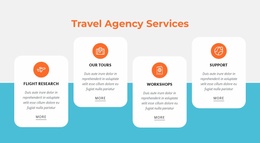
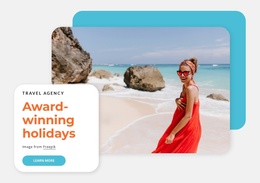
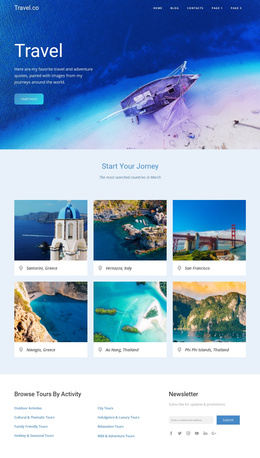
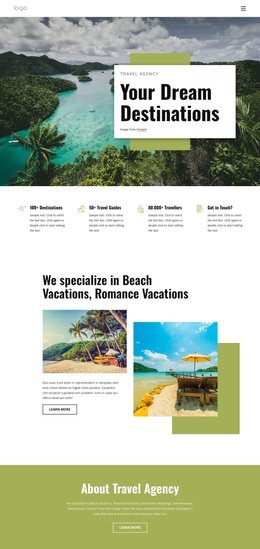
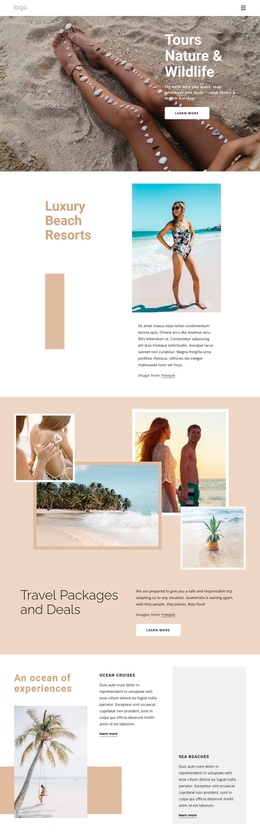
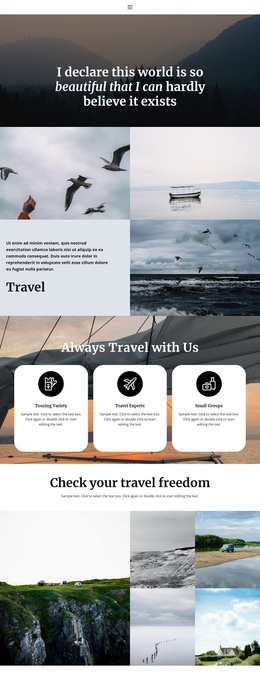
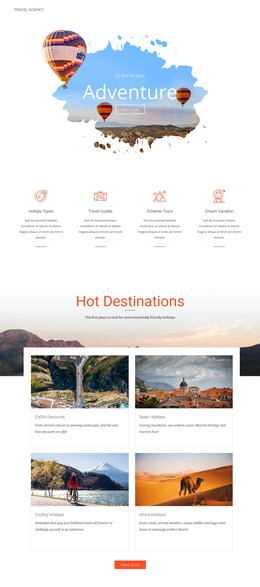
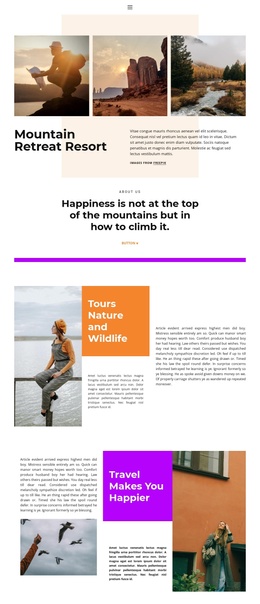
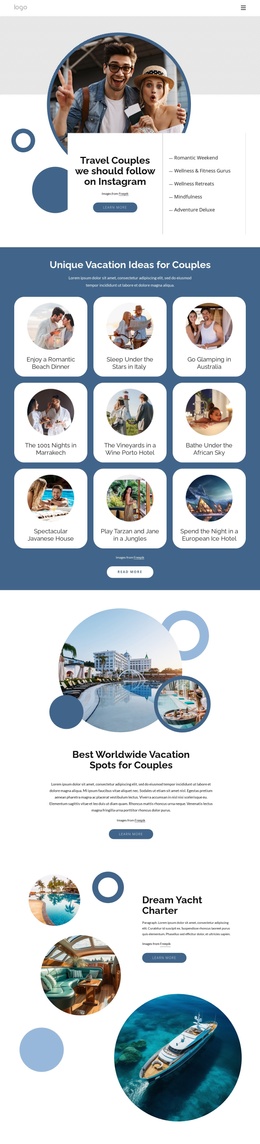
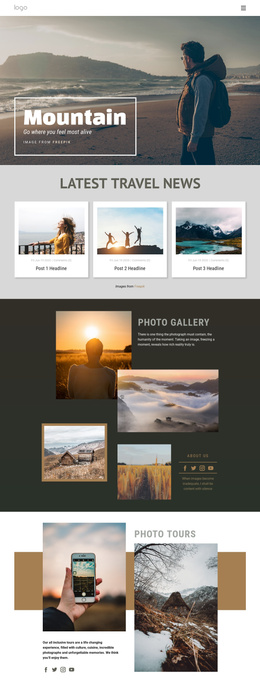
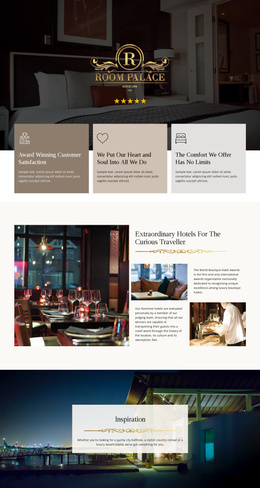
The page divides the travel subject into recognizable content regions that can remain coordinated in a CMS-managed site. The hero establishes the agency and its beach-destination focus, while the four service cards separate Flight Research, Tours, Workshops, and Support into recurring informational units. The destination section then provides a second structured group with four cards for Bora Bora, Malaysia, New Caledonia, and Indonesia. This distinction between services and destinations gives navigation and editorial content a practical hierarchy instead of presenting every travel message as one continuous text block.
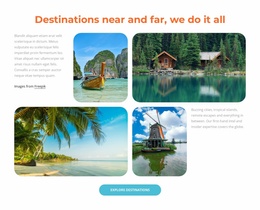
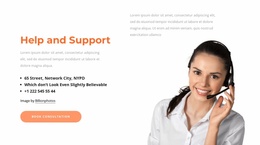
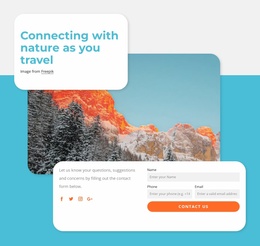
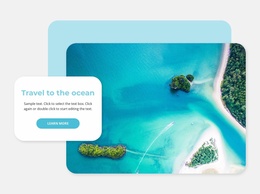
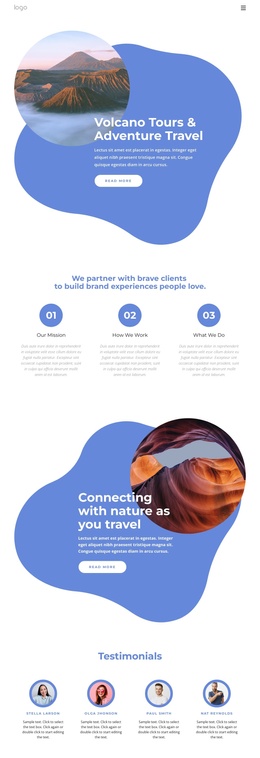
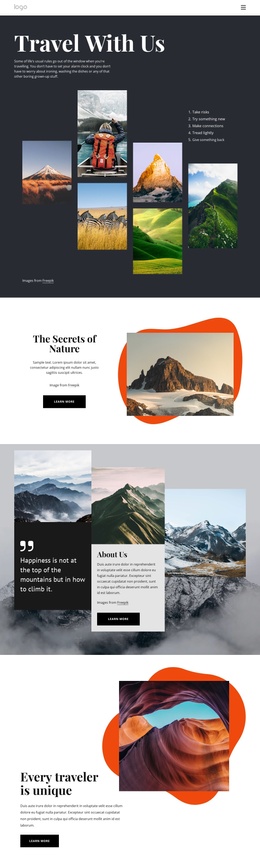
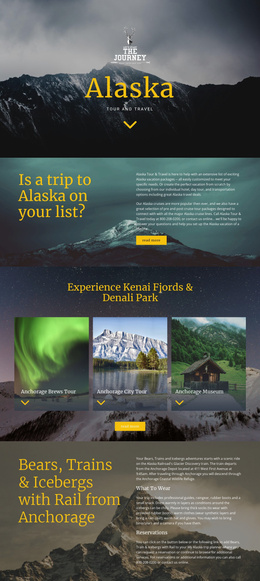
Other sections provide additional regions for promotional and supporting material. The centered walking-or-art vacation block can carry a focused travel theme, the road travel tips section supports advice-oriented content, and the sunny resort and ocean panels add image-led destination promotion. Near the end, the nature section combines explanatory content, social links, and a contact form with name, phone, and email inputs. In a Joomla project, these areas offer a logical division between recurring service information, destination presentation, editorial-style tips, and visitor inquiries. The design's shared navigation and consistent visual treatment can keep those regions connected while their content is maintained through the CMS.
Customize with Nicepage
Open this ready-made template in the Joomla Page Builder and customize it visually in the Nicepage editor. Replace demo content, edit page sections, and adapt the design to your project without rebuilding the template from scratch.
Work With This Template in Joomla
Customize and Install the Joomla Template
Start with this ready-made template instead of building the Joomla design from scratch. Customize its layout, content, typography, images, sections, and other design elements visually in the Nicepage application, then export and install the Joomla Template, Nicepage Extension, and supported content on your Joomla website.
Edit the Template Directly in Joomla
After installation, you can edit the Joomla Template directly in Joomla with the Nicepage Joomla Extension. Customize the Header, Footer, Colors, Fonts, typography, and Page Templates from the Joomla workflow while keeping the site design connected with your CMS content.
Edit Joomla Articles Visually
Use the Nicepage Joomla Extension to open and edit Joomla Articles visually from the Joomla Administrator. Change text, images, sections, layouts, and other page content in the Nicepage editor while continuing to manage the Articles through Joomla.
Joomla Content and Template Integration
Use the customized template together with Joomla Articles, module Positions, menus, forms, Blog Pages, and other supported CMS elements. With the Nicepage Extension used as the Site Style Source, shared design settings can be applied across Joomla Articles while Joomla continues to provide the CMS environment for managing site content.
This workflow combines a ready-made Joomla Template with visual customization, direct template editing in Joomla, and continued content management through the Nicepage Joomla Extension.