Embrace Nature Joomla Template


Edit Template Offline
2. Create new page and search for id 6373332
Edit Template Online
Create Awesome Websites


Free Nicepage Builder
Keywords
Contact Regions Connect Navigation, Travel Content, and Inquiries
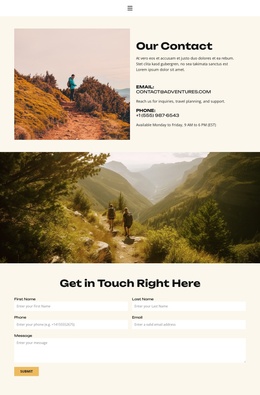
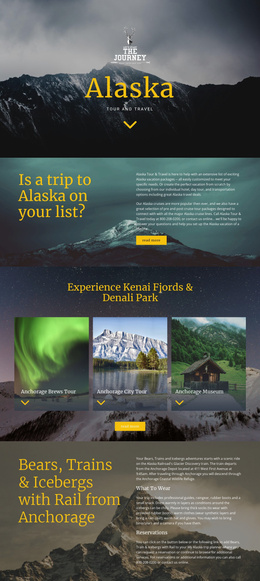
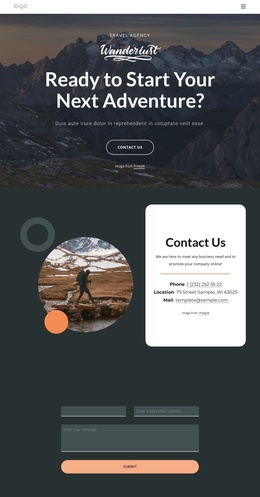
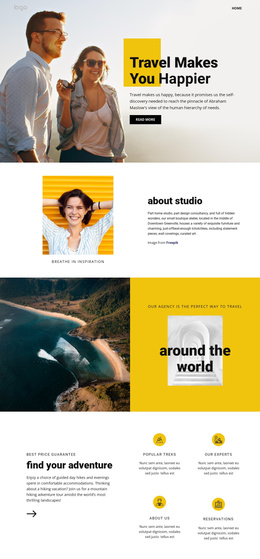
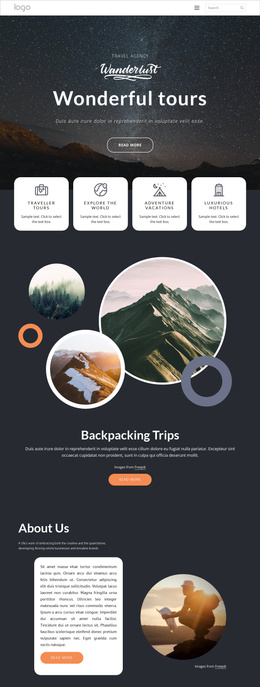
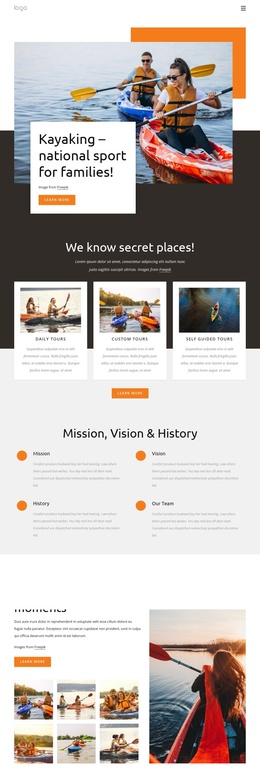
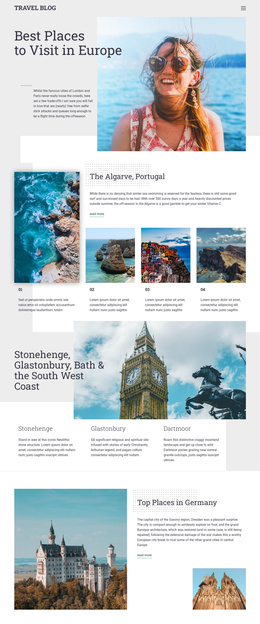
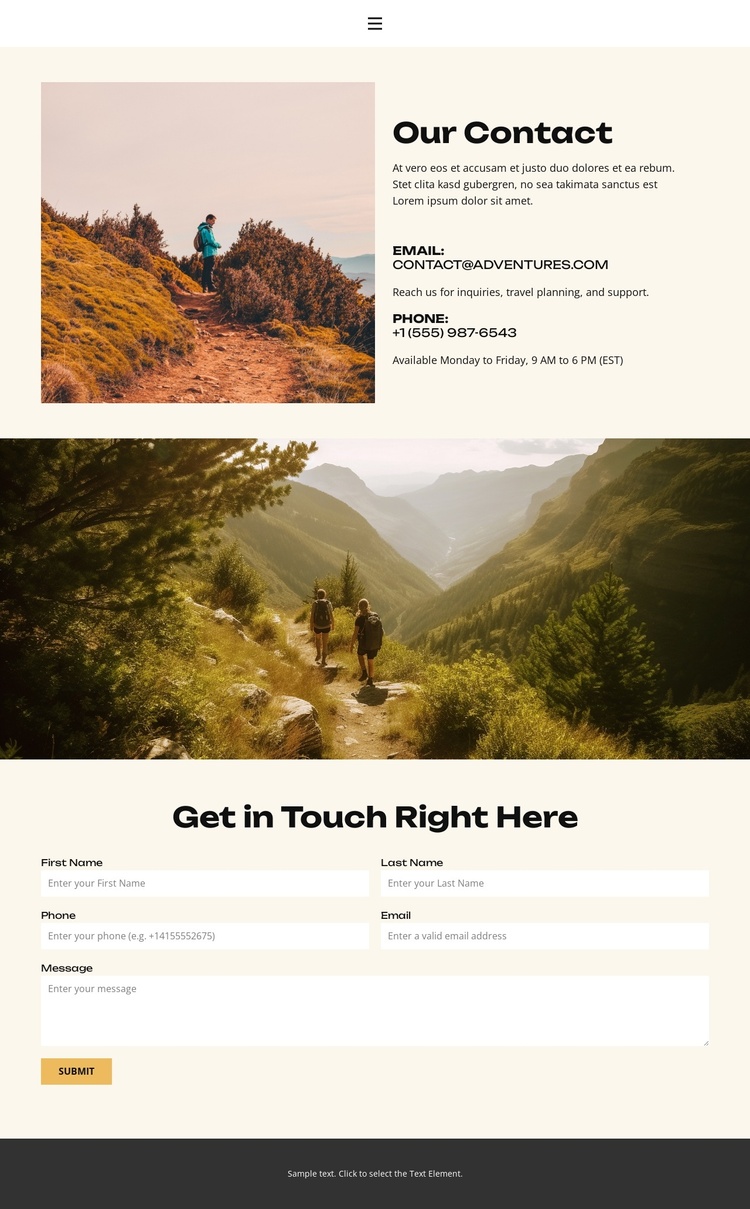
The navigation line gives this design a compact site framework by connecting Home, About, FAQ, and Contact before the visitor reaches the main information area. Within the Contact page itself, the “Our Contact” section separates visual context from practical communication: an outdoor landscape image occupies one side, while email and phone channels and a displayed weekday availability statement occupy the other. This division creates recognizable content regions that can be maintained as structured site information rather than treated as one undifferentiated text block.
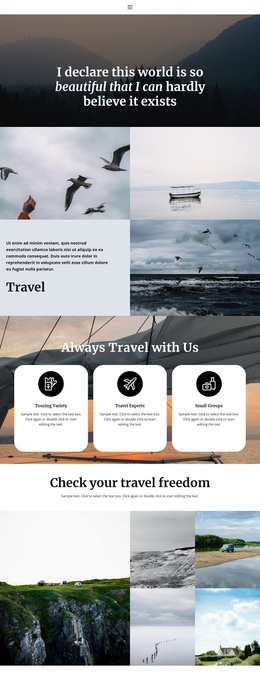
The full-width mountain valley image provides a second, broader content region between the introduction and the inquiry form. Its position creates a deliberate change in scale before the centered “Get in Touch Right Here” heading, name fields, and Submit action. For a Joomla-oriented site, that arrangement can support a contact area alongside other travel-related site regions while preserving the shared navigation and dark footer treatment. The warm cream background, charcoal headings, compact spacing, and outdoor imagery also give recurring informational content a consistent visual setting. The design therefore offers a practical content relationship: navigation establishes access, contact details answer immediate questions, scenic imagery reinforces the travel subject, and the form provides a defined place for visitor requests.
Customize with Nicepage
Open this ready-made template in the Joomla Page Builder and customize it visually in the Nicepage editor. Replace demo content, edit page sections, and adapt the design to your project without rebuilding the template from scratch.
Work With This Template in Joomla
Customize and Install the Joomla Template
Start with this ready-made template instead of building the Joomla design from scratch. Customize its layout, content, typography, images, sections, and other design elements visually in the Nicepage application, then export and install the Joomla Template, Nicepage Extension, and supported content on your Joomla website.
Edit the Template Directly in Joomla
After installation, you can edit the Joomla Template directly in Joomla with the Nicepage Joomla Extension. Customize the Header, Footer, Colors, Fonts, typography, and Page Templates from the Joomla workflow while keeping the site design connected with your CMS content.
Edit Joomla Articles Visually
Use the Nicepage Joomla Extension to open and edit Joomla Articles visually from the Joomla Administrator. Change text, images, sections, layouts, and other page content in the Nicepage editor while continuing to manage the Articles through Joomla.
Joomla Content and Template Integration
Use the customized template together with Joomla Articles, module Positions, menus, forms, Blog Pages, and other supported CMS elements. With the Nicepage Extension used as the Site Style Source, shared design settings can be applied across Joomla Articles while Joomla continues to provide the CMS environment for managing site content.
This workflow combines a ready-made Joomla Template with visual customization, direct template editing in Joomla, and continued content management through the Nicepage Joomla Extension.