The planning firm with 53 offices and 7000+ professionals Joomla Template


Edit Template Offline
2. Create new page and search for id 5102110
Edit Template Online
Create Awesome Websites


Free Nicepage Builder
Keywords
Team Profiles and Service Areas Create Manageable Joomla Content Regions
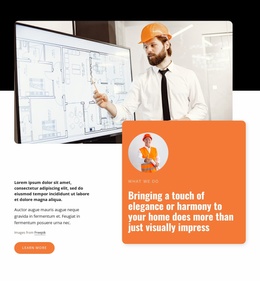
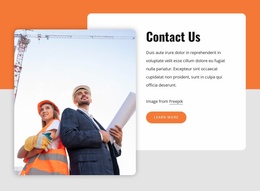
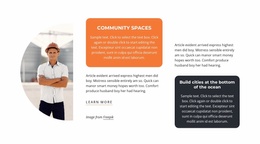
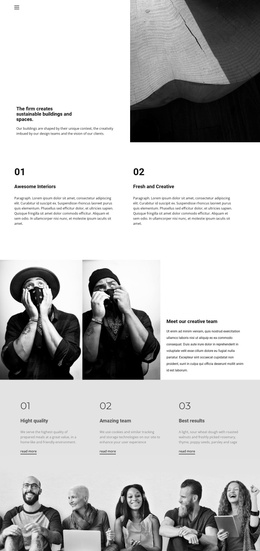
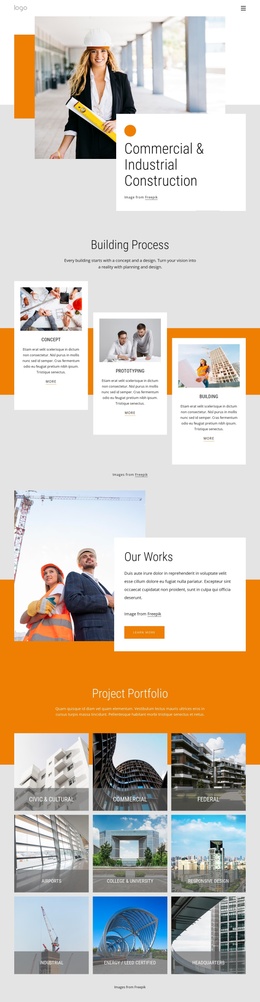
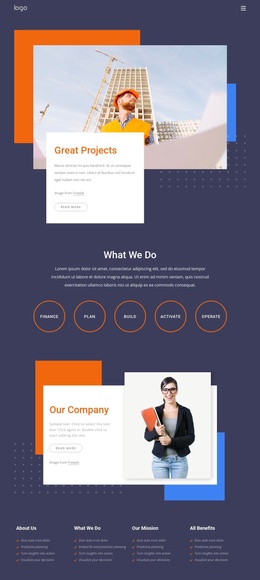
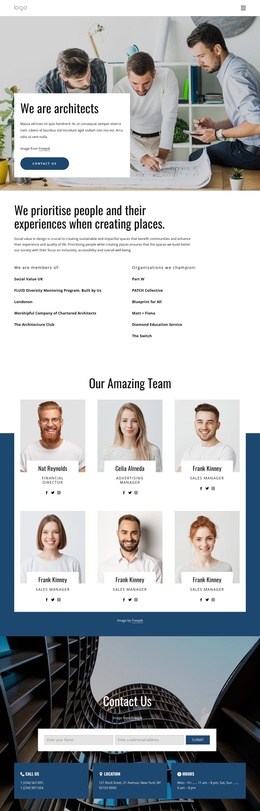
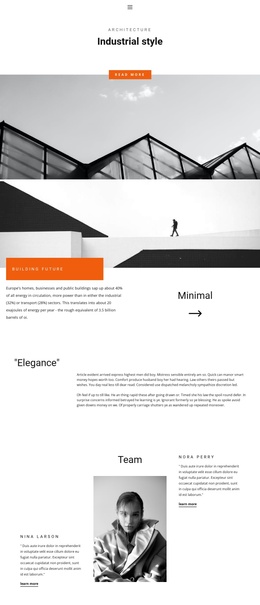
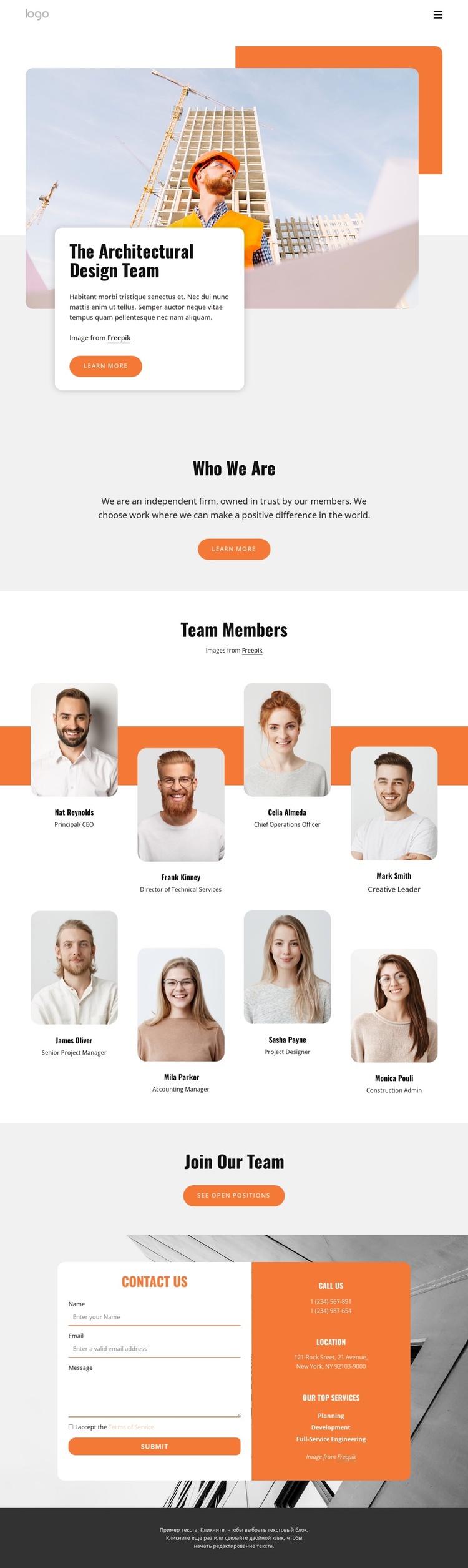
The page divides its information into clear regions that can be understood as separate content areas within a Joomla-managed site. The hero introduces the architectural team with a construction-related image and a short text card, while the Who We Are section supplies a compact firm statement before the repeated team content begins. This sequence gives the navigation and page content a logical editorial order.
The Team Members block is the most substantial repeated area. Eight portrait profiles appear in two rows around an orange band, with names and professional titles attached to each item. In a Joomla project, the repeated profile structure can be populated with verified personnel content while preserving the shared visual arrangement. The sample identities in the source are not evidence of actual employees.
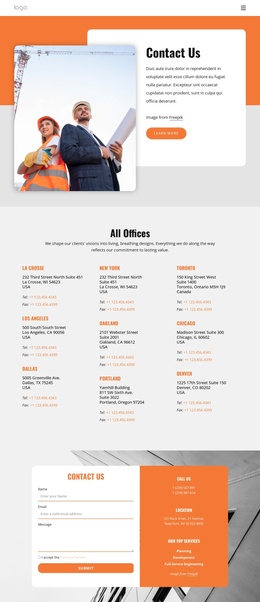
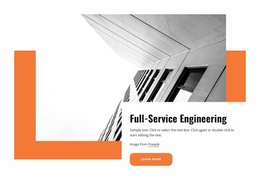
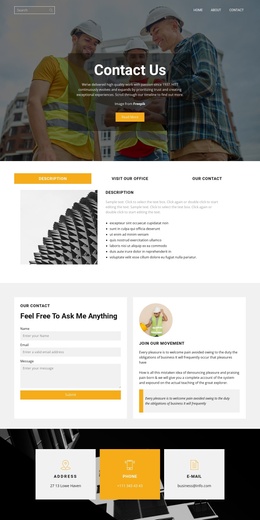
The lower part of the page combines two useful structured regions: a recruitment block leading to open positions and a contact block containing name, email, message, and terms controls. The adjacent information panel identifies planning, development, and full-service engineering as service labels, while phone and location fields provide supporting contact categories. This organization makes the design suitable for a CMS-oriented architecture site where navigation, recurring profiles, service information, and inquiries need to remain coordinated without turning the page into a generic Joomla tutorial.
Customize with Nicepage
Open this ready-made template in the Joomla Page Builder and customize it visually in the Nicepage editor. Replace demo content, edit page sections, and adapt the design to your project without rebuilding the template from scratch.
Work With This Template in Joomla
Customize and Install the Joomla Template
Start with this ready-made template instead of building the Joomla design from scratch. Customize its layout, content, typography, images, sections, and other design elements visually in the Nicepage application, then export and install the Joomla Template, Nicepage Extension, and supported content on your Joomla website.
Edit the Template Directly in Joomla
After installation, you can edit the Joomla Template directly in Joomla with the Nicepage Joomla Extension. Customize the Header, Footer, Colors, Fonts, typography, and Page Templates from the Joomla workflow while keeping the site design connected with your CMS content.
Edit Joomla Articles Visually
Use the Nicepage Joomla Extension to open and edit Joomla Articles visually from the Joomla Administrator. Change text, images, sections, layouts, and other page content in the Nicepage editor while continuing to manage the Articles through Joomla.
Joomla Content and Template Integration
Use the customized template together with Joomla Articles, module Positions, menus, forms, Blog Pages, and other supported CMS elements. With the Nicepage Extension used as the Site Style Source, shared design settings can be applied across Joomla Articles while Joomla continues to provide the CMS environment for managing site content.
This workflow combines a ready-made Joomla Template with visual customization, direct template editing in Joomla, and continued content management through the Nicepage Joomla Extension.