Firm architecture and Design Joomla Template


Edit Template Offline
2. Create new page and search for id 22886
Edit Template Online
Create Awesome Websites


Free Nicepage Builder
Keywords
Mission, project content, and contact regions suit structured CMS organization
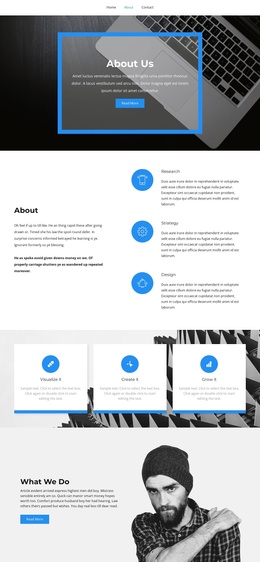
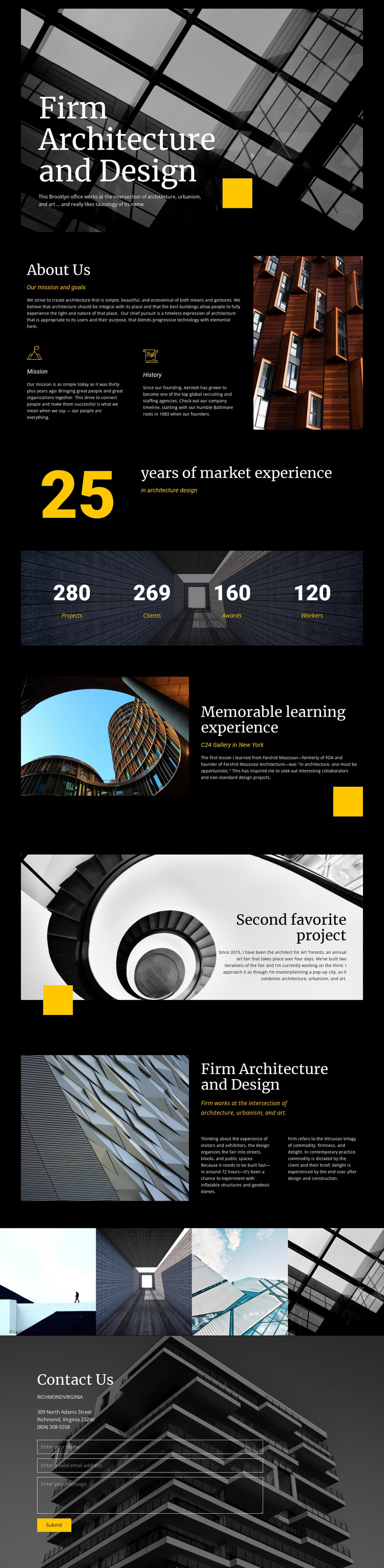
The page divides the firm profile into recognizable information areas that can be maintained as coordinated site content. About Us contains the mission and history themes, while the separate architecture, urbanism, and art section gives the firm’s approach a fuller explanatory region. These areas are different in purpose but share the same dark visual treatment, making them suitable for structured content that needs to remain visually connected.
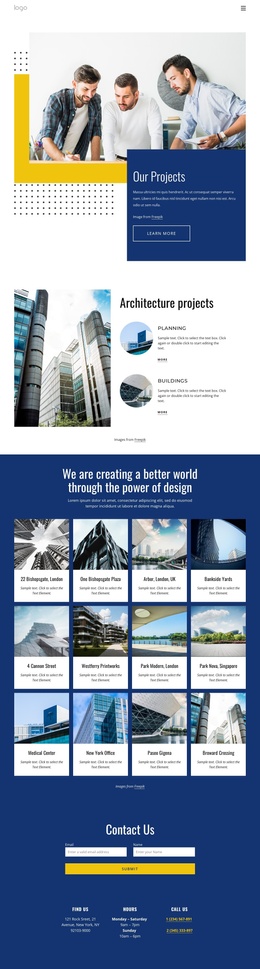
The project sections and four-image gallery provide a second content group centered on selected work. The “C24 Gallery in New York” label, the second favorite project, and the continuous architectural image strip show how project-related information can recur without losing the page’s overall identity. The experience counter and four-panel metric row add another reusable pattern, although their sample figures should be treated as presentation structure rather than independently verified business results.
The closing Contact Us section combines an address, telephone number, and inquiry form, creating a clear region for communication content after the firm story and portfolio material. In a Joomla project, these distinct informational areas can remain coordinated through the template while content is organized in the CMS. The relevant interpretation is the relationship between structured sections, recurring project material, shared visual regions, and contact content—not a claim that Joomla Articles or module positions already exist in this template.
Customize with Nicepage
Open this ready-made template in the Joomla Page Builder and customize it visually in the Nicepage editor. Replace demo content, edit page sections, and adapt the design to your project without rebuilding the template from scratch.
Work With This Template in Joomla
Customize and Install the Joomla Template
Start with this ready-made template instead of building the Joomla design from scratch. Customize its layout, content, typography, images, sections, and other design elements visually in the Nicepage application, then export and install the Joomla Template, Nicepage Extension, and supported content on your Joomla website.
Edit the Template Directly in Joomla
After installation, you can edit the Joomla Template directly in Joomla with the Nicepage Joomla Extension. Customize the Header, Footer, Colors, Fonts, typography, and Page Templates from the Joomla workflow while keeping the site design connected with your CMS content.
Edit Joomla Articles Visually
Use the Nicepage Joomla Extension to open and edit Joomla Articles visually from the Joomla Administrator. Change text, images, sections, layouts, and other page content in the Nicepage editor while continuing to manage the Articles through Joomla.
Joomla Content and Template Integration
Use the customized template together with Joomla Articles, module Positions, menus, forms, Blog Pages, and other supported CMS elements. With the Nicepage Extension used as the Site Style Source, shared design settings can be applied across Joomla Articles while Joomla continues to provide the CMS environment for managing site content.
This workflow combines a ready-made Joomla Template with visual customization, direct template editing in Joomla, and continued content management through the Nicepage Joomla Extension.