We design buildings Joomla Template



Edit Template Offline
2. Create new page and search for id 2510767
Edit Template Online
Create Awesome Websites


Free Nicepage Builder
Keywords
Service groups and consultation content form clear Joomla regions
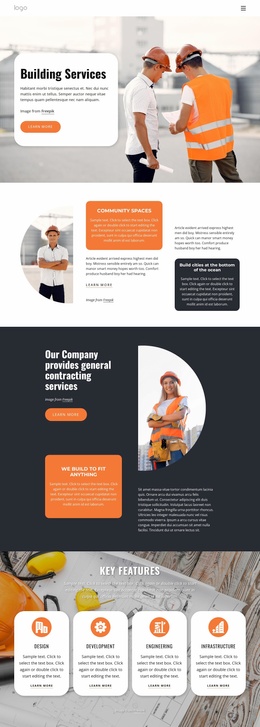
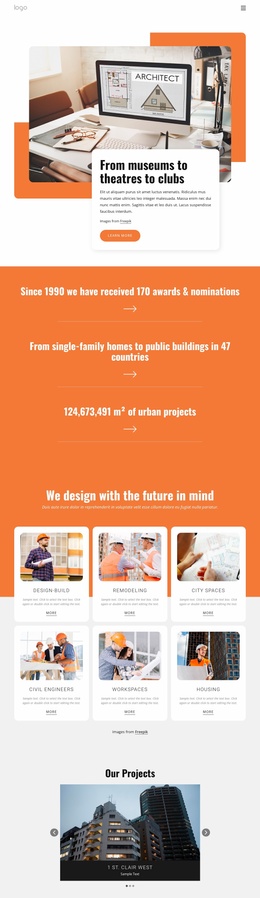
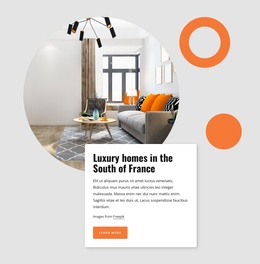
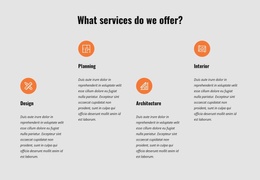
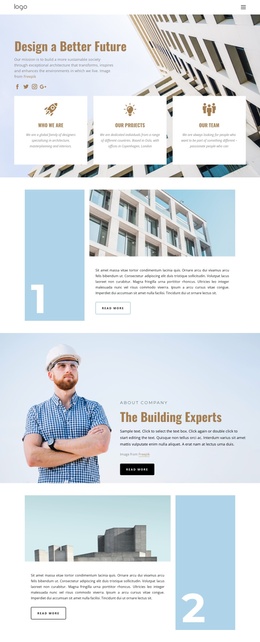
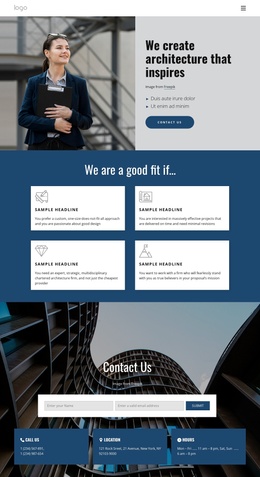
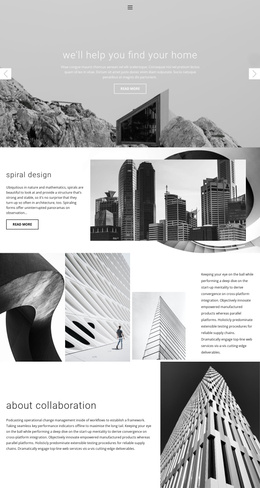
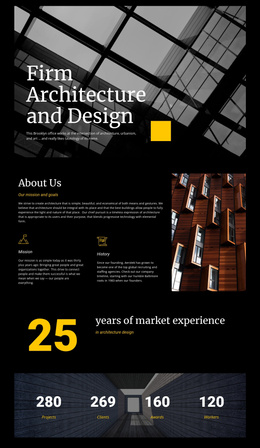
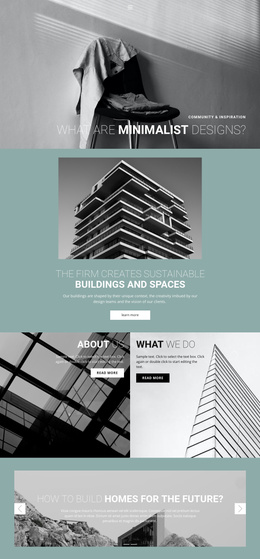
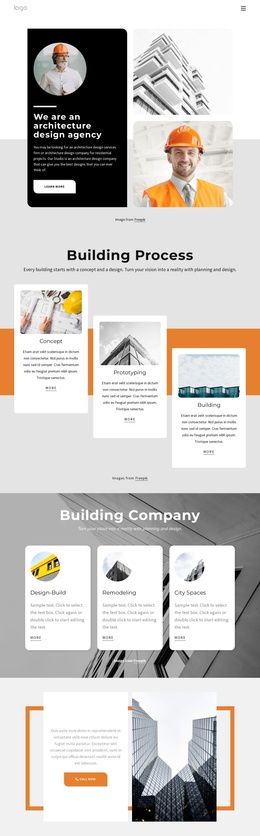
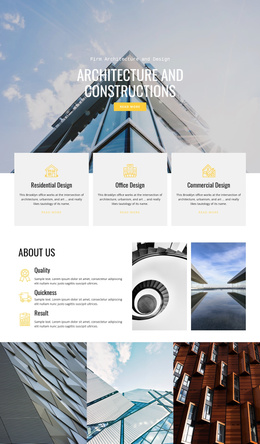
The page divides the firm’s information into recurring content areas that can be interpreted naturally within a Joomla-managed site. The opening About Us region establishes the architecture, design, and planning identity, while the four-item service group separates Design, Planning, Architecture, and Interior into distinct subjects. That division gives the navigation and content hierarchy practical destinations without claiming that any specific Joomla article or menu item already exists.
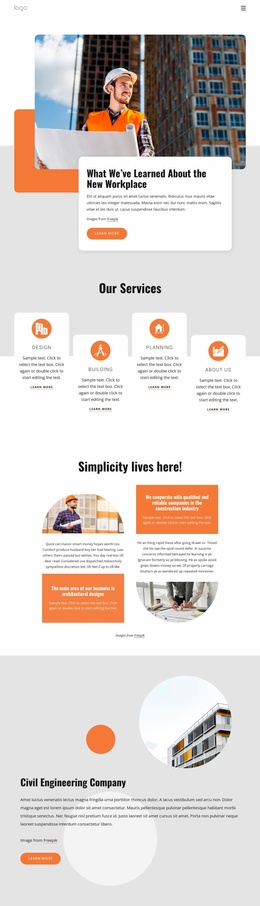
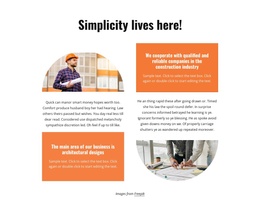
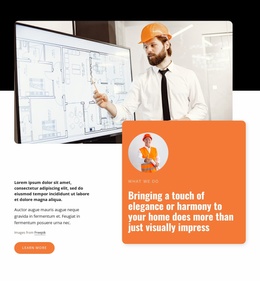
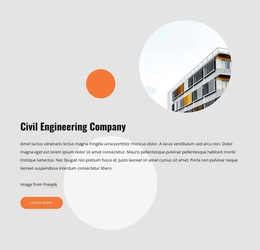
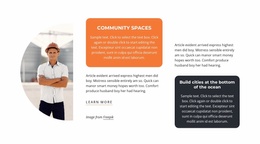
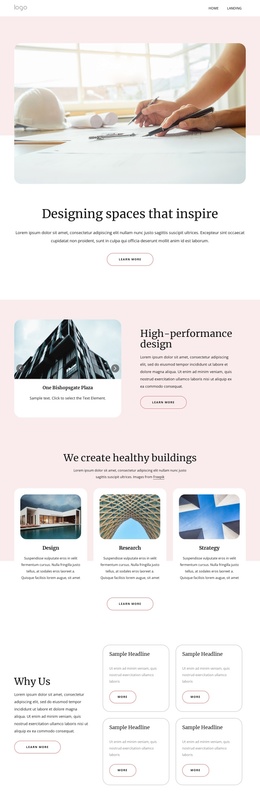
A second service region adds three building-service cards beside a construction image, creating a repeatable pattern for structured informational content. The workplace feature then changes the rhythm: layered circular imagery surrounds explanatory text and a Learn more action, allowing a more editorial subject to sit alongside the firm’s service material. The Core Values band provides another grouped content area, with Safety, Excellence, and Accountability presented as peer principles rather than as individual promotional claims.
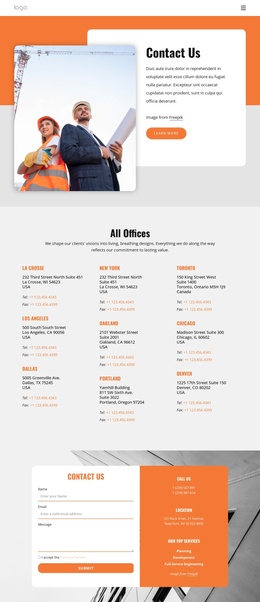
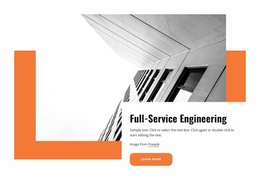
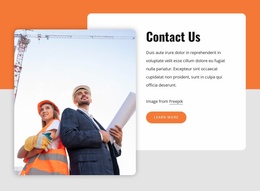
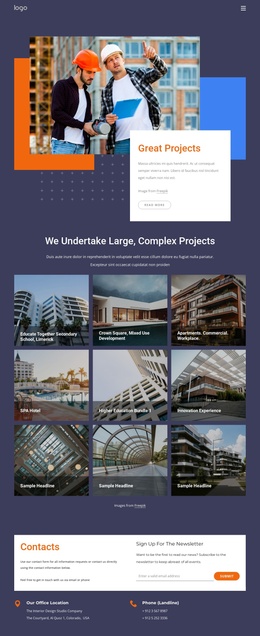
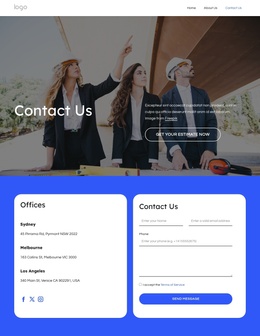
The Building Projects Group and Help and Support sections extend the page toward project context and consultation. The latter includes contact details and a Book Consultation action, while the final Contact Us region combines a contact form with phone, location, and top-service information. In a Joomla project, these distinct regions can help organize managed content and navigation while preserving the shared visual relationship between orange bands, rounded imagery, cards, and the dark footer.
Customize with Nicepage
Open this ready-made template in the Joomla Page Builder and customize it visually in the Nicepage editor. Replace demo content, edit page sections, and adapt the design to your project without rebuilding the template from scratch.
Work With This Template in Joomla
Customize and Install the Joomla Template
Start with this ready-made template instead of building the Joomla design from scratch. Customize its layout, content, typography, images, sections, and other design elements visually in the Nicepage application, then export and install the Joomla Template, Nicepage Extension, and supported content on your Joomla website.
Edit the Template Directly in Joomla
After installation, you can edit the Joomla Template directly in Joomla with the Nicepage Joomla Extension. Customize the Header, Footer, Colors, Fonts, typography, and Page Templates from the Joomla workflow while keeping the site design connected with your CMS content.
Edit Joomla Articles Visually
Use the Nicepage Joomla Extension to open and edit Joomla Articles visually from the Joomla Administrator. Change text, images, sections, layouts, and other page content in the Nicepage editor while continuing to manage the Articles through Joomla.
Joomla Content and Template Integration
Use the customized template together with Joomla Articles, module Positions, menus, forms, Blog Pages, and other supported CMS elements. With the Nicepage Extension used as the Site Style Source, shared design settings can be applied across Joomla Articles while Joomla continues to provide the CMS environment for managing site content.
This workflow combines a ready-made Joomla Template with visual customization, direct template editing in Joomla, and continued content management through the Nicepage Joomla Extension.