We build the structures and infrastructure Joomla Template



Edit Template Offline
2. Create new page and search for id 6102026
Edit Template Online
Create Awesome Websites


Free Nicepage Builder
Keywords
Services, Planning, and Contact Regions for Joomla Content
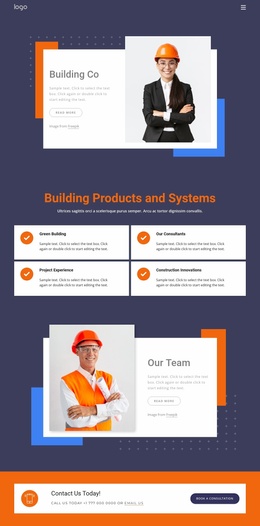
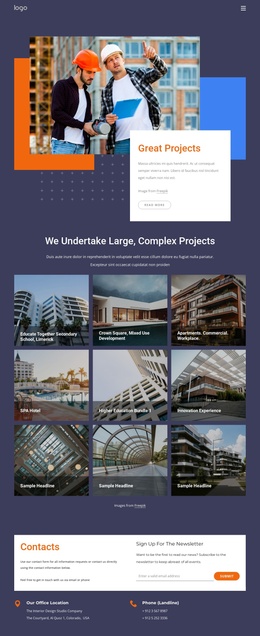
The six named service categories give the design a clear set of structured information areas: Preconstruction, Construction Management, Project Management, Development, Master Planning, and Leadership. These repeated cards can represent distinct service content while preserving the visual relationship established by the centered heading and two-row arrangement. The separate innovation section adds another organized content region for Production Tracking, Model Checking & Analysis, 5D Cost Estimating, Safety Planning, Laser Scanning, Logistics Planning, and 4D Scheduling.
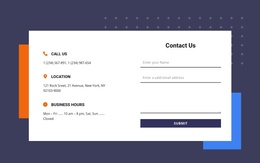
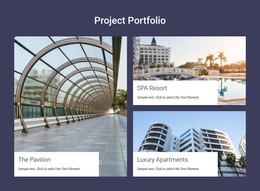
The leadership, building expertise, and bid-process sections provide broader informational areas around those service groups. Their image-and-text combinations can support firm background, management, technical capability, and contract-related explanations without making the page depend on one undifferentiated text block. The shared dark header, mobile navigation, and dark footer also create consistent regions around the page content, while the contact block gathers the newsletter subscription form, office location, and landline details in one closing area.
For a Joomla project, this arrangement is useful when construction information needs to remain divided into recognizable site sections. The existing relationships between navigation, recurring service content, capability labels, visual explanations, and contact details offer a practical CMS-oriented structure. The sample company and address text should be replaced with verified project information, while the underlying content regions can retain their coordinated presentation.
Customize with Nicepage
Open this ready-made template in the Joomla Page Builder and customize it visually in the Nicepage editor. Replace demo content, edit page sections, and adapt the design to your project without rebuilding the template from scratch.
Work With This Template in Joomla
Customize and Install the Joomla Template
Start with this ready-made template instead of building the Joomla design from scratch. Customize its layout, content, typography, images, sections, and other design elements visually in the Nicepage application, then export and install the Joomla Template, Nicepage Extension, and supported content on your Joomla website.
Edit the Template Directly in Joomla
After installation, you can edit the Joomla Template directly in Joomla with the Nicepage Joomla Extension. Customize the Header, Footer, Colors, Fonts, typography, and Page Templates from the Joomla workflow while keeping the site design connected with your CMS content.
Edit Joomla Articles Visually
Use the Nicepage Joomla Extension to open and edit Joomla Articles visually from the Joomla Administrator. Change text, images, sections, layouts, and other page content in the Nicepage editor while continuing to manage the Articles through Joomla.
Joomla Content and Template Integration
Use the customized template together with Joomla Articles, module Positions, menus, forms, Blog Pages, and other supported CMS elements. With the Nicepage Extension used as the Site Style Source, shared design settings can be applied across Joomla Articles while Joomla continues to provide the CMS environment for managing site content.
This workflow combines a ready-made Joomla Template with visual customization, direct template editing in Joomla, and continued content management through the Nicepage Joomla Extension.