Architecture, urban design, master planning Joomla Template
Edit Template Offline
2. Create new page and search for id 5094814
Edit Template Online
Create Awesome Websites


Free Nicepage Builder
Keywords
Office Regions and Service Information Form a Structured Joomla Content Layout
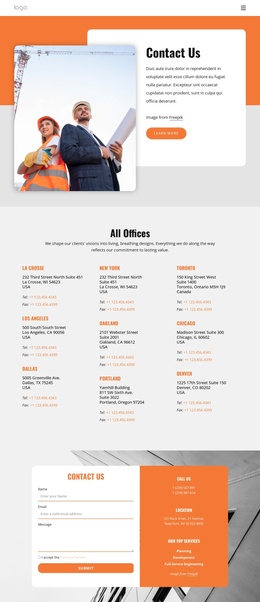
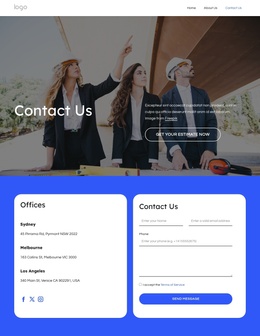
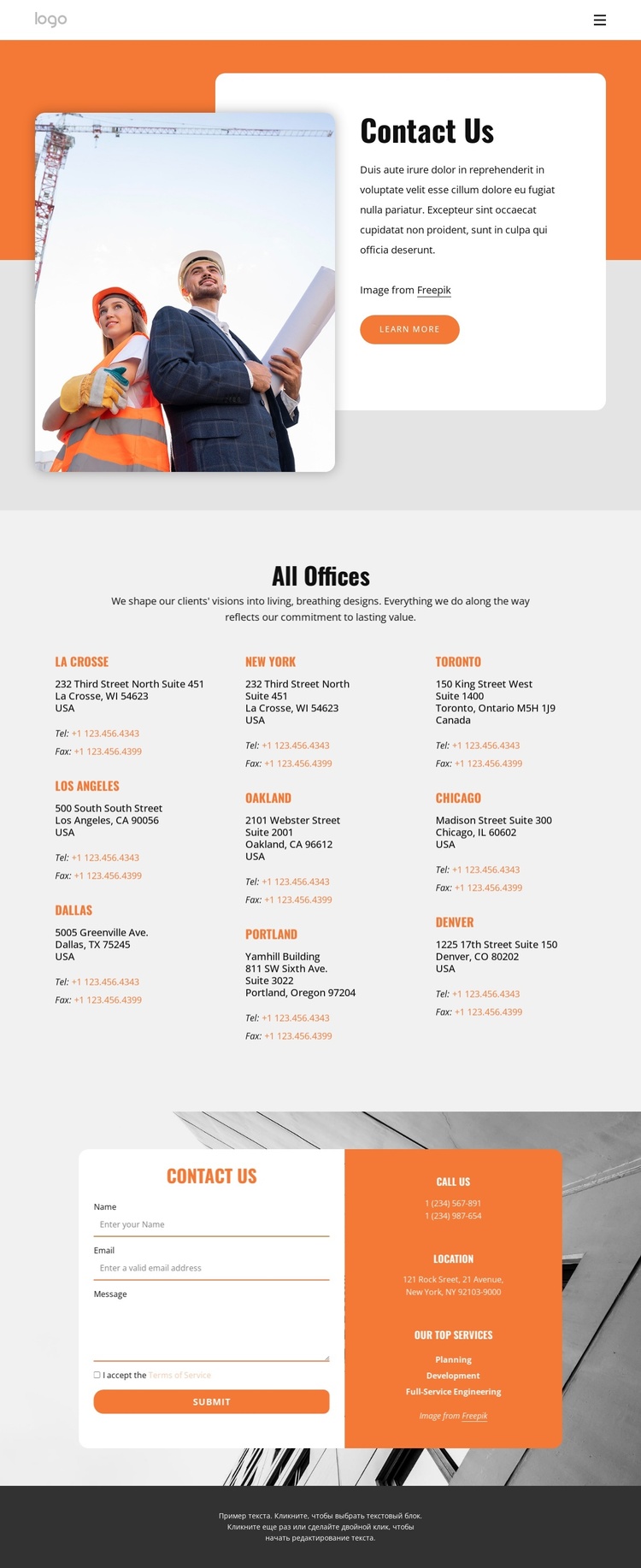
The office directory gives the design a strong set of structured information regions. Nine sample entries repeat the same basic pattern of location, address, telephone, and fax details across three columns. In a Joomla-managed project, that repeated arrangement can provide a consistent visual context for maintaining office-related content, while the header navigation keeps the directory connected to the wider site structure. The sample values should be replaced with verified organizational information before publication.
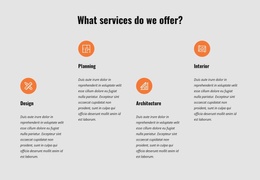
The service labels—Planning, Development, and Full-Service Engineering—create a separate informational group in the lower contact panel. Their placement beside phone and location details makes the panel more than a decorative accent: it connects what the organization offers with how visitors can make contact. The inquiry form then provides a distinct response area, while the shared orange panel and building image help maintain continuity between service information and communication.
The design therefore suits a Joomla project that needs coordinated regions for navigation, office information, services, and contact content. A Joomla Extension is an optional bridge when the finished page must remain connected to CMS-managed content, but the page itself does not prove that Joomla Articles or module positions already exist. Its value lies in the clear division of recurring information areas and the reusable visual relationship between them.
Customize with Nicepage
Open this ready-made template in the Joomla Page Builder and customize it visually in the Nicepage editor. Replace demo content, edit page sections, and adapt the design to your project without rebuilding the template from scratch.
Work With This Template in Joomla
Customize and Install the Joomla Template
Start with this ready-made template instead of building the Joomla design from scratch. Customize its layout, content, typography, images, sections, and other design elements visually in the Nicepage application, then export and install the Joomla Template, Nicepage Extension, and supported content on your Joomla website.
Edit the Template Directly in Joomla
After installation, you can edit the Joomla Template directly in Joomla with the Nicepage Joomla Extension. Customize the Header, Footer, Colors, Fonts, typography, and Page Templates from the Joomla workflow while keeping the site design connected with your CMS content.
Edit Joomla Articles Visually
Use the Nicepage Joomla Extension to open and edit Joomla Articles visually from the Joomla Administrator. Change text, images, sections, layouts, and other page content in the Nicepage editor while continuing to manage the Articles through Joomla.
Joomla Content and Template Integration
Use the customized template together with Joomla Articles, module Positions, menus, forms, Blog Pages, and other supported CMS elements. With the Nicepage Extension used as the Site Style Source, shared design settings can be applied across Joomla Articles while Joomla continues to provide the CMS environment for managing site content.
This workflow combines a ready-made Joomla Template with visual customization, direct template editing in Joomla, and continued content management through the Nicepage Joomla Extension.