Space-inspired architechture Joomla Template


Edit Template Offline
2. Create new page and search for id 32542
Edit Template Online
Create Awesome Websites


Free Nicepage Builder
Keywords
Project and Editorial Regions Create a Structured Architecture Content Map
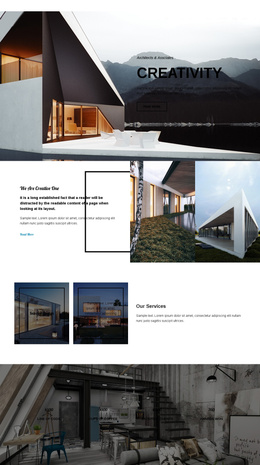
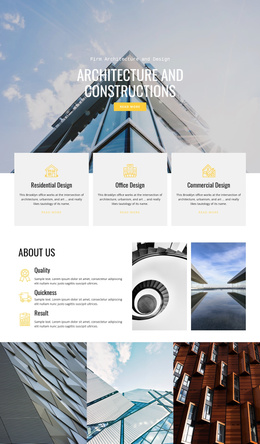
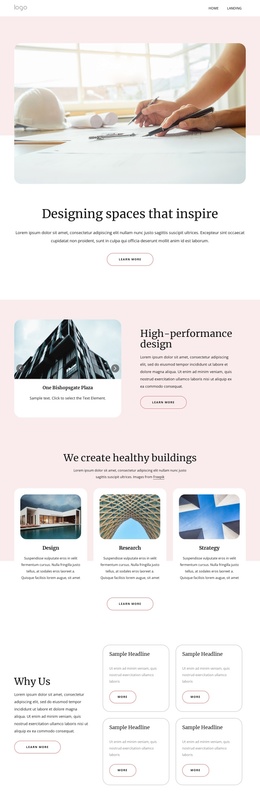
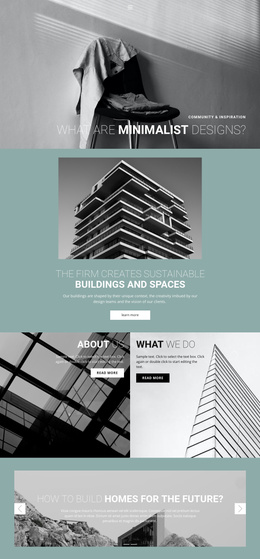
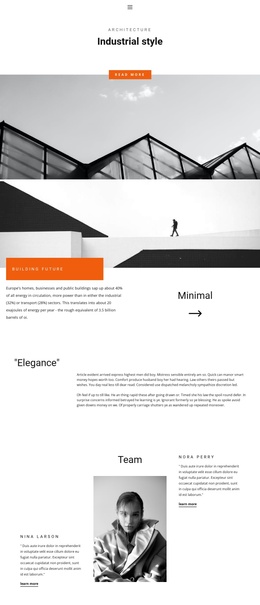
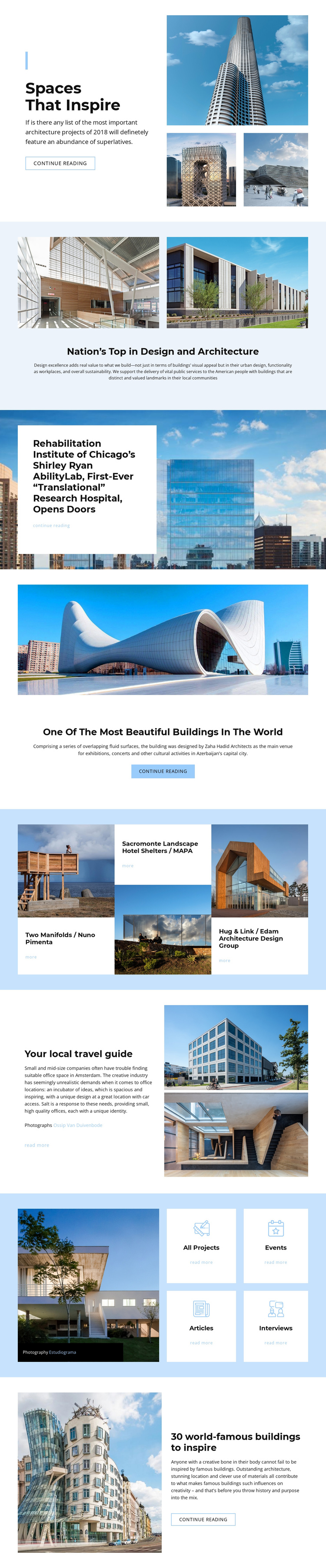
The page divides its subject matter into recognizable content regions that can be maintained as a structured architecture site. The opening feature introduces a prominent story through a text panel and three photographs, while the following design overview supplies a separate area for explanatory content. Farther down, the Shirley Ryan AbilityLab story and the Azerbaijan building feature show how individual architecture articles can receive their own image-led presentation without losing the shared page character.
The three-item project grid provides a different kind of repeatable region. Two Manifolds, Sacromonte Landscape Hotel Shelters, and Hug & Link each pair an image with a project label, credited name, and reading link. The category directory then groups All Projects, Events, Articles, and Interviews into four compact cards. Together, these areas distinguish project information from broader editorial and event-oriented navigation, making the design easier to interpret as organized CMS-managed content rather than one undifferentiated image gallery.
A Joomla implementation could preserve that division between featured stories, recurring project entries, and category destinations while keeping the Header, Footer, navigation, and visual treatment coordinated. The value lies in the content map already visible in the design: visitors can encounter a featured story, browse project examples, or move toward a wider architecture section through related reading actions.
Customize with Nicepage
Open this ready-made template in the Joomla Page Builder and customize it visually in the Nicepage editor. Replace demo content, edit page sections, and adapt the design to your project without rebuilding the template from scratch.
Work With This Template in Joomla
Customize and Install the Joomla Template
Start with this ready-made template instead of building the Joomla design from scratch. Customize its layout, content, typography, images, sections, and other design elements visually in the Nicepage application, then export and install the Joomla Template, Nicepage Extension, and supported content on your Joomla website.
Edit the Template Directly in Joomla
After installation, you can edit the Joomla Template directly in Joomla with the Nicepage Joomla Extension. Customize the Header, Footer, Colors, Fonts, typography, and Page Templates from the Joomla workflow while keeping the site design connected with your CMS content.
Edit Joomla Articles Visually
Use the Nicepage Joomla Extension to open and edit Joomla Articles visually from the Joomla Administrator. Change text, images, sections, layouts, and other page content in the Nicepage editor while continuing to manage the Articles through Joomla.
Joomla Content and Template Integration
Use the customized template together with Joomla Articles, module Positions, menus, forms, Blog Pages, and other supported CMS elements. With the Nicepage Extension used as the Site Style Source, shared design settings can be applied across Joomla Articles while Joomla continues to provide the CMS environment for managing site content.
This workflow combines a ready-made Joomla Template with visual customization, direct template editing in Joomla, and continued content management through the Nicepage Joomla Extension.