We're breaking down boundaries Joomla Template



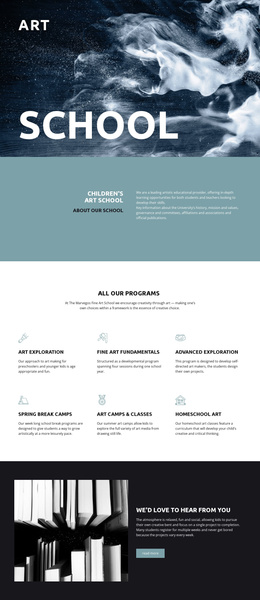
The “art” label and “school” title define a Joomla content region
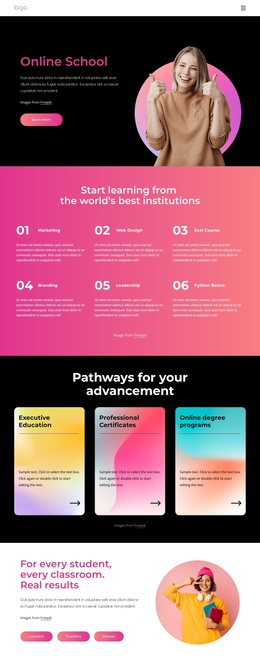
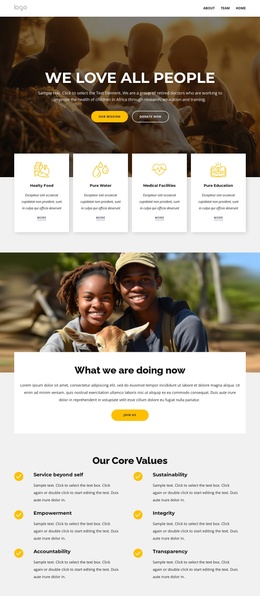
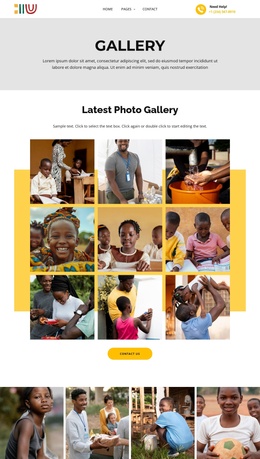
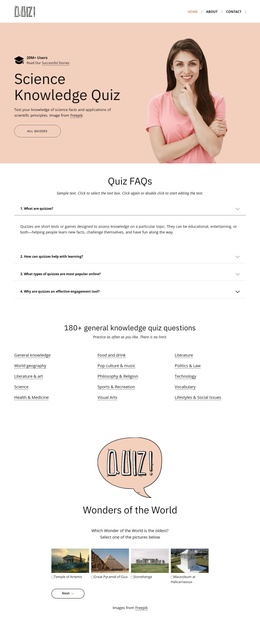
The small “art” label and oversized centered “school” heading give this section a precise informational focus before any longer copy is introduced. The single atmospheric image fills the region behind them, while the dark blue-black treatment and bright white typography create enough contrast for the two text levels to remain distinct. Because the block contains one image-led region rather than a collection of separate content modules, its role is easy to preserve as a recognizable art education section.
Within a Joomla-managed page, this arrangement can present the opening subject for an art school article-like content area or a related educational section. The visual block can carry the initial topic signal, while surrounding Joomla content handles fuller explanations, course information, schedules, or other page material. Its static structure also keeps the interpretation straightforward: the image establishes atmosphere, the upper-left label provides a short category cue, and the centered title states the main subject. This makes the section suitable for a reusable CMS content region without treating it as a complete Joomla site or template. The same visual treatment can remain stable while the broader project organizes its editorial content around the block.
Customize with Nicepage
Open this ready-made template in the Joomla Page Builder and customize it visually in the Nicepage editor. Replace demo content, edit page sections, and adapt the design to your project without rebuilding the template from scratch.
Edit Template Offline
2. Create a new page or select existing
3. Click Add new block, search for id 41500 and click enter
Edit Template Online
Create Awesome Websites


Free Nicepage Builder
Keywords
Work With This Template in Joomla
Customize and Install the Joomla Template
Start with this ready-made template instead of building the Joomla design from scratch. Customize its layout, content, typography, images, sections, and other design elements visually in the Nicepage application, then export and install the Joomla Template, Nicepage Extension, and supported content on your Joomla website.
Edit the Template Directly in Joomla
After installation, you can edit the Joomla Template directly in Joomla with the Nicepage Joomla Extension. Customize the Header, Footer, Colors, Fonts, typography, and Page Templates from the Joomla workflow while keeping the site design connected with your CMS content.
Edit Joomla Articles Visually
Use the Nicepage Joomla Extension to open and edit Joomla Articles visually from the Joomla Administrator. Change text, images, sections, layouts, and other page content in the Nicepage editor while continuing to manage the Articles through Joomla.
Joomla Content and Template Integration
Use the customized template together with Joomla Articles, module Positions, menus, forms, Blog Pages, and other supported CMS elements. With the Nicepage Extension used as the Site Style Source, shared design settings can be applied across Joomla Articles while Joomla continues to provide the CMS environment for managing site content.
This workflow combines a ready-made Joomla Template with visual customization, direct template editing in Joomla, and continued content management through the Nicepage Joomla Extension.