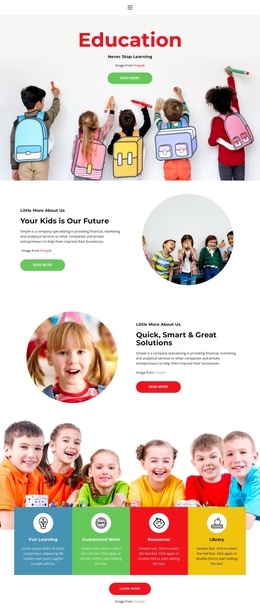
Education training center Joomla Template



Edit Template Offline
2. Create new page and search for id 6081695
Edit Template Online
Create Awesome Websites


Free Nicepage Builder
Keywords
Course Categories and Contact Regions Create a Joomla-Ready Content Structure
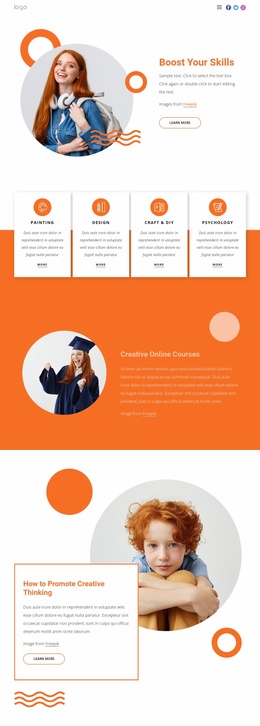
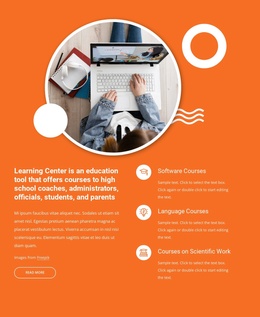
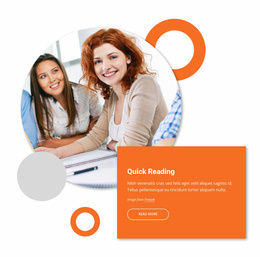
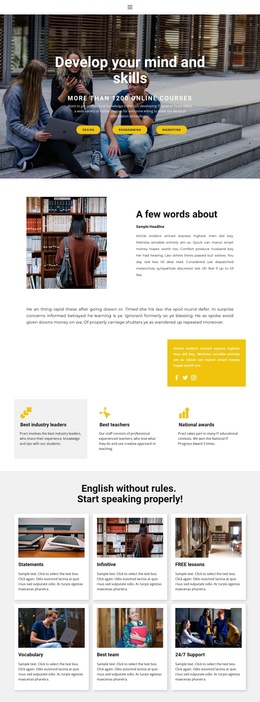
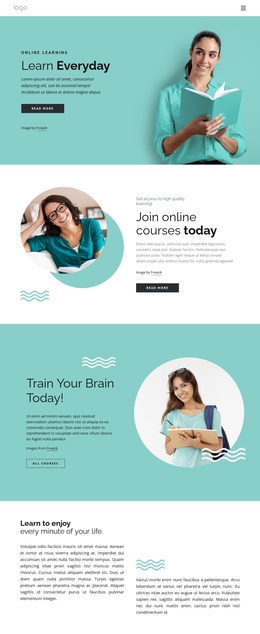
The course-category section divides a wide educational offer into three peer columns, making the information easier to treat as separate content groups. Subjects include language courses, psychology, counselling, fitness and well-being, business, history, and other learning areas. The featured-course section provides another level of organization by highlighting software courses, language courses, and courses on scientific work beside explanatory content and a Read more action. This separation gives a Joomla-managed project distinct regions for structured educational information without claiming that Joomla Articles or modules already exist in the template.
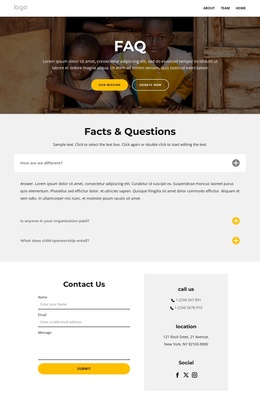
The page also contains reusable site regions that support ongoing content management. The opening navigation frames the experience, while the final Contact Us area combines name, email, and message inputs with phone and location details. A footer containing Facebook, Twitter, Instagram, and LinkedIn links provides a consistent closing area for site-wide connections. The orange section backgrounds, bordered white cards, and circular imagery can remain the shared visual language while course information changes over time. The result is a clear relationship between menu-led discovery, organized learning content, and an inquiry destination suitable for a Joomla project.
Customize with Nicepage
Open this ready-made template in the Joomla Page Builder and customize it visually in the Nicepage editor. Replace demo content, edit page sections, and adapt the design to your project without rebuilding the template from scratch.
Work With This Template in Joomla
Customize and Install the Joomla Template
Start with this ready-made template instead of building the Joomla design from scratch. Customize its layout, content, typography, images, sections, and other design elements visually in the Nicepage application, then export and install the Joomla Template, Nicepage Extension, and supported content on your Joomla website.
Edit the Template Directly in Joomla
After installation, you can edit the Joomla Template directly in Joomla with the Nicepage Joomla Extension. Customize the Header, Footer, Colors, Fonts, typography, and Page Templates from the Joomla workflow while keeping the site design connected with your CMS content.
Edit Joomla Articles Visually
Use the Nicepage Joomla Extension to open and edit Joomla Articles visually from the Joomla Administrator. Change text, images, sections, layouts, and other page content in the Nicepage editor while continuing to manage the Articles through Joomla.
Joomla Content and Template Integration
Use the customized template together with Joomla Articles, module Positions, menus, forms, Blog Pages, and other supported CMS elements. With the Nicepage Extension used as the Site Style Source, shared design settings can be applied across Joomla Articles while Joomla continues to provide the CMS environment for managing site content.
This workflow combines a ready-made Joomla Template with visual customization, direct template editing in Joomla, and continued content management through the Nicepage Joomla Extension.