The babysitting company Joomla Template



Edit Template Offline
2. Create new page and search for id 6330896
Edit Template Online
Create Awesome Websites


Free Nicepage Builder
Keywords
Service Regions and Contact Areas Support Organized Joomla Content
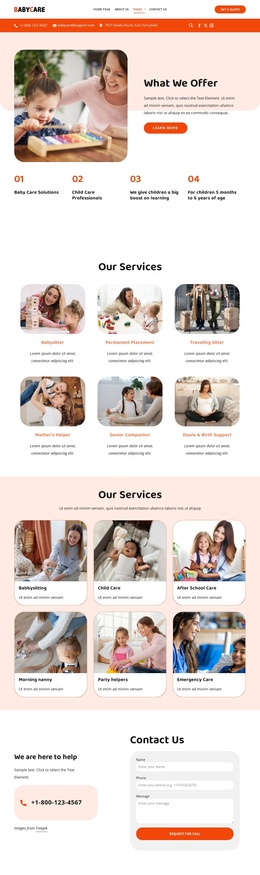
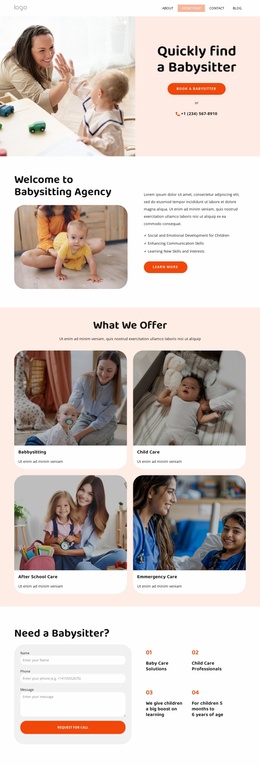
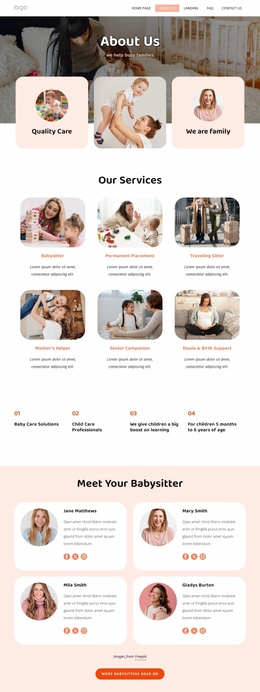
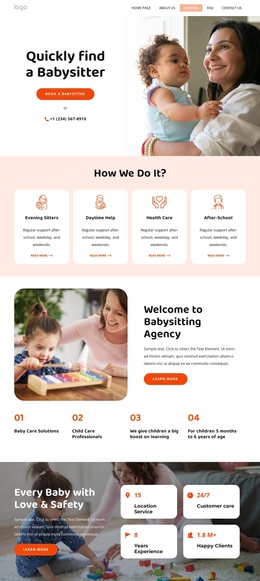
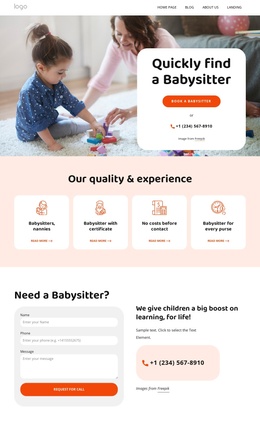
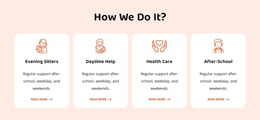
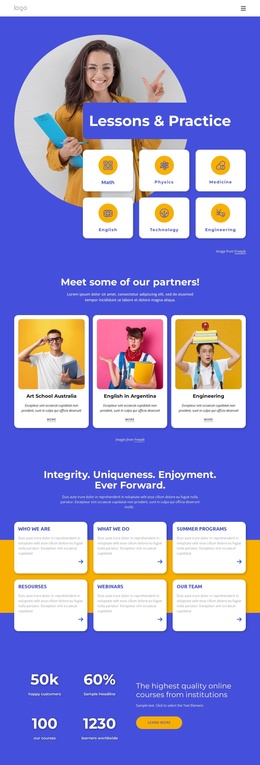
The four service-process cards and six offering cards divide the agency’s subject matter into recognizable content regions. One group explains how care is categorized through evening sitters, daytime help, health care, and after-school support; the other presents the broader range of babysitting, child care, nanny, party-helper, and emergency-care options. That distinction gives a Joomla project two related but separate areas for structured information without treating every card as the same content type.
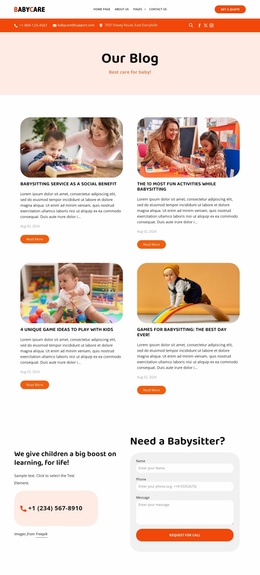
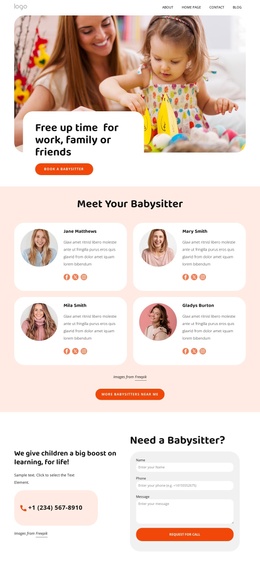
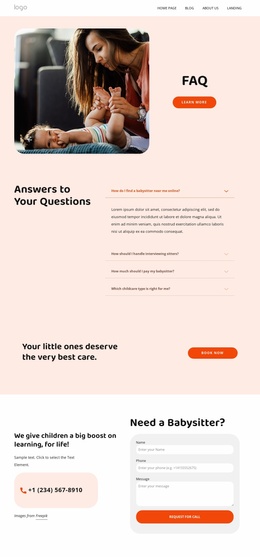
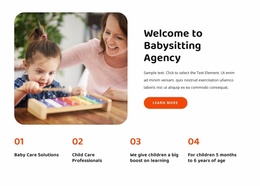
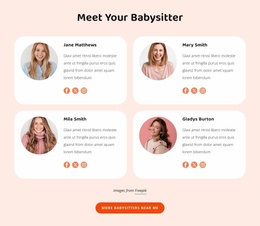
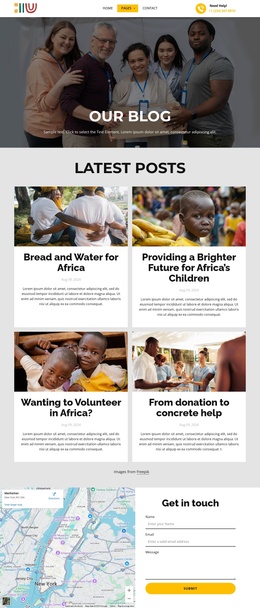
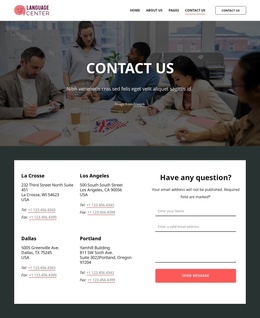
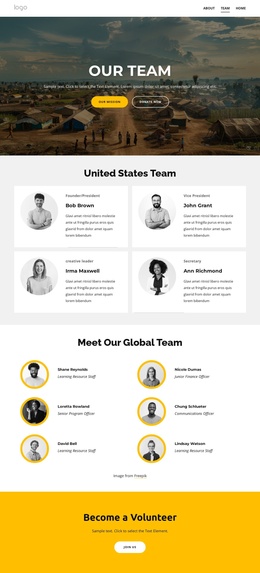
Navigation, the agency introduction, caregiver profiles, articles, testimonials, gallery, FAQ accordion, and footer contact area add further editorial regions around those services. The repeated profile and testimonial cards can be understood as recurring informational content, while the gallery and FAQ serve more focused visual and question-based purposes. Two request-for-call forms provide clear contact locations, and the footer adds quick links, contact channels, social links, and newsletter signup. Together, these areas create a practical relationship between menus, service information, recurring content, and contact regions for a CMS-managed site. If Joomla-specific content needs to be introduced later, it can be placed within the existing regional logic rather than forcing the family-facing page to lose its sequence or visual organization.
Customize with Nicepage
Open this ready-made template in the Joomla Page Builder and customize it visually in the Nicepage editor. Replace demo content, edit page sections, and adapt the design to your project without rebuilding the template from scratch.
Work With This Template in Joomla
Customize and Install the Joomla Template
Start with this ready-made template instead of building the Joomla design from scratch. Customize its layout, content, typography, images, sections, and other design elements visually in the Nicepage application, then export and install the Joomla Template, Nicepage Extension, and supported content on your Joomla website.
Edit the Template Directly in Joomla
After installation, you can edit the Joomla Template directly in Joomla with the Nicepage Joomla Extension. Customize the Header, Footer, Colors, Fonts, typography, and Page Templates from the Joomla workflow while keeping the site design connected with your CMS content.
Edit Joomla Articles Visually
Use the Nicepage Joomla Extension to open and edit Joomla Articles visually from the Joomla Administrator. Change text, images, sections, layouts, and other page content in the Nicepage editor while continuing to manage the Articles through Joomla.
Joomla Content and Template Integration
Use the customized template together with Joomla Articles, module Positions, menus, forms, Blog Pages, and other supported CMS elements. With the Nicepage Extension used as the Site Style Source, shared design settings can be applied across Joomla Articles while Joomla continues to provide the CMS environment for managing site content.
This workflow combines a ready-made Joomla Template with visual customization, direct template editing in Joomla, and continued content management through the Nicepage Joomla Extension.