Modern Military Defense Joomla Template


Edit Template Offline
2. Create new page and search for id 6663841
Edit Template Online
Create Awesome Websites


Free Nicepage Builder
Keywords
Operational Sections and Service Regions Suit Structured Joomla Content
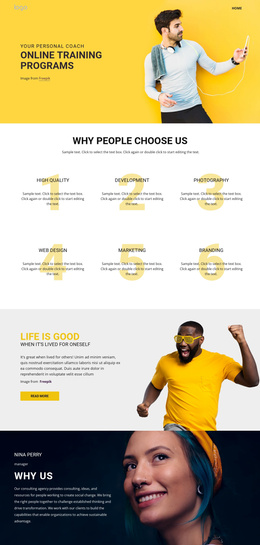
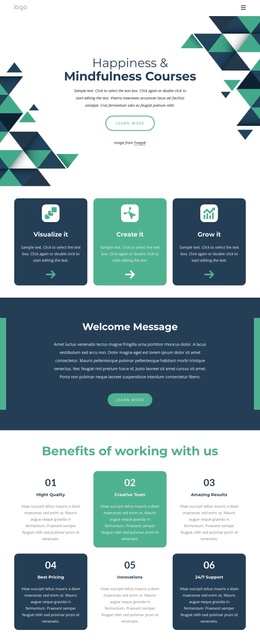
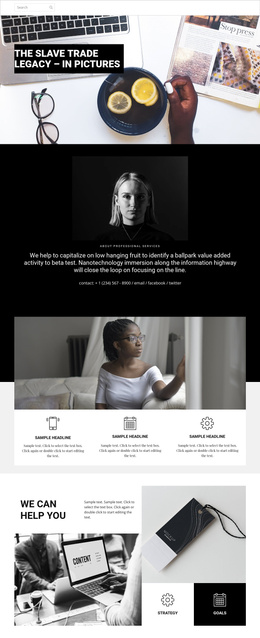
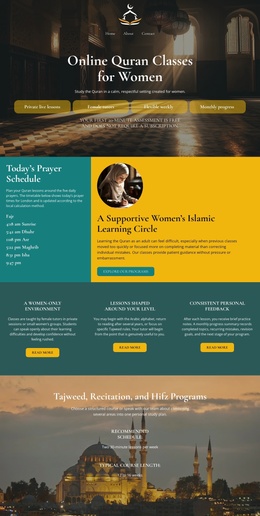
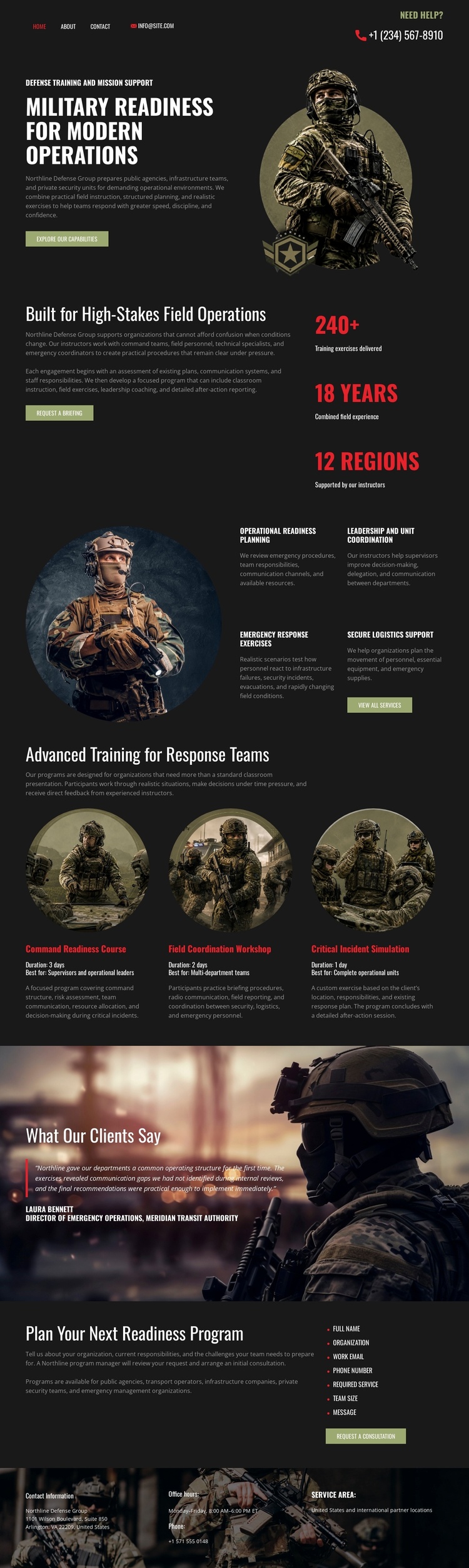
The service areas are divided into recognizable information regions that can be maintained as organized site content. Operational readiness planning introduces the subject, while leadership and unit coordination, emergency response exercises, and specialized equipment provide separate descriptions of the offering. The three advanced-training cards add repeated capability units, giving the design a useful pattern for presenting related readiness information without collapsing every service into one paragraph.
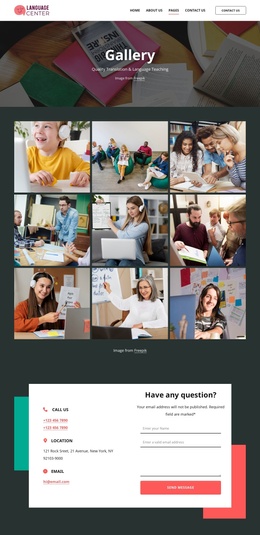
Navigation appears at the page level, and the footer contains compact columns for quick links, office information, and service-area information. Those shared regions are important for a CMS-managed project because they connect the individual readiness presentation with broader site navigation and contact context. The testimonial banner can remain a distinct proof area, while the final Plan Your Next Readiness Program section gives the page a clear consultation-oriented endpoint.
In Joomla, this arrangement can be interpreted as coordinated content regions rather than as a claim that Joomla Articles or module positions already exist in the template. The design’s strongest fit comes from the combination of structured service information, repeated capability cards, navigation, footer regions, and a contact-oriented closing block. A Joomla project could preserve those relationships while its editorial content changes over time. The result would keep the tactical visual system connected to the way operational information is grouped and presented.
Customize with Nicepage
Open this ready-made template in the Joomla Page Builder and customize it visually in the Nicepage editor. Replace demo content, edit page sections, and adapt the design to your project without rebuilding the template from scratch.
Work With This Template in Joomla
Customize and Install the Joomla Template
Start with this ready-made template instead of building the Joomla design from scratch. Customize its layout, content, typography, images, sections, and other design elements visually in the Nicepage application, then export and install the Joomla Template, Nicepage Extension, and supported content on your Joomla website.
Edit the Template Directly in Joomla
After installation, you can edit the Joomla Template directly in Joomla with the Nicepage Joomla Extension. Customize the Header, Footer, Colors, Fonts, typography, and Page Templates from the Joomla workflow while keeping the site design connected with your CMS content.
Edit Joomla Articles Visually
Use the Nicepage Joomla Extension to open and edit Joomla Articles visually from the Joomla Administrator. Change text, images, sections, layouts, and other page content in the Nicepage editor while continuing to manage the Articles through Joomla.
Joomla Content and Template Integration
Use the customized template together with Joomla Articles, module Positions, menus, forms, Blog Pages, and other supported CMS elements. With the Nicepage Extension used as the Site Style Source, shared design settings can be applied across Joomla Articles while Joomla continues to provide the CMS environment for managing site content.
This workflow combines a ready-made Joomla Template with visual customization, direct template editing in Joomla, and continued content management through the Nicepage Joomla Extension.