Top mindfulness courses Joomla Template



Edit Template Offline
2. Create new page and search for id 2863655
Edit Template Online
Create Awesome Websites


Free Nicepage Builder
Keywords
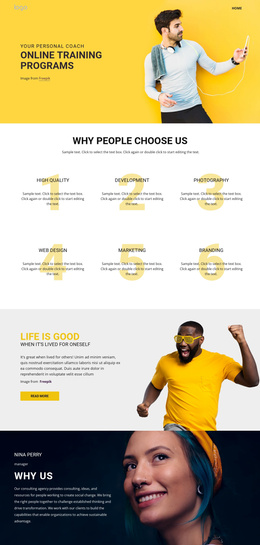
Benefit cards and course regions divide the content clearly
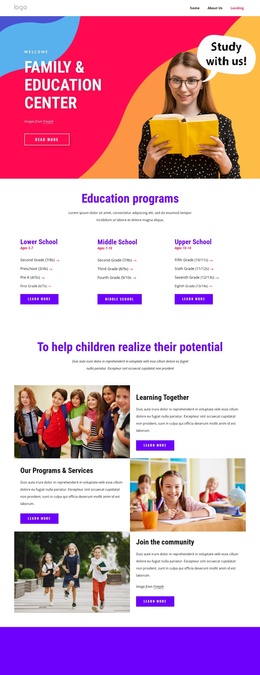
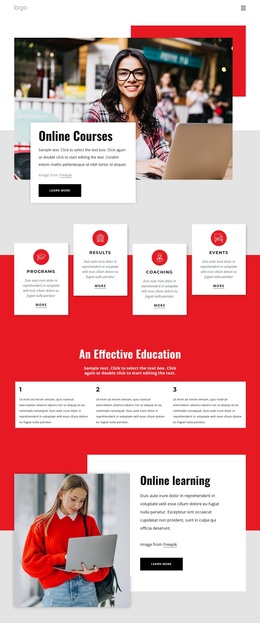
The six numbered benefit cards create a structured information area that can represent recurring Joomla-managed content without losing the page’s visual rhythm. Each item has a clear position in the benefits section, while the earlier Visualize it, Create it, and Grow it cards provide a separate three-part concept group. Keeping those groups distinct helps visitors understand the difference between the program’s growth ideas and the reasons presented for working with the organization.
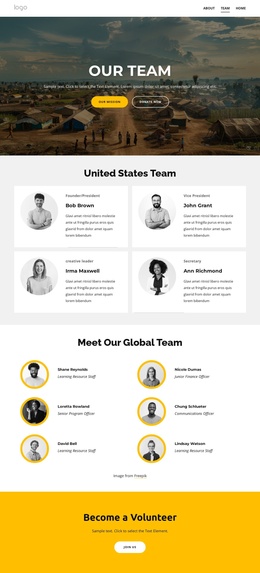
The course and learning sections add further content regions. How Coaching Works introduces the process with paired Learn More and Live Demo actions, while the program details and learning-options areas combine explanatory text with two and four metric cards respectively. In a CMS-managed project, these regions give structured information, recurring items, and supporting callouts different places within the same page design. The three team profiles provide another repeated content area, with portraits, roles, biographies, and social links arranged as peer cards.
Navigation at the top, the single-line footer, and the closing free-trial form complete the shared site regions. The email signup can remain the final response area while course, benefit, profile, and learning content is maintained separately. This makes the design suitable for Joomla content organization without claiming that particular Joomla Articles or module positions already exist. The page’s value lies in its clear division of recurring informational regions.
Customize with Nicepage
Open this ready-made template in the Joomla Page Builder and customize it visually in the Nicepage editor. Replace demo content, edit page sections, and adapt the design to your project without rebuilding the template from scratch.
Work With This Template in Joomla
Customize and Install the Joomla Template
Start with this ready-made template instead of building the Joomla design from scratch. Customize its layout, content, typography, images, sections, and other design elements visually in the Nicepage application, then export and install the Joomla Template, Nicepage Extension, and supported content on your Joomla website.
Edit the Template Directly in Joomla
After installation, you can edit the Joomla Template directly in Joomla with the Nicepage Joomla Extension. Customize the Header, Footer, Colors, Fonts, typography, and Page Templates from the Joomla workflow while keeping the site design connected with your CMS content.
Edit Joomla Articles Visually
Use the Nicepage Joomla Extension to open and edit Joomla Articles visually from the Joomla Administrator. Change text, images, sections, layouts, and other page content in the Nicepage editor while continuing to manage the Articles through Joomla.
Joomla Content and Template Integration
Use the customized template together with Joomla Articles, module Positions, menus, forms, Blog Pages, and other supported CMS elements. With the Nicepage Extension used as the Site Style Source, shared design settings can be applied across Joomla Articles while Joomla continues to provide the CMS environment for managing site content.
This workflow combines a ready-made Joomla Template with visual customization, direct template editing in Joomla, and continued content management through the Nicepage Joomla Extension.