Architecture city guide Joomla Template


Edit Template Offline
2. Create new page and search for id 27321
Edit Template Online
Create Awesome Websites


Free Nicepage Builder
Keywords
Project, Event, and Editorial Regions Give the CMS Structure a Clear Shape
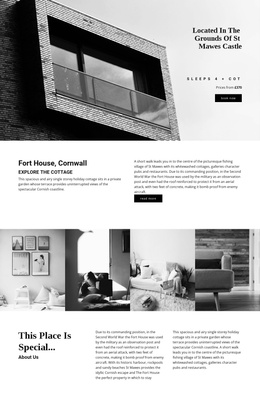
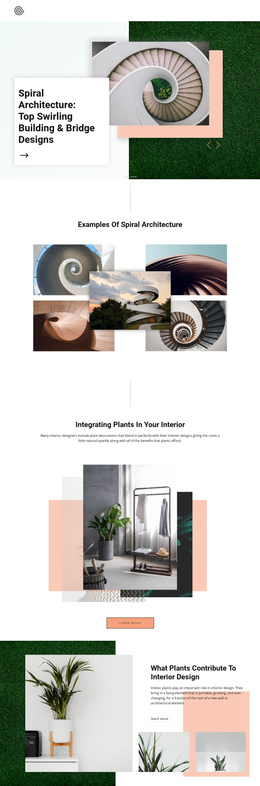
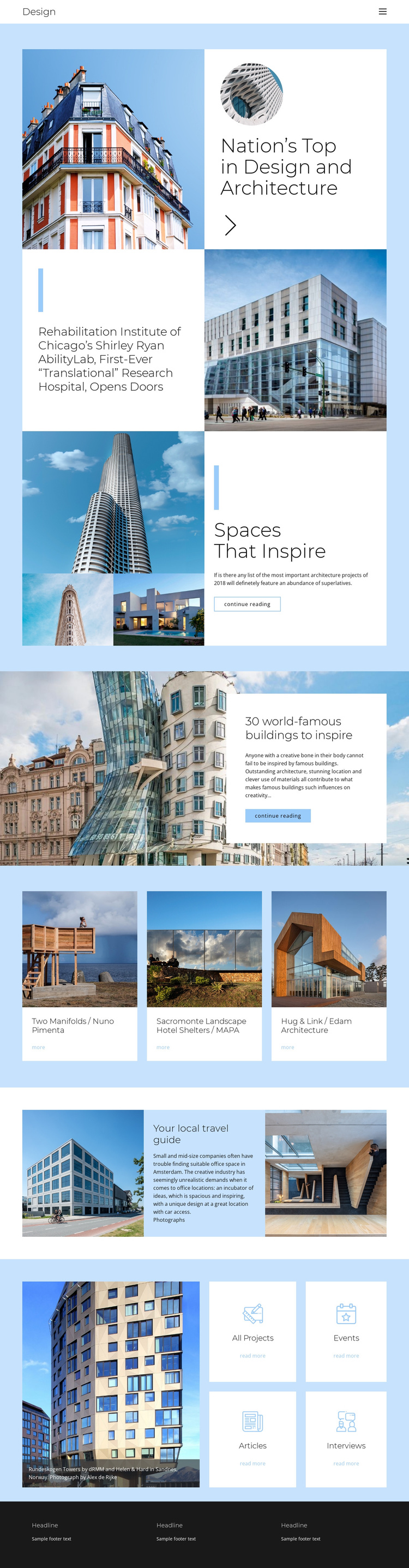
The Design header and its primary navigation establish a shared entry point for the page, while the body separates architecture content into recognizable editorial regions. The Shirley Ryan AbilityLab feature can stand as a substantial project story, with its headline paired directly with a large building photograph. Spaces That Inspire and the article about world-famous buildings create additional reading areas, so the page is not limited to a single project presentation.
The three-card gallery provides a different kind of content grouping. Two Manifolds by Nuno Pimenta, Sacromonte Landscape Hotel Shelters by MAPA, and Hug & Link by Edam Architecture are presented as repeated project references, which gives a structured site room for recurring architecture entries without changing the visual pattern. The category tile section adds four further routes: All Projects, Events, Articles, and Interviews. These labels divide the broader subject into practical content areas, while the Your local travel guide section connects exterior and interior imagery with location-oriented editorial material. In a Joomla project, this arrangement offers clear regions for navigation, project information, articles, and event-oriented content. The dark three-column footer provides a consistent shared area for supporting site information, keeping the page regions connected rather than visually isolated.
Customize with Nicepage
Open this ready-made template in the Joomla Page Builder and customize it visually in the Nicepage editor. Replace demo content, edit page sections, and adapt the design to your project without rebuilding the template from scratch.
Work With This Template in Joomla
Customize and Install the Joomla Template
Start with this ready-made template instead of building the Joomla design from scratch. Customize its layout, content, typography, images, sections, and other design elements visually in the Nicepage application, then export and install the Joomla Template, Nicepage Extension, and supported content on your Joomla website.
Edit the Template Directly in Joomla
After installation, you can edit the Joomla Template directly in Joomla with the Nicepage Joomla Extension. Customize the Header, Footer, Colors, Fonts, typography, and Page Templates from the Joomla workflow while keeping the site design connected with your CMS content.
Edit Joomla Articles Visually
Use the Nicepage Joomla Extension to open and edit Joomla Articles visually from the Joomla Administrator. Change text, images, sections, layouts, and other page content in the Nicepage editor while continuing to manage the Articles through Joomla.
Joomla Content and Template Integration
Use the customized template together with Joomla Articles, module Positions, menus, forms, Blog Pages, and other supported CMS elements. With the Nicepage Extension used as the Site Style Source, shared design settings can be applied across Joomla Articles while Joomla continues to provide the CMS environment for managing site content.
This workflow combines a ready-made Joomla Template with visual customization, direct template editing in Joomla, and continued content management through the Nicepage Joomla Extension.