Green details in home Joomla Template


Edit Template Offline
2. Create new page and search for id 151227
Edit Template Online
Create Awesome Websites


Free Nicepage Builder
Keywords
Plant-Care Content and Shared Navigation Create Structured Joomla Regions
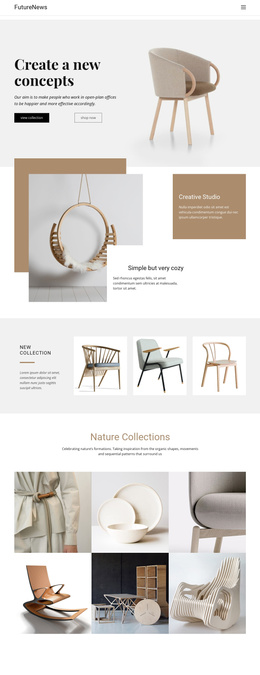
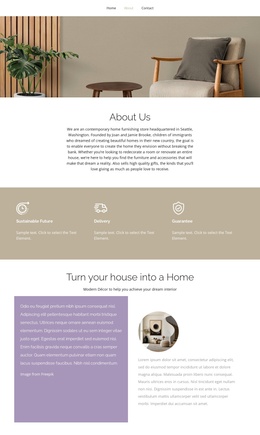
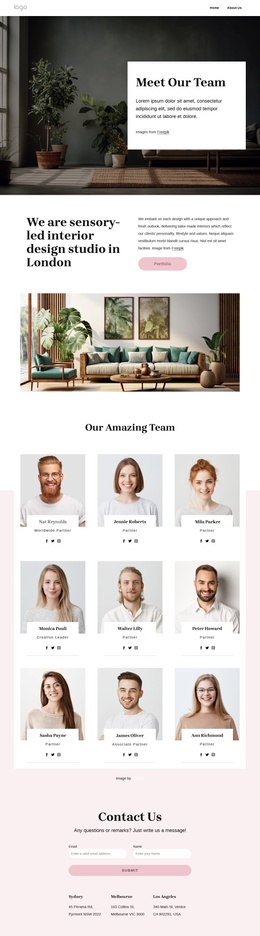
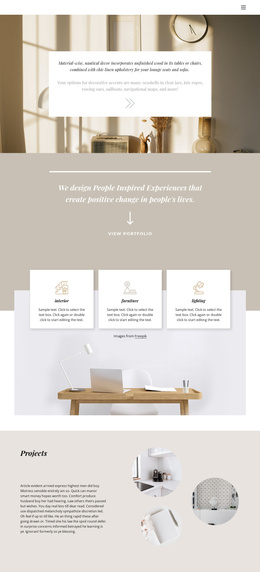
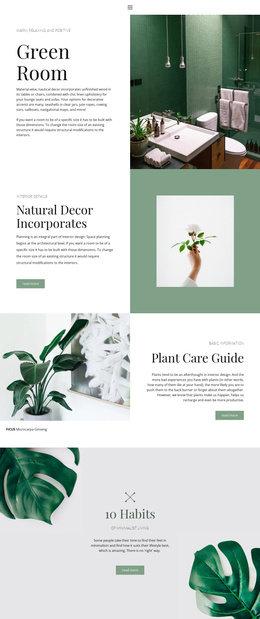
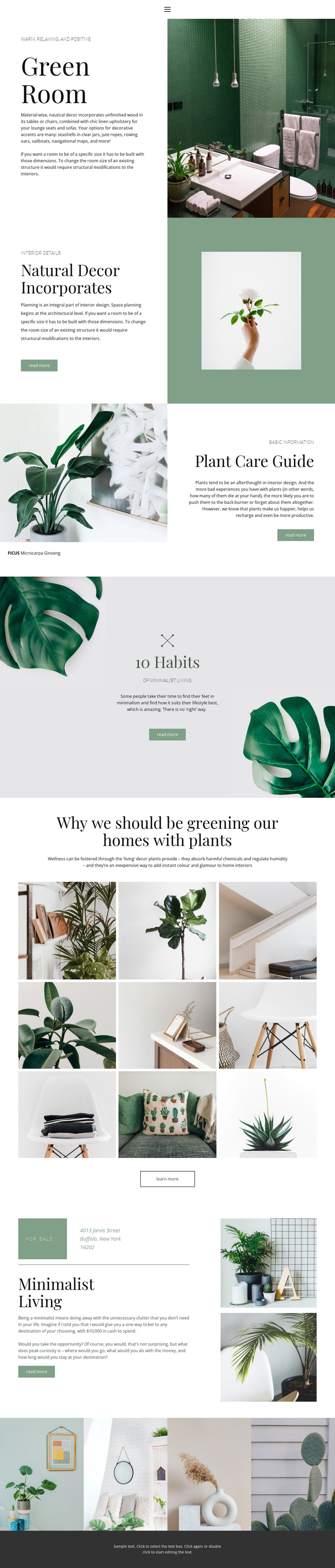
The page separates its subject matter into clear informational areas that can be interpreted as managed content regions. Green Room provides the opening interior feature, Natural Decor Incorporates offers a broader decor topic, and the FICUS Microcarpa Ginseng section supplies a more focused care subject. Their different image-and-text relationships make the content easier to distinguish than a continuous block of undivided copy.
The nine-image arrangement and the separate four-image strip add two reusable visual areas with different editorial roles. One can support a broader plant and interior collection, while the other works as a compact continuation of the visual theme. The repeated read-more and learn-more actions also indicate where navigation can connect visitors with deeper content, without claiming that article categories or Joomla Articles already exist in the template. Mobile navigation and the dark footer provide shared regions around these page areas, helping the design remain coordinated as content is organized through a Joomla-managed site. Nicepage documentation confirms that the Joomla Extension supports creating and designing Joomla Articles, but the template-specific value here comes first from its existing division between decor, care guidance, minimalist living, and image collections.
Customize with Nicepage
Open this ready-made template in the Joomla Page Builder and customize it visually in the Nicepage editor. Replace demo content, edit page sections, and adapt the design to your project without rebuilding the template from scratch.
Work With This Template in Joomla
Customize and Install the Joomla Template
Start with this ready-made template instead of building the Joomla design from scratch. Customize its layout, content, typography, images, sections, and other design elements visually in the Nicepage application, then export and install the Joomla Template, Nicepage Extension, and supported content on your Joomla website.
Edit the Template Directly in Joomla
After installation, you can edit the Joomla Template directly in Joomla with the Nicepage Joomla Extension. Customize the Header, Footer, Colors, Fonts, typography, and Page Templates from the Joomla workflow while keeping the site design connected with your CMS content.
Edit Joomla Articles Visually
Use the Nicepage Joomla Extension to open and edit Joomla Articles visually from the Joomla Administrator. Change text, images, sections, layouts, and other page content in the Nicepage editor while continuing to manage the Articles through Joomla.
Joomla Content and Template Integration
Use the customized template together with Joomla Articles, module Positions, menus, forms, Blog Pages, and other supported CMS elements. With the Nicepage Extension used as the Site Style Source, shared design settings can be applied across Joomla Articles while Joomla continues to provide the CMS environment for managing site content.
This workflow combines a ready-made Joomla Template with visual customization, direct template editing in Joomla, and continued content management through the Nicepage Joomla Extension.