Gallery with nature photo Joomla Template


Four Structured Image Items Create a Joomla Content Region
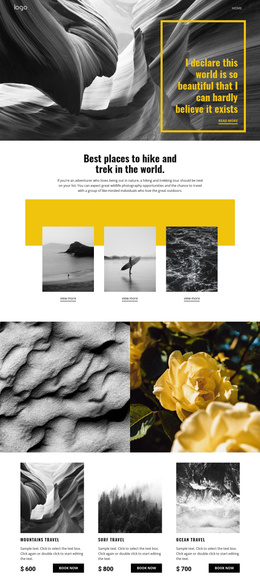
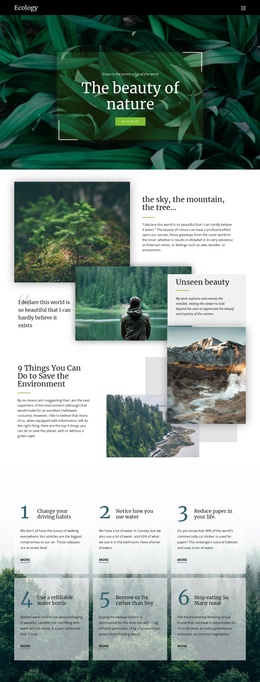
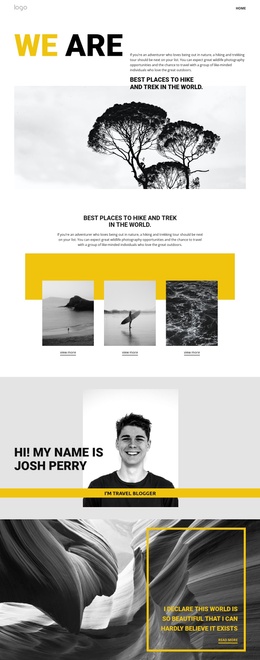
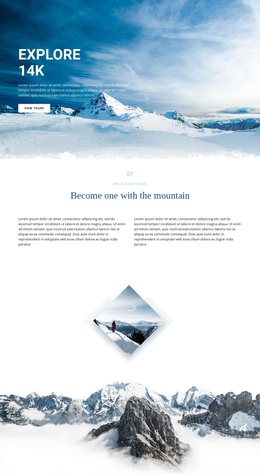
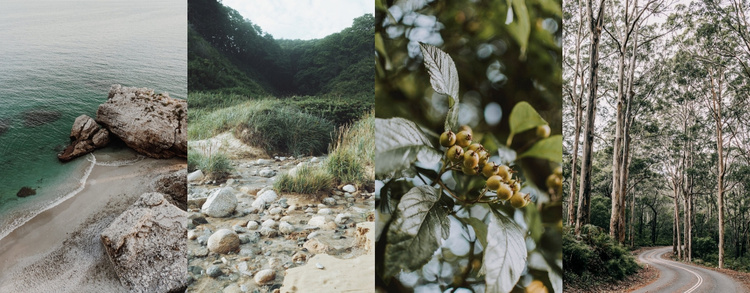
The gallery’s four photographs create a clearly bounded information area even though the block does not use a heading or visible captions. A coastal shoreline, rocky stream, leafy plant, and wooded road appear as separate image items, while the equal-height vertical panels keep them connected as one visual group. In a Joomla-managed page, this kind of stable image region can support article-like or topic-based content without requiring the gallery itself to carry the broader site structure.
The hover overlay belongs to each individual item and contains no visible caption text, so it functions as a visual response rather than a separate editorial field. Lightbox viewing adds depth to the content model: visitors can first scan all four scenes in the row and then inspect a selected photograph more closely. The block therefore works well as a reusable visual region alongside surrounding text or related content.
Its CMS-oriented value comes from the clarity of the section boundary. The four-image collection can remain a recognizable gallery area while other Joomla-managed content changes around it. The consistent row, repeated item pattern, and image-focused interaction preserve the block’s identity when it is placed within different pages or structured content contexts.
Customize with Nicepage
Open this ready-made template in the Joomla Page Builder and customize it visually in the Nicepage editor. Replace demo content, edit page sections, and adapt the design to your project without rebuilding the template from scratch.
Edit Template Offline
2. Create a new page or select existing
3. Click Add new block, search for id 134615 and click enter
Edit Template Online
Create Awesome Websites


Free Nicepage Builder
Keywords
Work With This Template in Joomla
Customize and Install the Joomla Template
Start with this ready-made template instead of building the Joomla design from scratch. Customize its layout, content, typography, images, sections, and other design elements visually in the Nicepage application, then export and install the Joomla Template, Nicepage Extension, and supported content on your Joomla website.
Edit the Template Directly in Joomla
After installation, you can edit the Joomla Template directly in Joomla with the Nicepage Joomla Extension. Customize the Header, Footer, Colors, Fonts, typography, and Page Templates from the Joomla workflow while keeping the site design connected with your CMS content.
Edit Joomla Articles Visually
Use the Nicepage Joomla Extension to open and edit Joomla Articles visually from the Joomla Administrator. Change text, images, sections, layouts, and other page content in the Nicepage editor while continuing to manage the Articles through Joomla.
Joomla Content and Template Integration
Use the customized template together with Joomla Articles, module Positions, menus, forms, Blog Pages, and other supported CMS elements. With the Nicepage Extension used as the Site Style Source, shared design settings can be applied across Joomla Articles while Joomla continues to provide the CMS environment for managing site content.
This workflow combines a ready-made Joomla Template with visual customization, direct template editing in Joomla, and continued content management through the Nicepage Joomla Extension.