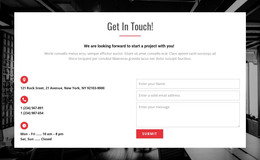
Contact and information WordPress Theme


A Clear About Section for Stable WordPress Page Content
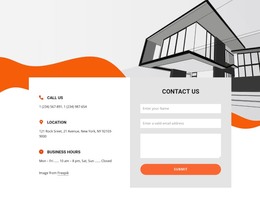
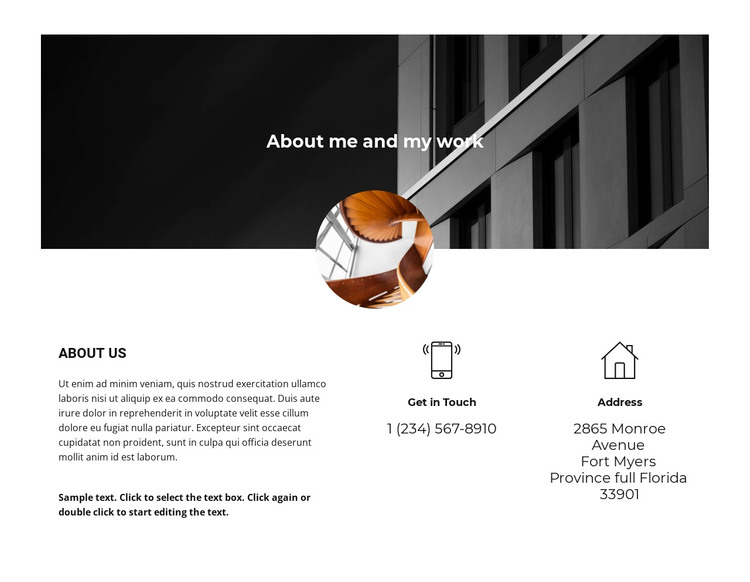
The banner gives the section a strong introduction through the heading “About me and my work,” while the overlapping circular image adds a recognizable visual marker above the content row. Underneath, the “About Us” column provides a stable area for explanatory copy about the person or work. The adjacent “Get in Touch” and “Address” columns then turn the same section toward practical contact information.
This arrangement suits page-oriented content because the about message and contact details are presented as durable information rather than a sequence of changing items. The two contact-detail columns remain separate, supported by simple icons and centered alignment, so a visitor can identify phone and address information quickly. The spacious three-column layout also prevents the longer about text from competing directly with the shorter contact details.
In a WordPress-managed project, the block can participate as a reusable section on an appropriate page while the wider site handles other content around it. The architectural banner and grayscale treatment can support a professional presentation, and the warm image accent adds contrast without changing the block’s content role. This section therefore works as focused page content within a broader WordPress design, not as a complete theme or standalone site.
Customize with Nicepage
Open this ready-made template in the WordPress Website Builder and customize it visually in the Nicepage editor. Replace demo content, edit page sections, and adapt the design to your project without rebuilding the template from scratch.
Edit Template Offline
2. Create a new page or select existing
3. Click Add new block, search for id 805734 and click enter
Edit Template Online
Create Awesome Websites


Free Nicepage Builder
Keywords
Manage and Edit This Theme in WordPress
Customize and Install the WordPress Theme
Start with this ready-made theme instead of building the WordPress design from scratch. Customize its layout, content, typography, images, sections, and other design elements visually in Nicepage editor, then export and install the WordPress Theme, Plugin, and Pages on your WordPress site. The Nicepage WordPress Plugin lets you continue working with the site after installation.
Edit the Theme Directly in WordPress
After installation, you can edit the WordPress Theme directly in WordPress with the Nicepage WordPress Plugin. Use Site Style to customize site Colors, Fonts, Header, Footer, Blog, and Post Page Templates while working within your WordPress website.
Edit WordPress Pages Visually
Use the Nicepage WordPress Plugin to edit page content directly from the WordPress admin area. Open a WordPress Page with Nicepage and visually change its text, images, sections, and other page elements while continuing to manage the Page through WordPress.
WordPress Content and Theme Integration
Use the customized theme with WordPress Pages, Posts, Blog and Post Templates, menus, widgets, and other CMS-managed content. Shared theme elements such as Colors, Fonts, Header, Footer, Blog, and Post Page Templates can be managed as part of the overall site design, while WordPress provides the CMS environment for managing site content.
This workflow combines a ready-made WordPress Theme with visual customization, direct theme editing in WordPress, and continued content management through the Nicepage WordPress Plugin.