SEO marketing agency WordPress Theme


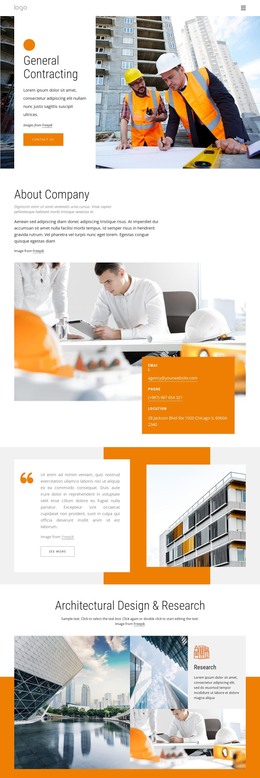
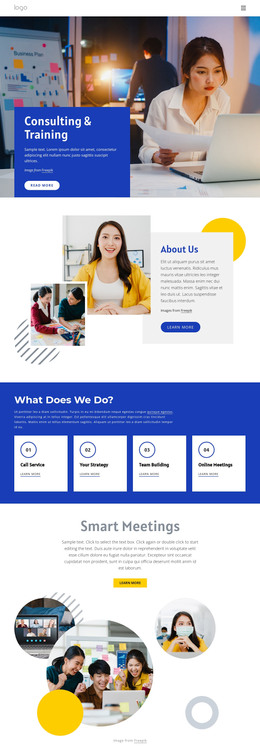
Research capabilities form durable page content around a visual service area
The heading “Research” gives this block a durable page-content role, while the supporting paragraph supplies room for a concise explanation that can remain alongside the service information. The four capability items—brand equity audit, audience analysis, competitive review, and strategic direction—are more specific than a general statement about consulting. Their placement in an orange panel creates a separate content group that can be read quickly within a WordPress-managed page. The Learn More button adds a clear route to related information without making the section responsible for the entire visitor journey.
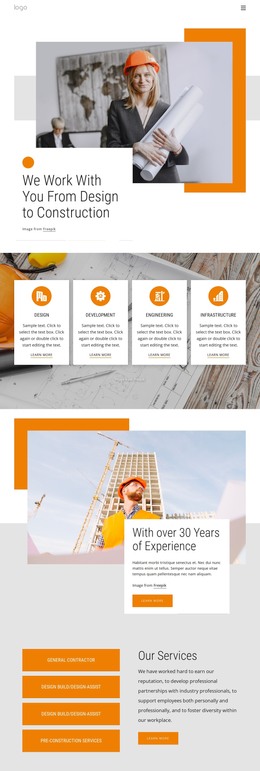
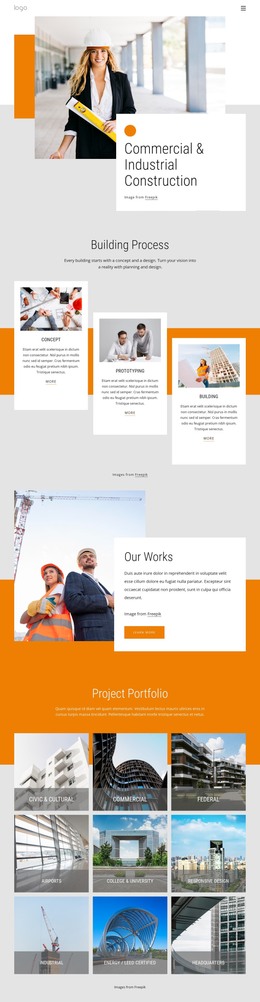
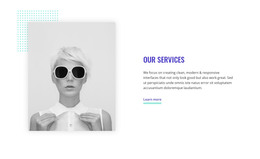
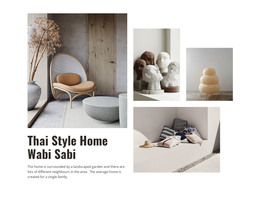
The imagery shapes how that content is encountered. A large photograph dominates the left side, and two smaller supporting images accompany the right-side text and service areas. This asymmetrical relationship gives the section a strong visual identity while keeping the written material organized into a heading, paragraph, action, and capability list. The static interaction means the content is presented directly rather than depending on a carousel or expandable control.
In a WordPress-oriented project, the block can serve as a stable services section on a page while the broader site manages other content around it. It may sit beside case-study, team, contact, or editorial areas, but it should retain its own research focus. The value here is publishable, reusable page content with a clear visual pattern: one strategic subject, four capability points, supporting photography, and a modest path toward more detail.
Customize with Nicepage
Open this ready-made template in the WordPress Website Builder and customize it visually in the Nicepage editor. Replace demo content, edit page sections, and adapt the design to your project without rebuilding the template from scratch.
Edit Template Offline
2. Create a new page or select existing
3. Click Add new block, search for id 695208 and click enter
Edit Template Online
Create Awesome Websites


Free Nicepage Builder
Keywords
Use This Block in a WordPress-Managed Website
Keep the Block as Page Content
Use the block as one content/layout section inside a WordPress-oriented site rather than treating the Block ID as a complete WordPress Theme. Its verified text, images, repeated items, forms, galleries, or other elements can remain part of permanent page content while WordPress manages the wider site.
Work With Nicepage and WordPress
A Nicepage WordPress project can be installed using the WordPress Theme, Plugin, and Pages workflow. After installation, the same visual section can participate in WordPress-managed pages as part of the broader theme/site structure.
Continue Editing in WordPress
Nicepage supports editing the WordPress Theme directly in WordPress. Use WordPress Pages, Posts, Blog structures, and other CMS concepts only when they are relevant to the surrounding project; their existence must not be inferred from the analyzed block alone.
This workflow keeps the block's verified section function separate from the WordPress theme architecture while allowing it to participate in a CMS-managed website.