Adventure logo on image WordPress Theme


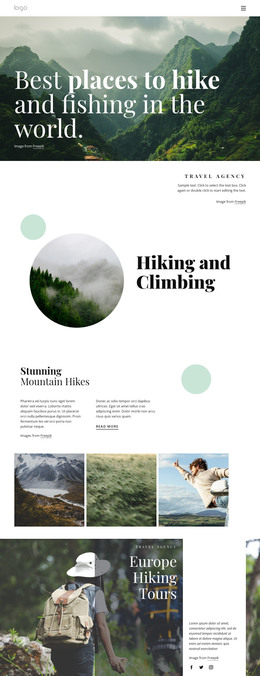
The Emblem Turns Scenic Imagery Into Stable Page Content
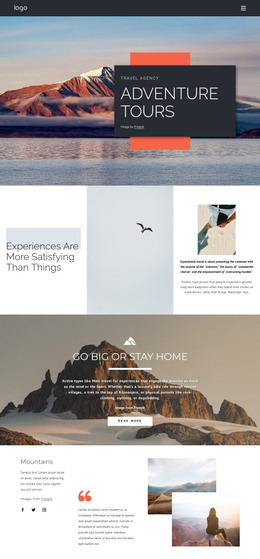
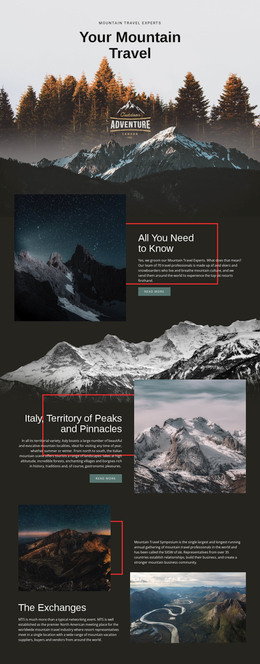
The photograph gives the section a clear subject: a mountain landscape with an off-road vehicle positioned in the foreground. The centered circular emblem then turns that atmosphere into named page content through the word “ADVENTURE,” while its mountain and bird imagery reinforces the same outdoor direction. The pale sky provides contrast for the black-and-cream mark, and the absence of visible buttons or controls keeps the section focused on introduction rather than an immediate task.
For a WordPress-oriented interpretation, this makes the block suitable as a stable visual region within a travel page managed alongside other site content. It can introduce a subject before text-heavy descriptions, destination information, galleries, or inquiry areas appear elsewhere. The block itself remains one section; WordPress can provide the wider publishing environment without changing the photograph, emblem, or internal relationship that gives this design its identity.
The section is especially useful when permanent page content needs a strong visual entry point rather than a list of changing items. Its title is concise, its image carries the setting, and its centered mark creates a recognizable focal point. A broader WordPress project can place this reusable section beside other content areas while maintaining a consistent adventure direction through related imagery or typography. The result is a page-ready content region, not a standalone theme or complete site.
Customize with Nicepage
Open this ready-made template in the WordPress Website Builder and customize it visually in the Nicepage editor. Replace demo content, edit page sections, and adapt the design to your project without rebuilding the template from scratch.
Edit Template Offline
2. Create a new page or select existing
3. Click Add new block, search for id 65843 and click enter
Edit Template Online
Create Awesome Websites


Free Nicepage Builder
Keywords
Manage and Edit This Theme in WordPress
Customize and Install the WordPress Theme
Start with this ready-made theme instead of building the WordPress design from scratch. Customize its layout, content, typography, images, sections, and other design elements visually in Nicepage editor, then export and install the WordPress Theme, Plugin, and Pages on your WordPress site. The Nicepage WordPress Plugin lets you continue working with the site after installation.
Edit the Theme Directly in WordPress
After installation, you can edit the WordPress Theme directly in WordPress with the Nicepage WordPress Plugin. Use Site Style to customize site Colors, Fonts, Header, Footer, Blog, and Post Page Templates while working within your WordPress website.
Edit WordPress Pages Visually
Use the Nicepage WordPress Plugin to edit page content directly from the WordPress admin area. Open a WordPress Page with Nicepage and visually change its text, images, sections, and other page elements while continuing to manage the Page through WordPress.
WordPress Content and Theme Integration
Use the customized theme with WordPress Pages, Posts, Blog and Post Templates, menus, widgets, and other CMS-managed content. Shared theme elements such as Colors, Fonts, Header, Footer, Blog, and Post Page Templates can be managed as part of the overall site design, while WordPress provides the CMS environment for managing site content.
This workflow combines a ready-made WordPress Theme with visual customization, direct theme editing in WordPress, and continued content management through the Nicepage WordPress Plugin.