We create experiences that people love WordPress Theme


Permanent Capability Content With a Clear Visual Boundary
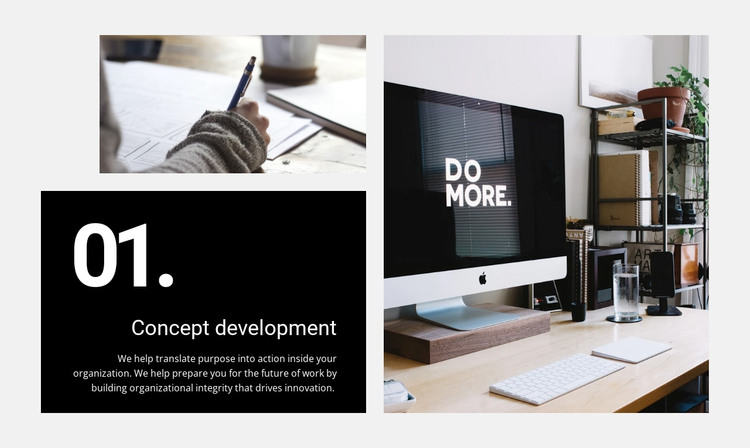
The “Concept development” heading and numbered “01.” label make this block read as a defined capability area that can remain part of permanent page content. Its supporting copy is not a generic slogan: it describes translating purpose into action, preparing for the future of work, and building organizational integrity that supports innovation. In a WordPress-oriented project, that combination can anchor a services or capabilities section while other content areas provide the surrounding narrative.
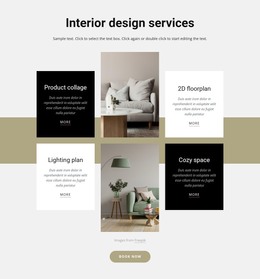
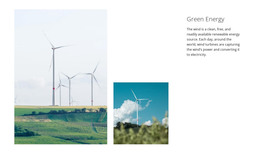
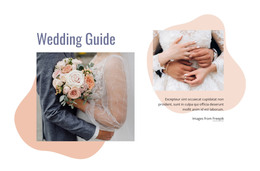
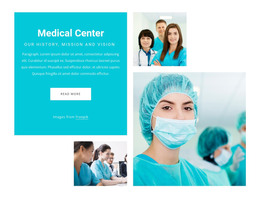
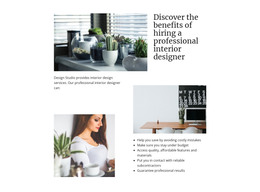
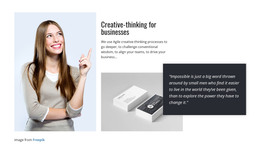
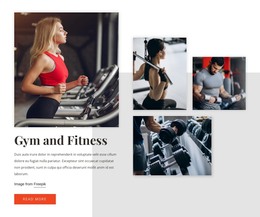
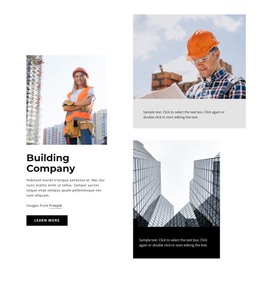
The layout gives the message a distinct visual container. The left side is split into two stacked tiles, placing a workplace image above a black text tile with white type. A tall workplace image occupies the right, creating an asymmetrical arrangement that keeps the written service explanation prominent without removing the photographic context. The light gray surrounding background and rectangular geometry allow the section to sit beside other page content while preserving its own visual identity. Its static behavior also makes the content immediately available without depending on a click or slide.
As one WordPress-managed page section, the block can support a stable consulting or organizational-services page. The wider project may add related capabilities, editorial content, or contact areas around it, while this section retains its numbered service role and image-to-text relationship.
Customize with Nicepage
Open this ready-made template in the WordPress Website Builder and customize it visually in the Nicepage editor. Replace demo content, edit page sections, and adapt the design to your project without rebuilding the template from scratch.
Edit Template Offline
2. Create a new page or select existing
3. Click Add new block, search for id 60366 and click enter
Edit Template Online
Create Awesome Websites


Free Nicepage Builder
Keywords
Manage and Edit This Theme in WordPress
Customize and Install the WordPress Theme
Start with this ready-made theme instead of building the WordPress design from scratch. Customize its layout, content, typography, images, sections, and other design elements visually in Nicepage editor, then export and install the WordPress Theme, Plugin, and Pages on your WordPress site. The Nicepage WordPress Plugin lets you continue working with the site after installation.
Edit the Theme Directly in WordPress
After installation, you can edit the WordPress Theme directly in WordPress with the Nicepage WordPress Plugin. Use Site Style to customize site Colors, Fonts, Header, Footer, Blog, and Post Page Templates while working within your WordPress website.
Edit WordPress Pages Visually
Use the Nicepage WordPress Plugin to edit page content directly from the WordPress admin area. Open a WordPress Page with Nicepage and visually change its text, images, sections, and other page elements while continuing to manage the Page through WordPress.
WordPress Content and Theme Integration
Use the customized theme with WordPress Pages, Posts, Blog and Post Templates, menus, widgets, and other CMS-managed content. Shared theme elements such as Colors, Fonts, Header, Footer, Blog, and Post Page Templates can be managed as part of the overall site design, while WordPress provides the CMS environment for managing site content.
This workflow combines a ready-made WordPress Theme with visual customization, direct theme editing in WordPress, and continued content management through the Nicepage WordPress Plugin.