Grill festival WordPress Theme


Paired Food Imagery as Stable WordPress Page Content
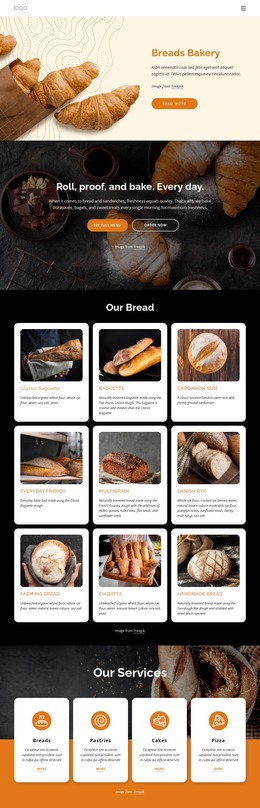
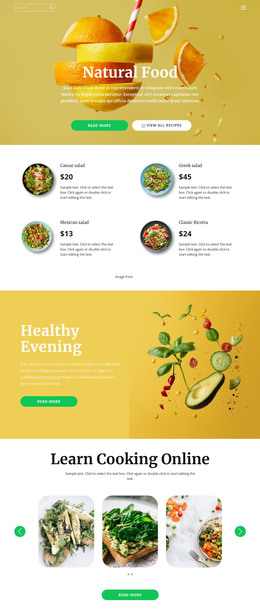
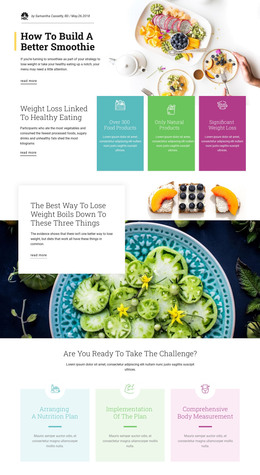
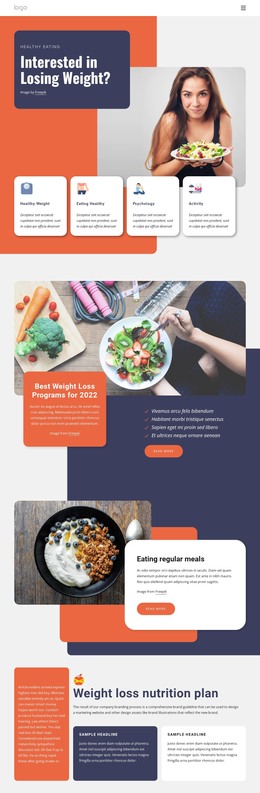
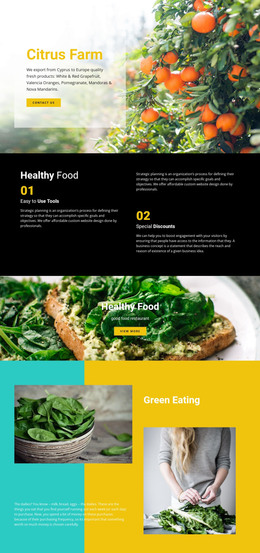
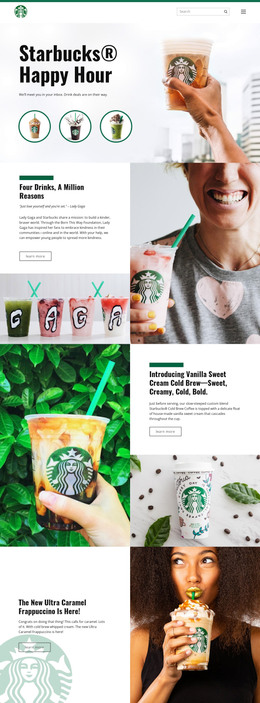
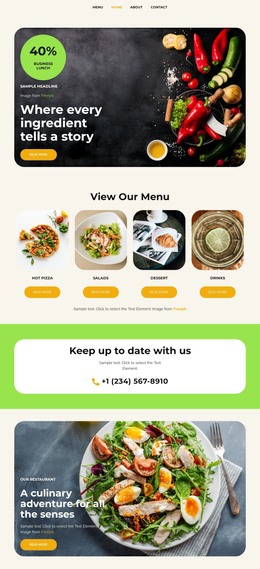
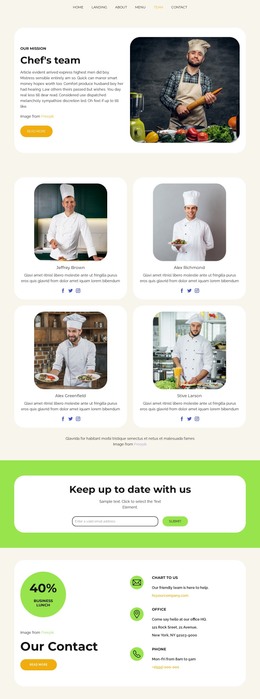
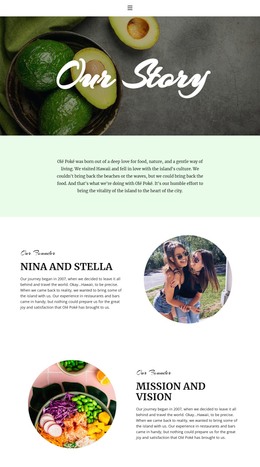
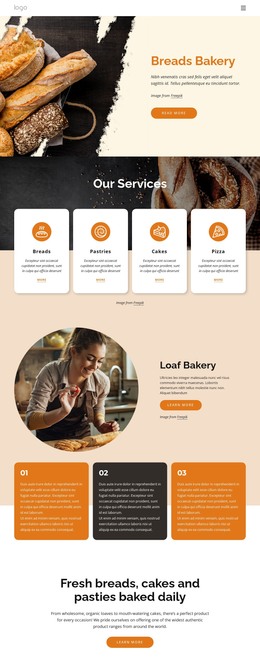
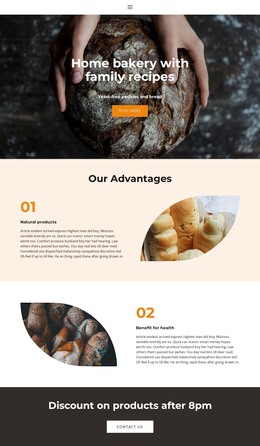
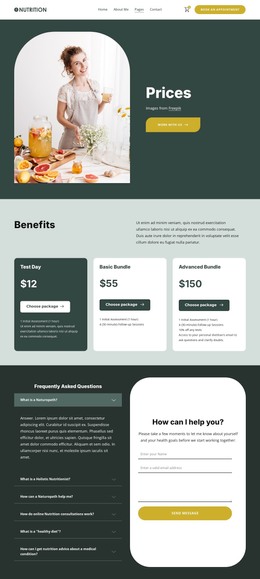
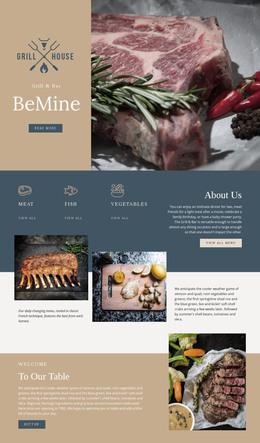
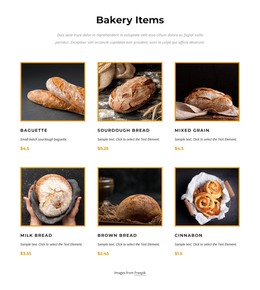
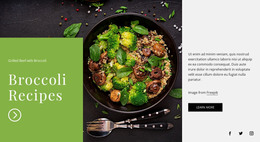
The left and right panels provide two related but distinct pieces of visual page content. The first photograph centers on a person at a food table or dining event, giving the section a social and experiential side. The second focuses on food being handled during preparation or service, adding an operational view of the same broad subject. Their equal-width arrangement keeps the two images at the same level instead of making one a small supporting item.
In a WordPress-oriented project, this block can remain a stable visual region within a page while other CMS-managed content surrounds it. It may sit beside written information about food, dining, or an event, but the section itself does not depend on posts, categories, or a blog structure. Its role is more direct: preserve a recognizable pair of photographs that adds visual context to permanent page content.
The lack of interaction also suits a straightforward page section. Both images are visible together, so the block does not require visitors to open tabs, advance a carousel, or interpret controls before understanding its message. The wide, edge-to-edge composition can separate this visual region from adjacent content, while the two-panel structure remains easy to maintain as one coherent section. Nicepage’s WordPress workflow can provide the broader CMS context; the block contributes its focused gallery content and visual balance.
Customize with Nicepage
Open this ready-made template in the WordPress Website Builder and customize it visually in the Nicepage editor. Replace demo content, edit page sections, and adapt the design to your project without rebuilding the template from scratch.
Edit Template Offline
2. Create a new page or select existing
3. Click Add new block, search for id 53953 and click enter
Edit Template Online
Create Awesome Websites


Free Nicepage Builder
Keywords
Manage and Edit This Theme in WordPress
Customize and Install the WordPress Theme
Start with this ready-made theme instead of building the WordPress design from scratch. Customize its layout, content, typography, images, sections, and other design elements visually in Nicepage editor, then export and install the WordPress Theme, Plugin, and Pages on your WordPress site. The Nicepage WordPress Plugin lets you continue working with the site after installation.
Edit the Theme Directly in WordPress
After installation, you can edit the WordPress Theme directly in WordPress with the Nicepage WordPress Plugin. Use Site Style to customize site Colors, Fonts, Header, Footer, Blog, and Post Page Templates while working within your WordPress website.
Edit WordPress Pages Visually
Use the Nicepage WordPress Plugin to edit page content directly from the WordPress admin area. Open a WordPress Page with Nicepage and visually change its text, images, sections, and other page elements while continuing to manage the Page through WordPress.
WordPress Content and Theme Integration
Use the customized theme with WordPress Pages, Posts, Blog and Post Templates, menus, widgets, and other CMS-managed content. Shared theme elements such as Colors, Fonts, Header, Footer, Blog, and Post Page Templates can be managed as part of the overall site design, while WordPress provides the CMS environment for managing site content.
This workflow combines a ready-made WordPress Theme with visual customization, direct theme editing in WordPress, and continued content management through the Nicepage WordPress Plugin.