Reduce marketing costs WordPress Theme


Structured Testimonial Content for a WordPress-Managed Page
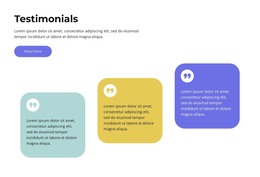
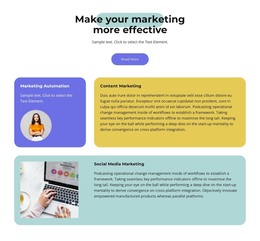
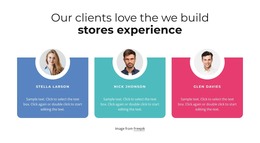
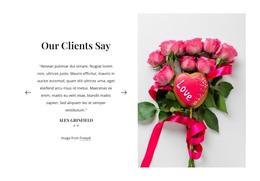
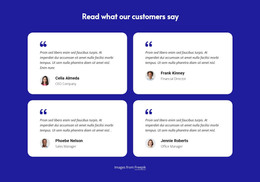
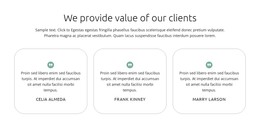
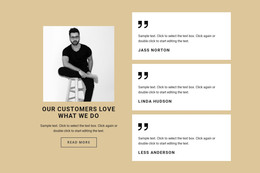
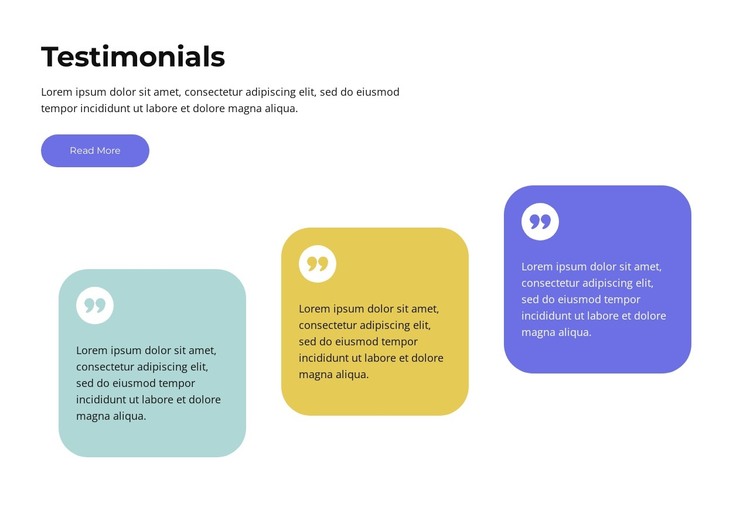
The heading, supporting paragraph, and Read More button create a stable introductory area that can remain associated with testimonial content on a WordPress-managed page. Beneath it, three rounded quote cards provide a repeatable content pattern: each card contains a testimonial paragraph and a circular quote icon. The repeated structure gives the section a clear editorial role without requiring the three items to be treated as separate page areas.
Pastel teal, yellow, and violet fills distinguish the cards, while their shared rounded shape and matching icon treatment preserve visual consistency. The cards are staggered vertically, adding a recognizable arrangement that can help this content area stand apart from neighboring sections. The white background supports the bold dark heading and keeps the colored cards from overwhelming the supporting text. Interaction is static, so the visible arrangement remains the primary way visitors compare the three quote areas.
In a WordPress-oriented project, the section can serve as reusable page content within a wider theme and page structure. The displayed paragraphs are placeholder copy, so the project would supply its own testimonial content and determine how the Read More destination is used. The block contributes the visual and structural presentation of social proof; it does not represent a complete WordPress Theme. Its practical role is a recognizable testimonial region that can sit alongside other CMS-managed page content.
Customize with Nicepage
Open this ready-made template in the WordPress Website Builder and customize it visually in the Nicepage editor. Replace demo content, edit page sections, and adapt the design to your project without rebuilding the template from scratch.
Edit Template Offline
2. Create a new page or select existing
3. Click Add new block, search for id 4334029 and click enter
Edit Template Online
Create Awesome Websites


Free Nicepage Builder
Keywords
Manage and Edit This Theme in WordPress
Customize and Install the WordPress Theme
Start with this ready-made theme instead of building the WordPress design from scratch. Customize its layout, content, typography, images, sections, and other design elements visually in Nicepage editor, then export and install the WordPress Theme, Plugin, and Pages on your WordPress site. The Nicepage WordPress Plugin lets you continue working with the site after installation.
Edit the Theme Directly in WordPress
After installation, you can edit the WordPress Theme directly in WordPress with the Nicepage WordPress Plugin. Use Site Style to customize site Colors, Fonts, Header, Footer, Blog, and Post Page Templates while working within your WordPress website.
Edit WordPress Pages Visually
Use the Nicepage WordPress Plugin to edit page content directly from the WordPress admin area. Open a WordPress Page with Nicepage and visually change its text, images, sections, and other page elements while continuing to manage the Page through WordPress.
WordPress Content and Theme Integration
Use the customized theme with WordPress Pages, Posts, Blog and Post Templates, menus, widgets, and other CMS-managed content. Shared theme elements such as Colors, Fonts, Header, Footer, Blog, and Post Page Templates can be managed as part of the overall site design, while WordPress provides the CMS environment for managing site content.
This workflow combines a ready-made WordPress Theme with visual customization, direct theme editing in WordPress, and continued content management through the Nicepage WordPress Plugin.