Increase traffic WordPress Theme



Edit Template Offline
2. Create new page and search for id 4332768
Edit Template Online
Create Awesome Websites


Free Nicepage Builder
Keywords
Service Cards and Page Areas Suit Managed Marketing Content
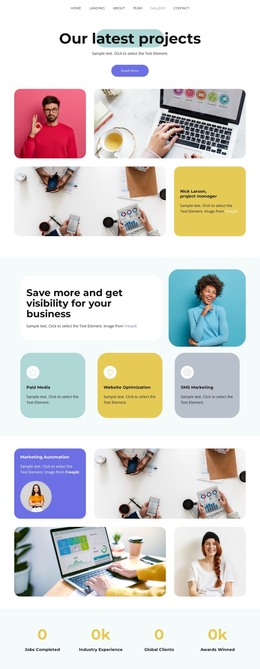
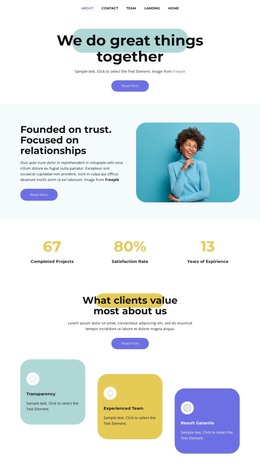
The navigation gives the design a clear set of page-oriented destinations—Home, Landing, About, Team, Gallery, and Contact—while the opening hero provides a focused starting page for search and lead messaging. The repeated logo showcase and four metric items can work as supporting content areas, but the displayed figures should remain treated as template structure rather than verified company achievements. This separation makes the design suitable for organizing permanent information without presenting sample values as published business facts.
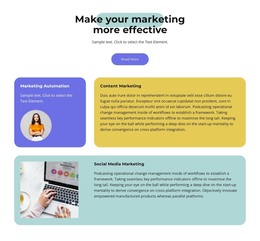
The service cards provide the strongest content grouping. Paid Media, SMS Marketing, and Website Optimization appear in the service introduction, while Marketing Automation, Content Marketing, and Social Media Marketing extend the capability story in a later dark section. In a WordPress-managed project, these distinct areas can inform page content and recurring card-based presentations; the template itself does not prove that WordPress Posts, categories, or a blog already exist.
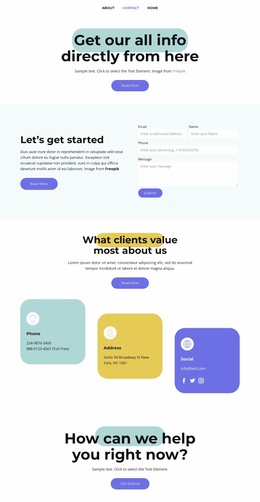
The Business package section adds a more transactional content zone through Monthly and Yearly controls, and the support section gives the site a customer-care subject. The closing success block ends with a Contact action, creating a natural page-level response area. The alternating bright and dark backgrounds, rounded imagery, and repeated cards can keep these different content groups within one recognizable theme direction as the site is developed.
Customize with Nicepage
Open this ready-made template in the WordPress Website Builder and customize it visually in the Nicepage editor. Replace demo content, edit page sections, and adapt the design to your project without rebuilding the template from scratch.
Manage and Edit This Theme in WordPress
Customize and Install the WordPress Theme
Start with this ready-made theme instead of building the WordPress design from scratch. Customize its layout, content, typography, images, sections, and other design elements visually in Nicepage editor, then export and install the WordPress Theme, Plugin, and Pages on your WordPress site. The Nicepage WordPress Plugin lets you continue working with the site after installation.
Edit the Theme Directly in WordPress
After installation, you can edit the WordPress Theme directly in WordPress with the Nicepage WordPress Plugin. Use Site Style to customize site Colors, Fonts, Header, Footer, Blog, and Post Page Templates while working within your WordPress website.
Edit WordPress Pages Visually
Use the Nicepage WordPress Plugin to edit page content directly from the WordPress admin area. Open a WordPress Page with Nicepage and visually change its text, images, sections, and other page elements while continuing to manage the Page through WordPress.
WordPress Content and Theme Integration
Use the customized theme with WordPress Pages, Posts, Blog and Post Templates, menus, widgets, and other CMS-managed content. Shared theme elements such as Colors, Fonts, Header, Footer, Blog, and Post Page Templates can be managed as part of the overall site design, while WordPress provides the CMS environment for managing site content.
This workflow combines a ready-made WordPress Theme with visual customization, direct theme editing in WordPress, and continued content management through the Nicepage WordPress Plugin.