3 images and texts WordPress Theme


Centered Project Evidence Fits Stable WordPress Page Content
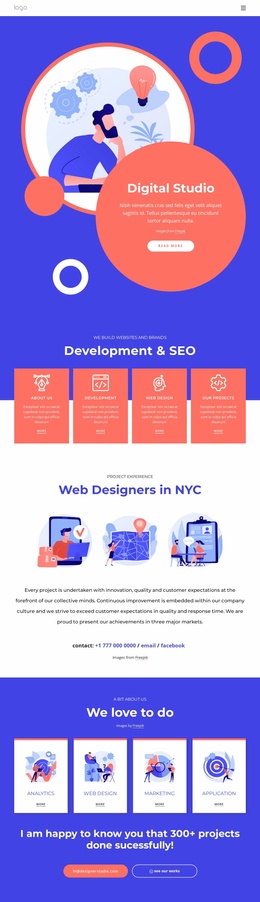
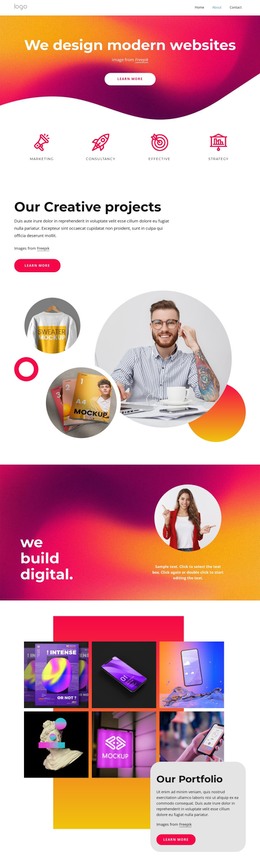
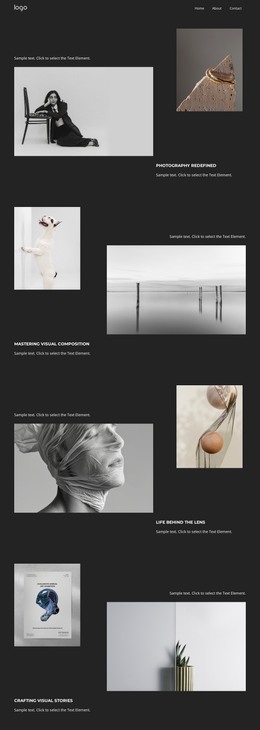
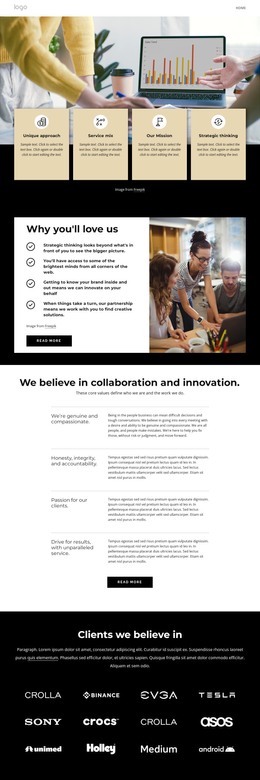
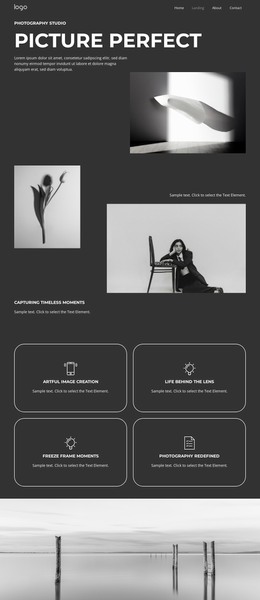
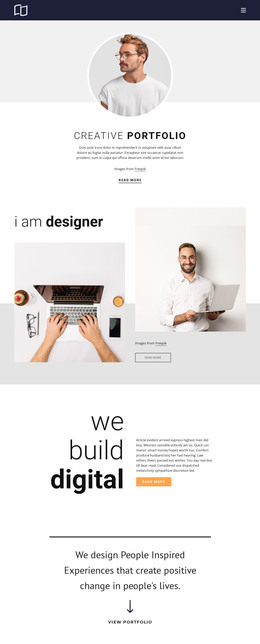
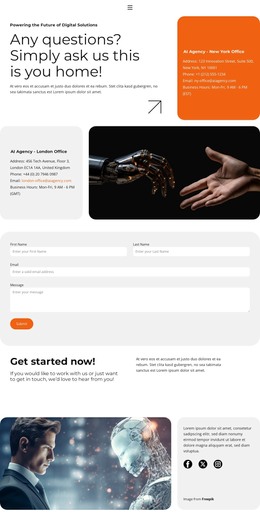
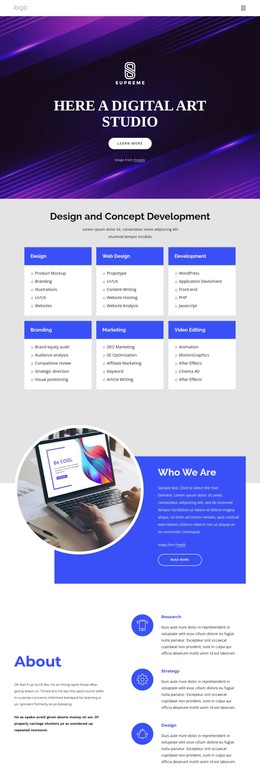
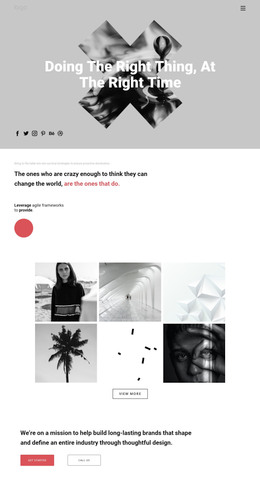
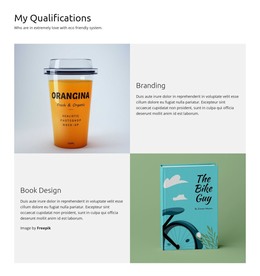
The three-image row gives the section a repeatable visual pattern for presenting representative project experience. Above it, “Project Experience” and “Web Designers in NYC” establish a concise content label and main heading; below it, the paragraph explains achievements in three major markets. This sequence suits stable page-oriented content because the visual examples and accompanying description can remain together as one portfolio area rather than being treated as separate editorial entries. The centered alignment also preserves the same reading order when the section is placed among other page content.
The contact line changes the role slightly without changing the block’s subject. A phone number, email link, and Facebook link give visitors ways to continue from the experience statement toward communication, while the section itself still functions primarily as project presentation. In a WordPress-managed page, this block can occupy a reusable portfolio or company-experience region, with the broader site providing other page content, navigation, and more detailed project information. Its white background, blue heading treatment, and generous vertical spacing provide a defined visual area that can sit alongside other content sections. The sample contact values should be replaced with the project’s current details, while the established relationship between images, description, and contact links remains useful for the page layout.
Customize with Nicepage
Open this ready-made template in the WordPress Website Builder and customize it visually in the Nicepage editor. Replace demo content, edit page sections, and adapt the design to your project without rebuilding the template from scratch.
Edit Template Offline
2. Create a new page or select existing
3. Click Add new block, search for id 3109106 and click enter
Edit Template Online
Create Awesome Websites


Free Nicepage Builder
Keywords
Manage and Edit This Theme in WordPress
Customize and Install the WordPress Theme
Start with this ready-made theme instead of building the WordPress design from scratch. Customize its layout, content, typography, images, sections, and other design elements visually in Nicepage editor, then export and install the WordPress Theme, Plugin, and Pages on your WordPress site. The Nicepage WordPress Plugin lets you continue working with the site after installation.
Edit the Theme Directly in WordPress
After installation, you can edit the WordPress Theme directly in WordPress with the Nicepage WordPress Plugin. Use Site Style to customize site Colors, Fonts, Header, Footer, Blog, and Post Page Templates while working within your WordPress website.
Edit WordPress Pages Visually
Use the Nicepage WordPress Plugin to edit page content directly from the WordPress admin area. Open a WordPress Page with Nicepage and visually change its text, images, sections, and other page elements while continuing to manage the Page through WordPress.
WordPress Content and Theme Integration
Use the customized theme with WordPress Pages, Posts, Blog and Post Templates, menus, widgets, and other CMS-managed content. Shared theme elements such as Colors, Fonts, Header, Footer, Blog, and Post Page Templates can be managed as part of the overall site design, while WordPress provides the CMS environment for managing site content.
This workflow combines a ready-made WordPress Theme with visual customization, direct theme editing in WordPress, and continued content management through the Nicepage WordPress Plugin.