Full service architecture firm WordPress Theme


Stable Service Content With a Clear Page Role
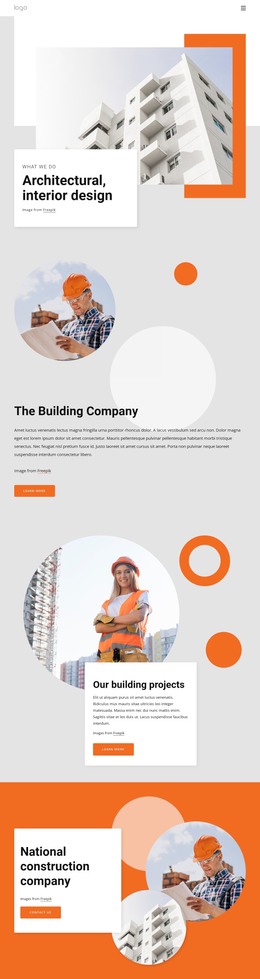
The Full Services heading and five named categories read as durable page content for an architecture or construction practice. Multifamily Residential, Commercial Offices, Restaurants and Retail, Community Spaces, and Historic Renovations describe the service scope in a form that can remain relevant on a stable WordPress-managed page. The grouping also gives visitors a quick overview before they explore more detailed project or company content elsewhere in the site.
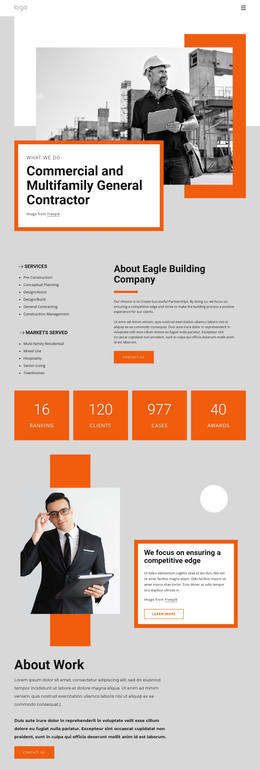
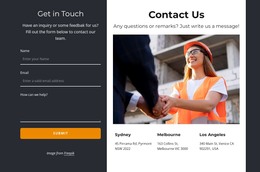
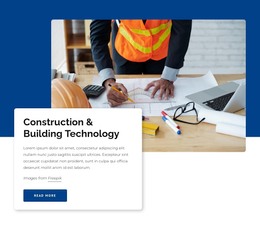
The Book a Call button adds an explicit contact route inside the section, while the large construction-site image supports the subject visually. The photograph shows a worker with a laptop, plans, and hard hat, creating a direct relationship between the service list and construction activity. In a WordPress-oriented project, this region can remain a consistent page section while surrounding content changes or expands through the wider site.
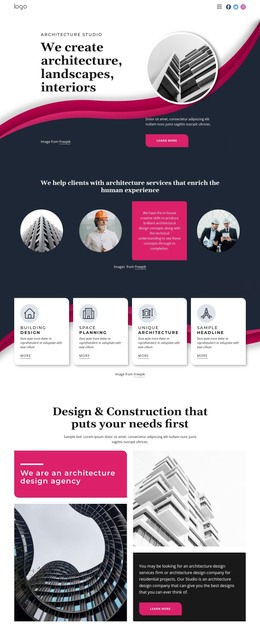
Below the main list, Development, Design projects, and New materials form three parallel content items. Their shared icon, title, and supporting-text structure makes the additional information easy to maintain as a repeated visual pattern. Magenta line-style icons and accents separate the items from the black typography and white background, while generous spacing prevents the row from feeling crowded. The block therefore supplies a stable services area for a WordPress-managed page without becoming a standalone theme or full website.
Customize with Nicepage
Open this ready-made template in the WordPress Website Builder and customize it visually in the Nicepage editor. Replace demo content, edit page sections, and adapt the design to your project without rebuilding the template from scratch.
Edit Template Offline
2. Create a new page or select existing
3. Click Add new block, search for id 3080902 and click enter
Edit Template Online
Create Awesome Websites


Free Nicepage Builder
Keywords
Manage and Edit This Theme in WordPress
Customize and Install the WordPress Theme
Start with this ready-made theme instead of building the WordPress design from scratch. Customize its layout, content, typography, images, sections, and other design elements visually in Nicepage editor, then export and install the WordPress Theme, Plugin, and Pages on your WordPress site. The Nicepage WordPress Plugin lets you continue working with the site after installation.
Edit the Theme Directly in WordPress
After installation, you can edit the WordPress Theme directly in WordPress with the Nicepage WordPress Plugin. Use Site Style to customize site Colors, Fonts, Header, Footer, Blog, and Post Page Templates while working within your WordPress website.
Edit WordPress Pages Visually
Use the Nicepage WordPress Plugin to edit page content directly from the WordPress admin area. Open a WordPress Page with Nicepage and visually change its text, images, sections, and other page elements while continuing to manage the Page through WordPress.
WordPress Content and Theme Integration
Use the customized theme with WordPress Pages, Posts, Blog and Post Templates, menus, widgets, and other CMS-managed content. Shared theme elements such as Colors, Fonts, Header, Footer, Blog, and Post Page Templates can be managed as part of the overall site design, while WordPress provides the CMS environment for managing site content.
This workflow combines a ready-made WordPress Theme with visual customization, direct theme editing in WordPress, and continued content management through the Nicepage WordPress Plugin.