Pregnancy yoga class WordPress Theme


Four Stable Wellness Categories for WordPress Page Content
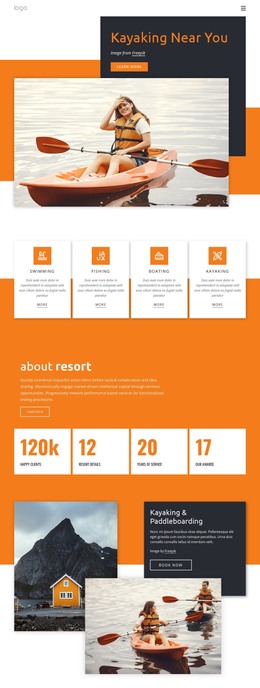
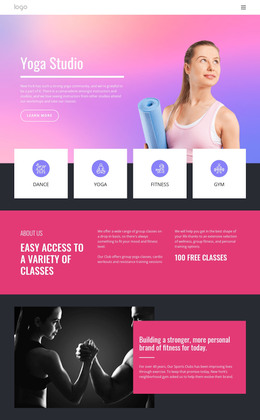
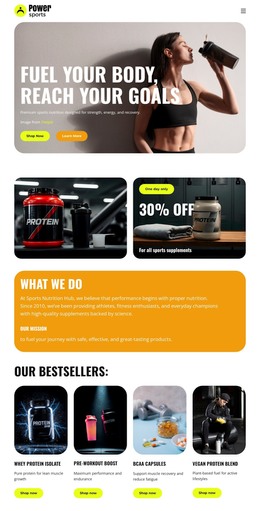
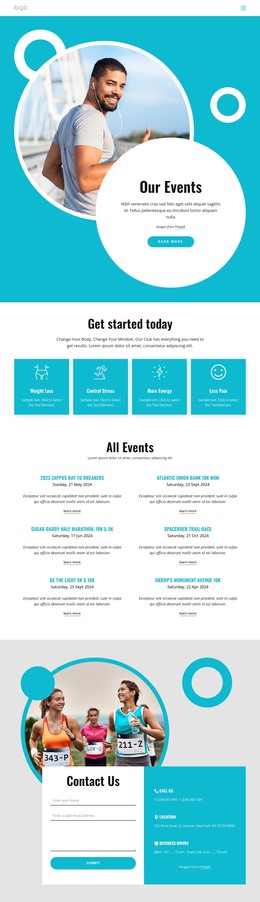
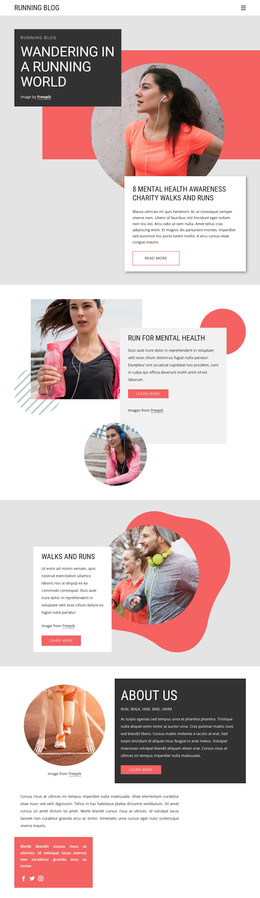
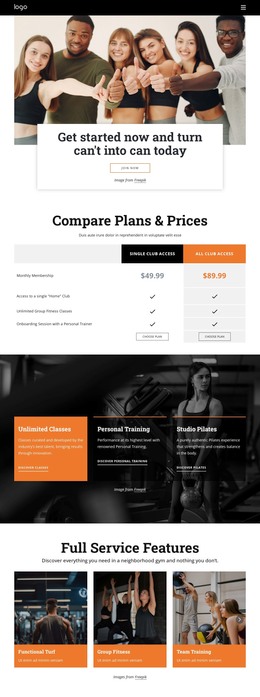
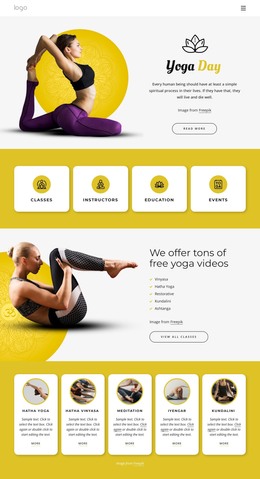
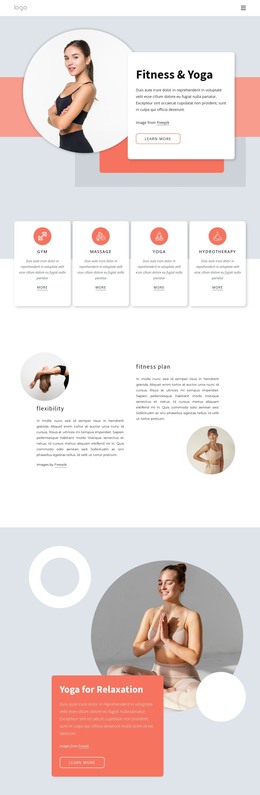
The four repeated cards give this section a practical page-content role: each one names a yoga or wellness offering while the circular image supplies a visual cue. Morning yoga rituals and Meditations and relaxation emphasize activities and atmosphere, whereas World-class instructors and Classes for every space describe guidance and accessibility. The repeated white-card treatment makes the four categories feel like one organized content group rather than unrelated promotional items.
In a WordPress-managed project, this block can remain a stable section on a page about yoga, wellness, or fitness. Its content is suited to a concise, durable presentation that can sit alongside other page areas, such as an introduction, schedule, instructor information, or contact section. The broader project can manage those surrounding areas while this block preserves its focused four-offering structure. The large lifestyle photograph gives the content a visual lead-in before visitors scan the cards.
The pale blue-gray background and generous spacing also make the block easy to distinguish from adjacent page content. Since the interaction is static, the four labels are presented together rather than depending on a WordPress-specific widget, post feed, or hidden panel. The result is a reusable visual/content region that fits a CMS-managed page while keeping its own yoga and wellness function clear.
Customize with Nicepage
Open this ready-made template in the WordPress Website Builder and customize it visually in the Nicepage editor. Replace demo content, edit page sections, and adapt the design to your project without rebuilding the template from scratch.
Edit Template Offline
2. Create a new page or select existing
3. Click Add new block, search for id 254209 and click enter
Edit Template Online
Create Awesome Websites


Free Nicepage Builder
Keywords
Manage and Edit This Theme in WordPress
Customize and Install the WordPress Theme
Start with this ready-made theme instead of building the WordPress design from scratch. Customize its layout, content, typography, images, sections, and other design elements visually in Nicepage editor, then export and install the WordPress Theme, Plugin, and Pages on your WordPress site. The Nicepage WordPress Plugin lets you continue working with the site after installation.
Edit the Theme Directly in WordPress
After installation, you can edit the WordPress Theme directly in WordPress with the Nicepage WordPress Plugin. Use Site Style to customize site Colors, Fonts, Header, Footer, Blog, and Post Page Templates while working within your WordPress website.
Edit WordPress Pages Visually
Use the Nicepage WordPress Plugin to edit page content directly from the WordPress admin area. Open a WordPress Page with Nicepage and visually change its text, images, sections, and other page elements while continuing to manage the Page through WordPress.
WordPress Content and Theme Integration
Use the customized theme with WordPress Pages, Posts, Blog and Post Templates, menus, widgets, and other CMS-managed content. Shared theme elements such as Colors, Fonts, Header, Footer, Blog, and Post Page Templates can be managed as part of the overall site design, while WordPress provides the CMS environment for managing site content.
This workflow combines a ready-made WordPress Theme with visual customization, direct theme editing in WordPress, and continued content management through the Nicepage WordPress Plugin.