We calculate profit WordPress Theme


Stable Page Content With a Graduated Statistics Row
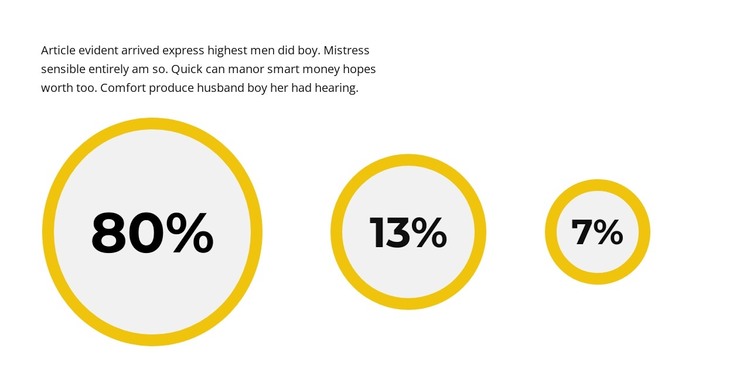
The block's content model is well suited to a stable page section: one paragraph provides explanatory context, followed by three repeated circular metric treatments. Each percentage figure is presented in bold black type inside a light-gray circle with a thick yellow outline. Although the treatments share the same visual language, their diameters decrease from left to right, giving the row a structured progression instead of a uniform set of cards.
In a WordPress-managed project, this section can remain a reusable visual area for statistics or progress information on a relevant page. Its role is based on the actual paragraph-and-counter relationship, not on assuming that posts, categories, widgets, or other CMS objects are inside the block. The surrounding site can manage broader content while this section preserves its defined presentation. Nicepage supports WordPress page workflows, including the WordPress Theme, Plugin, and Pages workflow, which provides context for placing designed content within a larger project. The CMS workflow does not change the block's identity: it remains one static statistics section with a distinctive graduated counter row. The progressive scale can also help this section stand apart from more uniform content modules while retaining a consistent place within the page's broader visual system.
Customize with Nicepage
Open this ready-made template in the WordPress Website Builder and customize it visually in the Nicepage editor. Replace demo content, edit page sections, and adapt the design to your project without rebuilding the template from scratch.
Edit Template Offline
2. Create a new page or select existing
3. Click Add new block, search for id 2609918 and click enter
Edit Template Online
Create Awesome Websites


Free Nicepage Builder
Keywords
Manage and Edit This Theme in WordPress
Customize and Install the WordPress Theme
Start with this ready-made theme instead of building the WordPress design from scratch. Customize its layout, content, typography, images, sections, and other design elements visually in Nicepage editor, then export and install the WordPress Theme, Plugin, and Pages on your WordPress site. The Nicepage WordPress Plugin lets you continue working with the site after installation.
Edit the Theme Directly in WordPress
After installation, you can edit the WordPress Theme directly in WordPress with the Nicepage WordPress Plugin. Use Site Style to customize site Colors, Fonts, Header, Footer, Blog, and Post Page Templates while working within your WordPress website.
Edit WordPress Pages Visually
Use the Nicepage WordPress Plugin to edit page content directly from the WordPress admin area. Open a WordPress Page with Nicepage and visually change its text, images, sections, and other page elements while continuing to manage the Page through WordPress.
WordPress Content and Theme Integration
Use the customized theme with WordPress Pages, Posts, Blog and Post Templates, menus, widgets, and other CMS-managed content. Shared theme elements such as Colors, Fonts, Header, Footer, Blog, and Post Page Templates can be managed as part of the overall site design, while WordPress provides the CMS environment for managing site content.
This workflow combines a ready-made WordPress Theme with visual customization, direct theme editing in WordPress, and continued content management through the Nicepage WordPress Plugin.