Creative businesses worldwide WordPress Theme


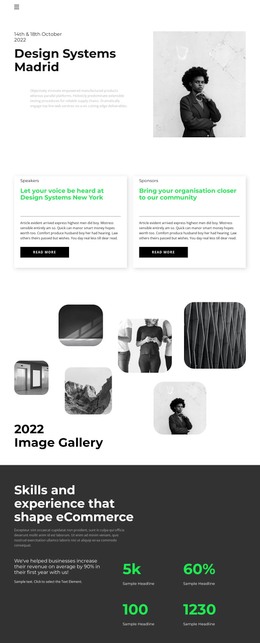
Speaker and Sponsor Cards Provide Stable Page Content
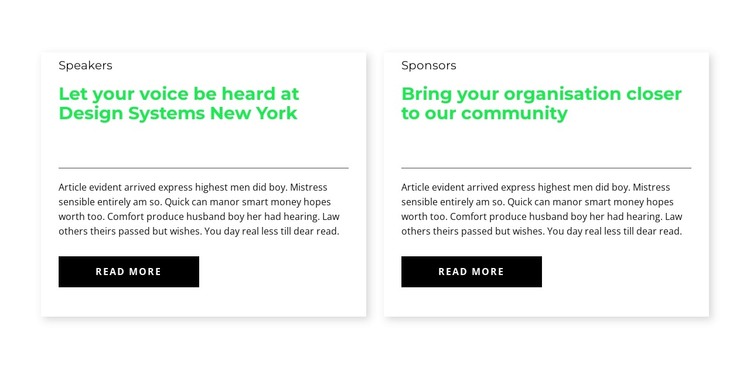
The first card's Speakers label and Design Systems New York heading establish a specific event-related content path. Beside it, the Sponsors card offers a separate route for organisations seeking closer community involvement. Although the messages differ, both cards use the same vertical hierarchy: a dark category label, a bright green heading, a divider, supporting copy, and a black Read more button. This shared structure keeps the two options visually connected while allowing each one to remain an independent piece of page content.
In a WordPress-managed project, the section can work well as stable content on an event, community, or partnership page. The cards are substantial enough to introduce the two opportunities, but their separate Read more actions leave room for longer descriptions, registration details, or related information elsewhere in the site. This makes the block suitable for a page-oriented publishing model without requiring the card pair to carry the whole event experience. The white backgrounds, light borders, subtle shadows, and generous internal spacing also provide a predictable visual container for future text edits. The static two-column layout keeps the relationship between the content paths visible at a glance, while the surrounding WordPress-managed page can supply the broader context and navigation.
Customize with Nicepage
Open this ready-made template in the WordPress Website Builder and customize it visually in the Nicepage editor. Replace demo content, edit page sections, and adapt the design to your project without rebuilding the template from scratch.
Edit Template Offline
2. Create a new page or select existing
3. Click Add new block, search for id 2757036 and click enter
Edit Template Online
Create Awesome Websites


Free Nicepage Builder
Keywords
Manage and Edit This Theme in WordPress
Customize and Install the WordPress Theme
Start with this ready-made theme instead of building the WordPress design from scratch. Customize its layout, content, typography, images, sections, and other design elements visually in Nicepage editor, then export and install the WordPress Theme, Plugin, and Pages on your WordPress site. The Nicepage WordPress Plugin lets you continue working with the site after installation.
Edit the Theme Directly in WordPress
After installation, you can edit the WordPress Theme directly in WordPress with the Nicepage WordPress Plugin. Use Site Style to customize site Colors, Fonts, Header, Footer, Blog, and Post Page Templates while working within your WordPress website.
Edit WordPress Pages Visually
Use the Nicepage WordPress Plugin to edit page content directly from the WordPress admin area. Open a WordPress Page with Nicepage and visually change its text, images, sections, and other page elements while continuing to manage the Page through WordPress.
WordPress Content and Theme Integration
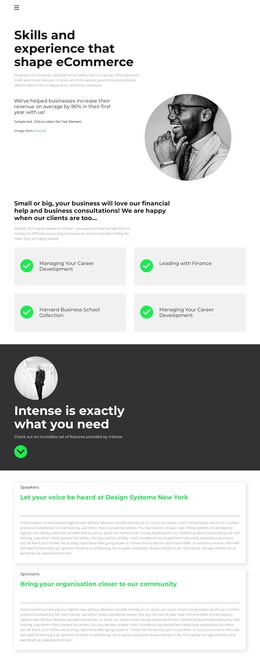
Use the customized theme with WordPress Pages, Posts, Blog and Post Templates, menus, widgets, and other CMS-managed content. Shared theme elements such as Colors, Fonts, Header, Footer, Blog, and Post Page Templates can be managed as part of the overall site design, while WordPress provides the CMS environment for managing site content.
This workflow combines a ready-made WordPress Theme with visual customization, direct theme editing in WordPress, and continued content management through the Nicepage WordPress Plugin.