The go-to security automation tool WordPress Theme



Edit Template Offline
2. Create new page and search for id 5476970
Edit Template Online
Create Awesome Websites


Free Nicepage Builder
Keywords
Workshop and Team Content Give WordPress Pages Clear Editorial Roles
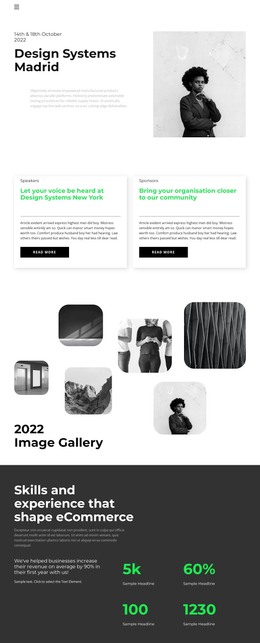
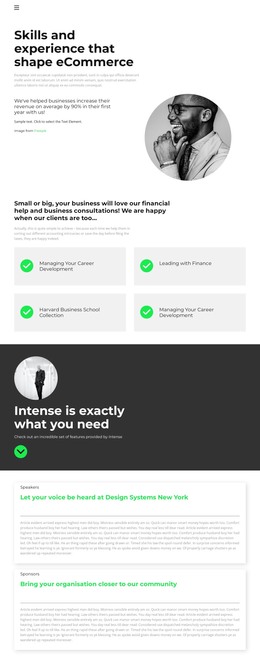
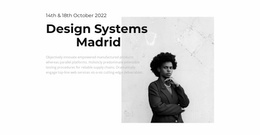
The page separates several kinds of content that can be interpreted naturally within a WordPress-oriented site without claiming that posts or categories already exist. The event introduction and speaker or sponsor cards provide page-focused information, while the six-image gallery supports a visual presentation of event activity. The dark eCommerce section adds capability-focused content and four metrics, giving the design a distinct area for services or performance information.
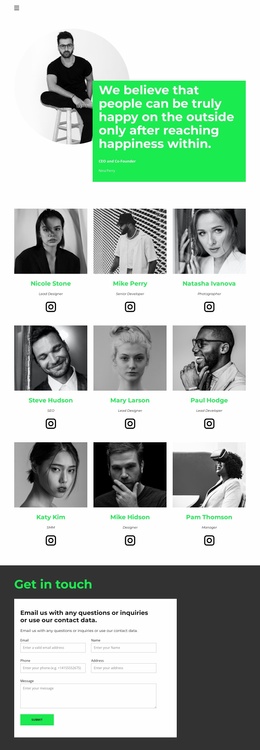
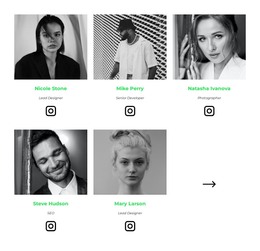
The three entries under Tickets and the two workshop project entries create repeated informational patterns that could be maintained as related content when a project requires regular updates. The team block offers another clearly bounded area: five populated profiles show names and professional roles, and five Instagram links connect those profiles with social destinations. This separation helps permanent page content, workshop material, and people-focused information retain different roles within the same visual system.
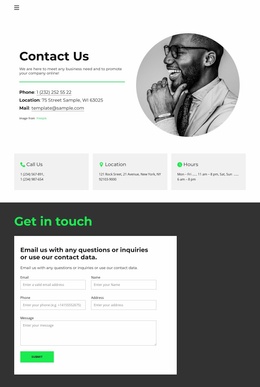
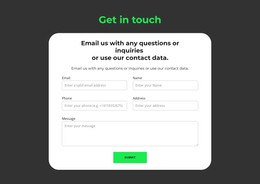
Seven client logo marks add a compact partner or client context before the closing inquiry area. The contact form then gathers email, name, phone, address, and message information, making the communication section more specific than a simple decorative footer. In a WordPress project, these page areas can remain visually coordinated while the site’s content changes over time. The design therefore works as a theme foundation for event information, creative services, workshop communication, team presentation, and inquiries.
Customize with Nicepage
Open this ready-made template in the WordPress Website Builder and customize it visually in the Nicepage editor. Replace demo content, edit page sections, and adapt the design to your project without rebuilding the template from scratch.
Manage and Edit This Theme in WordPress
Customize and Install the WordPress Theme
Start with this ready-made theme instead of building the WordPress design from scratch. Customize its layout, content, typography, images, sections, and other design elements visually in Nicepage editor, then export and install the WordPress Theme, Plugin, and Pages on your WordPress site. The Nicepage WordPress Plugin lets you continue working with the site after installation.
Edit the Theme Directly in WordPress
After installation, you can edit the WordPress Theme directly in WordPress with the Nicepage WordPress Plugin. Use Site Style to customize site Colors, Fonts, Header, Footer, Blog, and Post Page Templates while working within your WordPress website.
Edit WordPress Pages Visually
Use the Nicepage WordPress Plugin to edit page content directly from the WordPress admin area. Open a WordPress Page with Nicepage and visually change its text, images, sections, and other page elements while continuing to manage the Page through WordPress.
WordPress Content and Theme Integration
Use the customized theme with WordPress Pages, Posts, Blog and Post Templates, menus, widgets, and other CMS-managed content. Shared theme elements such as Colors, Fonts, Header, Footer, Blog, and Post Page Templates can be managed as part of the overall site design, while WordPress provides the CMS environment for managing site content.
This workflow combines a ready-made WordPress Theme with visual customization, direct theme editing in WordPress, and continued content management through the Nicepage WordPress Plugin.