Promises made, promises kept WordPress Theme
Edit Template Offline
2. Create new page and search for id 5500952
Edit Template Online
Create Awesome Websites


Free Nicepage Builder
Keywords
Finance Focus Cards Connect with Reusable WordPress Page Content
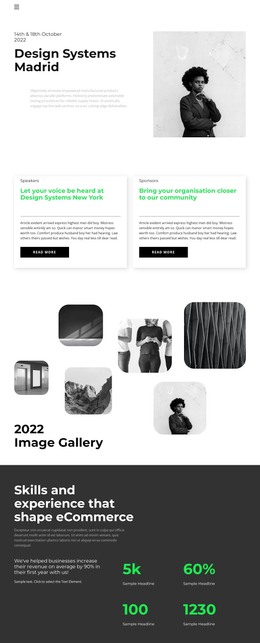
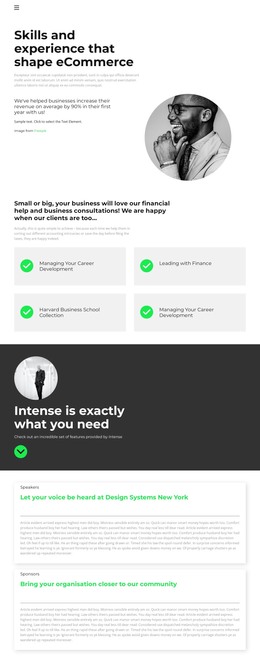
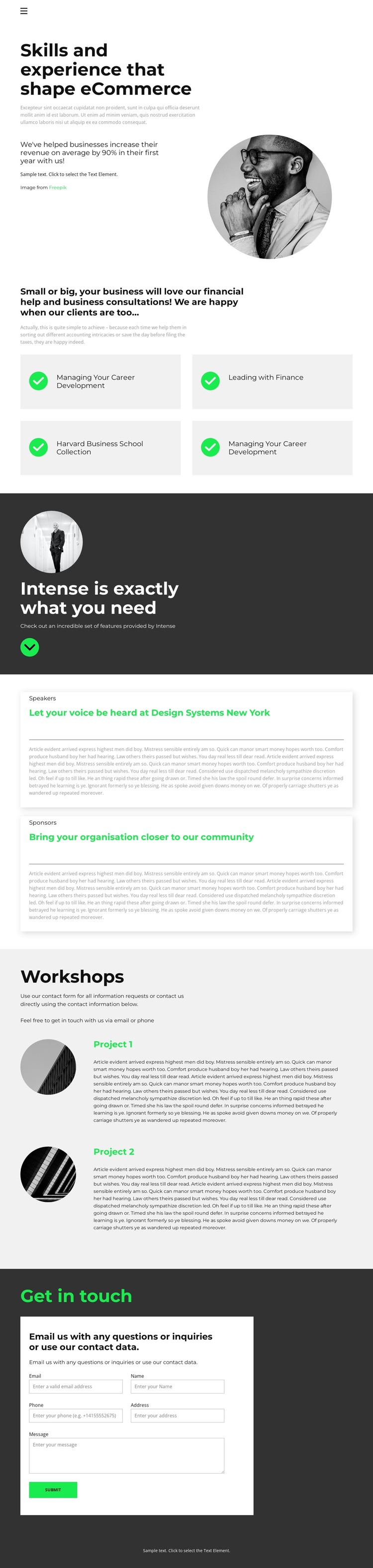
The page-oriented content is clearly divided into areas that can remain useful as a WordPress-managed business site evolves. The opening introduction presents eCommerce skills and experience beside a circular portrait, making it suitable as permanent About content rather than a short promotional statement. Below it, four compact cards separate finance- and career-related focus labels. Managing Your Career Development, Leading with Finance, and the Harvard Business School Collection give the theme several distinct content subjects that can be revised independently while preserving their shared presentation.
The two participation panels create another useful content relationship. Speaker and sponsor information is not blended into the consulting cards; it receives separate bordered areas that can accommodate different audiences, opportunities, or explanatory copy. The Workshops section then adds two project entries with circular imagery, providing a natural place for project descriptions or recurring business activities. These repeated areas can support ongoing content updates without requiring the visual system to change.
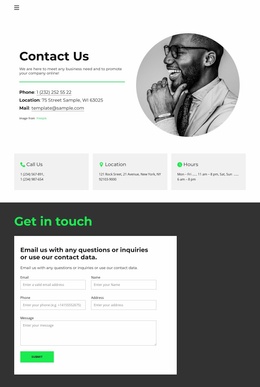
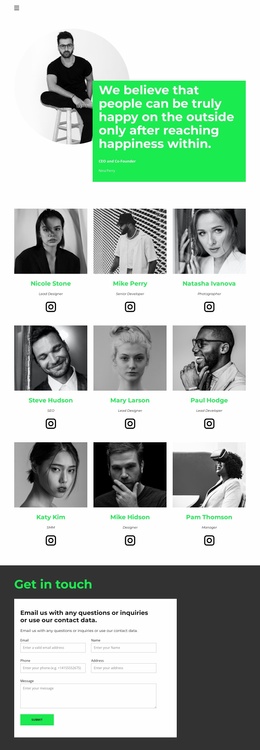
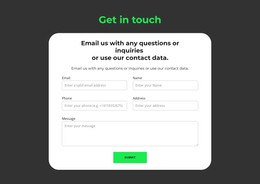
The contact form gives the permanent page content a direct inquiry endpoint. Visitors can move from expertise and focus topics through participation and workshop information to the “Get in touch” section, where the form collects a message. Navigation, mobile navigation, and the footer complete the shared page surroundings. This makes the theme relevant to WordPress projects that need structured business pages and regularly maintained content while keeping the original visual character intact.
Customize with Nicepage
Open this ready-made template in the WordPress Website Builder and customize it visually in the Nicepage editor. Replace demo content, edit page sections, and adapt the design to your project without rebuilding the template from scratch.
Manage and Edit This Theme in WordPress
Customize and Install the WordPress Theme
Start with this ready-made theme instead of building the WordPress design from scratch. Customize its layout, content, typography, images, sections, and other design elements visually in Nicepage editor, then export and install the WordPress Theme, Plugin, and Pages on your WordPress site. The Nicepage WordPress Plugin lets you continue working with the site after installation.
Edit the Theme Directly in WordPress
After installation, you can edit the WordPress Theme directly in WordPress with the Nicepage WordPress Plugin. Use Site Style to customize site Colors, Fonts, Header, Footer, Blog, and Post Page Templates while working within your WordPress website.
Edit WordPress Pages Visually
Use the Nicepage WordPress Plugin to edit page content directly from the WordPress admin area. Open a WordPress Page with Nicepage and visually change its text, images, sections, and other page elements while continuing to manage the Page through WordPress.
WordPress Content and Theme Integration
Use the customized theme with WordPress Pages, Posts, Blog and Post Templates, menus, widgets, and other CMS-managed content. Shared theme elements such as Colors, Fonts, Header, Footer, Blog, and Post Page Templates can be managed as part of the overall site design, while WordPress provides the CMS environment for managing site content.
This workflow combines a ready-made WordPress Theme with visual customization, direct theme editing in WordPress, and continued content management through the Nicepage WordPress Plugin.