Work step by step WordPress Theme


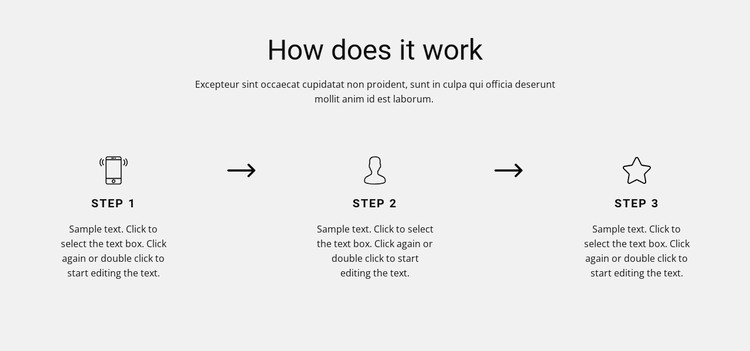
Process content organized for a WordPress page section
The block reads as stable explanatory page content rather than as a time-sensitive listing. “How does it work” introduces the topic, and the supporting paragraph provides context before the three process stages begin. Each stage has a line-style icon, a concise label, and descriptive text, creating three related content units that can explain a workflow, method, or sequence within a WordPress-managed page.
The two directional arrows make the relationship between those units explicit. They guide the reader from the first stage to the second and then to the third, while the shared horizontal alignment makes the process easy to scan. The light gray background provides a defined section surface, and the centered black typography keeps the presentation consistent across the heading, labels, and descriptions. Generous whitespace prevents the repeated stages from feeling crowded.
In a WordPress-oriented project, this section can remain part of permanent page content while the broader site manages its other pages and publishable areas. It could explain a service method, onboarding sequence, or internal workflow without requiring the section itself to contain posts, categories, or theme-level features. The static layout is especially straightforward for content maintenance because the three stages are visible together and follow one consistent visual pattern. Surrounding WordPress content can supply the wider context around this focused process explanation.
Customize with Nicepage
Open this ready-made template in the WordPress Website Builder and customize it visually in the Nicepage editor. Replace demo content, edit page sections, and adapt the design to your project without rebuilding the template from scratch.
Edit Template Offline
2. Create a new page or select existing
3. Click Add new block, search for id 251595 and click enter
Edit Template Online
Create Awesome Websites


Free Nicepage Builder
Keywords
Manage and Edit This Theme in WordPress
Customize and Install the WordPress Theme
Start with this ready-made theme instead of building the WordPress design from scratch. Customize its layout, content, typography, images, sections, and other design elements visually in Nicepage editor, then export and install the WordPress Theme, Plugin, and Pages on your WordPress site. The Nicepage WordPress Plugin lets you continue working with the site after installation.
Edit the Theme Directly in WordPress
After installation, you can edit the WordPress Theme directly in WordPress with the Nicepage WordPress Plugin. Use Site Style to customize site Colors, Fonts, Header, Footer, Blog, and Post Page Templates while working within your WordPress website.
Edit WordPress Pages Visually
Use the Nicepage WordPress Plugin to edit page content directly from the WordPress admin area. Open a WordPress Page with Nicepage and visually change its text, images, sections, and other page elements while continuing to manage the Page through WordPress.
WordPress Content and Theme Integration
Use the customized theme with WordPress Pages, Posts, Blog and Post Templates, menus, widgets, and other CMS-managed content. Shared theme elements such as Colors, Fonts, Header, Footer, Blog, and Post Page Templates can be managed as part of the overall site design, while WordPress provides the CMS environment for managing site content.
This workflow combines a ready-made WordPress Theme with visual customization, direct theme editing in WordPress, and continued content management through the Nicepage WordPress Plugin.