Tutorials and guides WordPress Theme


Edit Template Offline
2. Create new page and search for id 2631828
Edit Template Online
Create Awesome Websites


Free Nicepage Builder
Keywords
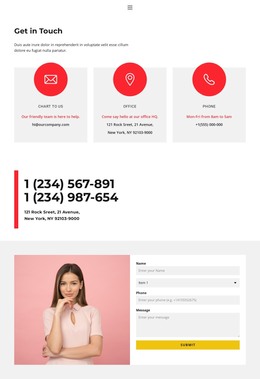
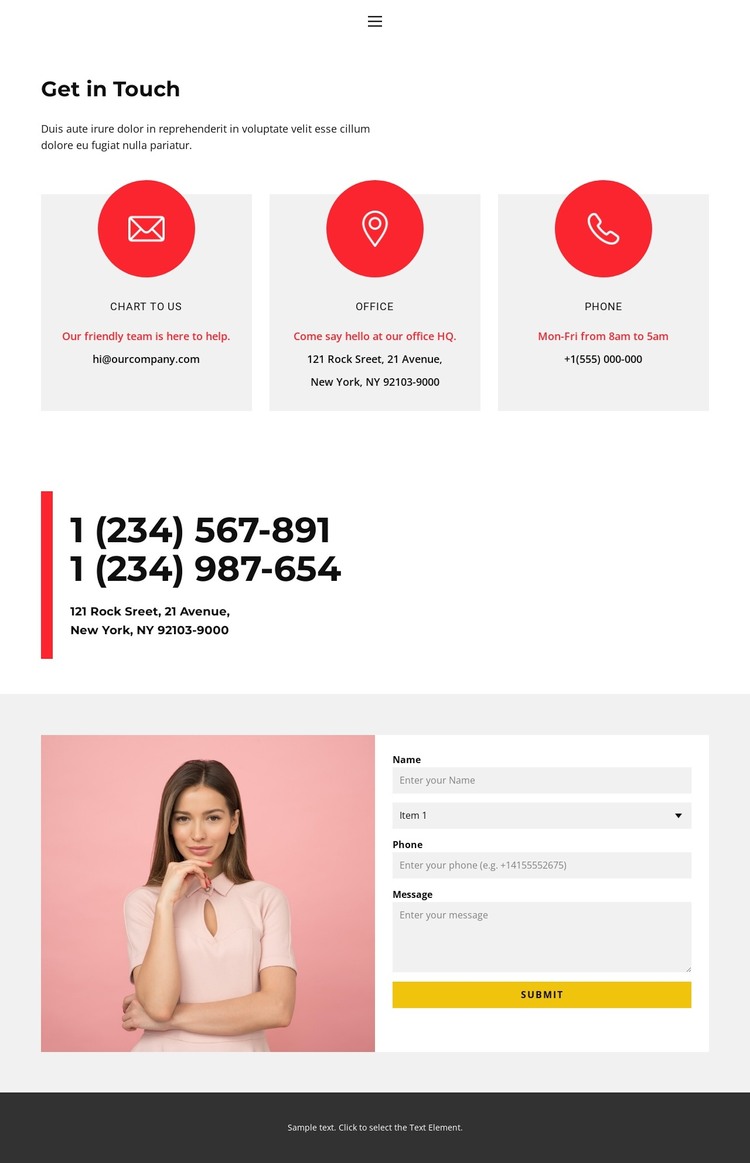
Contact Content Divides Naturally Into WordPress Page Areas
The design contains clear permanent content areas that can be mapped to a WordPress-oriented page structure without claiming that specific Posts, categories, or blog features already exist. The navigation connects Home, About, Contact, and additional page destinations, while the Contact page itself separates email, office, and phone information into three repeated cards. That repeated pattern is useful for keeping related page content visually consistent when a project grows beyond this single page.
The bordered phone-and-address panel offers a compact area for practical organization details, distinct from the broader contact-channel cards. The lower portrait-and-form section serves a different role: it combines visual identity with an inquiry interface containing name, selection, phone, message, and Submit controls. This division helps a WordPress-managed site keep descriptive page content separate from the direct response area while preserving one design character. The pale cards, red accents, simple type, and dark footer can continue as visual references for related pages, but the verified template should not be presented as containing an existing WordPress content system. Its WordPress Theme interpretation therefore comes from the way its page areas, repeated information blocks, navigation, and contact interaction could coexist within CMS-managed site content.
Customize with Nicepage
Open this ready-made template in the WordPress Website Builder and customize it visually in the Nicepage editor. Replace demo content, edit page sections, and adapt the design to your project without rebuilding the template from scratch.
Manage and Edit This Theme in WordPress
Customize and Install the WordPress Theme
Start with this ready-made theme instead of building the WordPress design from scratch. Customize its layout, content, typography, images, sections, and other design elements visually in Nicepage editor, then export and install the WordPress Theme, Plugin, and Pages on your WordPress site. The Nicepage WordPress Plugin lets you continue working with the site after installation.
Edit the Theme Directly in WordPress
After installation, you can edit the WordPress Theme directly in WordPress with the Nicepage WordPress Plugin. Use Site Style to customize site Colors, Fonts, Header, Footer, Blog, and Post Page Templates while working within your WordPress website.
Edit WordPress Pages Visually
Use the Nicepage WordPress Plugin to edit page content directly from the WordPress admin area. Open a WordPress Page with Nicepage and visually change its text, images, sections, and other page elements while continuing to manage the Page through WordPress.
WordPress Content and Theme Integration
Use the customized theme with WordPress Pages, Posts, Blog and Post Templates, menus, widgets, and other CMS-managed content. Shared theme elements such as Colors, Fonts, Header, Footer, Blog, and Post Page Templates can be managed as part of the overall site design, while WordPress provides the CMS environment for managing site content.
This workflow combines a ready-made WordPress Theme with visual customization, direct theme editing in WordPress, and continued content management through the Nicepage WordPress Plugin.