On snowy peaks WordPress Theme


Hiking Information That Reads as Stable WordPress Page Content
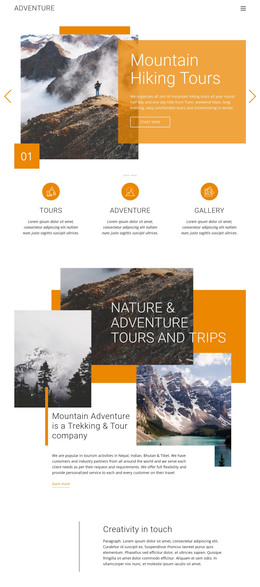
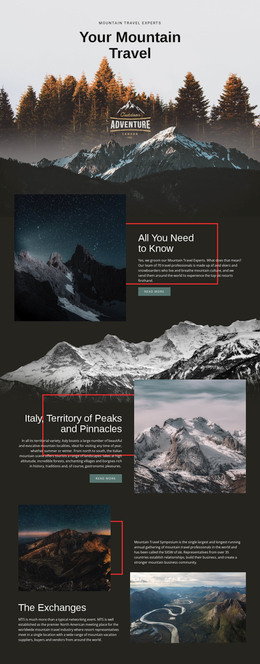
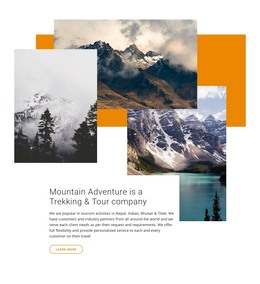
The photograph on the left establishes the block's outdoor setting before the visitor reaches the centered copy on the right. That copy focuses on hiking and trekking tours, with references to wildlife photography opportunities and group travel, while the pale gray panel separates the information from the monochrome landscape. The outlined Read more button follows the paragraph as a contained continuation point rather than competing with the service explanation.
For a WordPress-oriented project, this block can work as stable page content for a travel or tourism section. The service description is specific enough to introduce an offering, yet compact enough to sit alongside other managed content such as additional tour information, destination material, or related service sections. The surrounding WordPress site can handle its broader publishing structure, while this reusable block preserves the visual relationship between the image, description, and follow-up action.
The split layout also gives editors a clear content boundary: the photograph carries atmosphere and the text panel carries explanation. That division helps the section retain its purpose when placed among other page content, without requiring the block itself to become a complete theme or site. The Read more action can lead visitors toward fuller details, allowing the surrounding project to maintain a deeper information path while this section remains a concise introduction to the tour offering.
Customize with Nicepage
Open this ready-made template in the WordPress Website Builder and customize it visually in the Nicepage editor. Replace demo content, edit page sections, and adapt the design to your project without rebuilding the template from scratch.
Edit Template Offline
2. Create a new page or select existing
3. Click Add new block, search for id 240155 and click enter
Edit Template Online
Create Awesome Websites


Free Nicepage Builder
Keywords
Use This Block in a WordPress-Managed Website
Keep the Block as Page Content
Use the block as one content/layout section inside a WordPress-oriented site rather than treating the Block ID as a complete WordPress Theme. Its verified text, images, repeated items, forms, galleries, or other elements can remain part of permanent page content while WordPress manages the wider site.
Work With Nicepage and WordPress
A Nicepage WordPress project can be installed using the WordPress Theme, Plugin, and Pages workflow. After installation, the same visual section can participate in WordPress-managed pages as part of the broader theme/site structure.
Continue Editing in WordPress
Nicepage supports editing the WordPress Theme directly in WordPress. Use WordPress Pages, Posts, Blog structures, and other CMS concepts only when they are relevant to the surrounding project; their existence must not be inferred from the analyzed block alone.
This workflow keeps the block's verified section function separate from the WordPress theme architecture while allowing it to participate in a CMS-managed website.