Coming up with new business WordPress Theme


The Heading and Blue Panel Create Stable Page Content
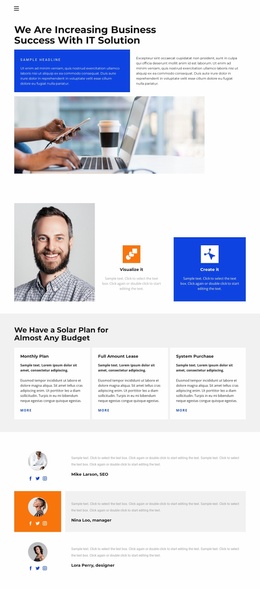
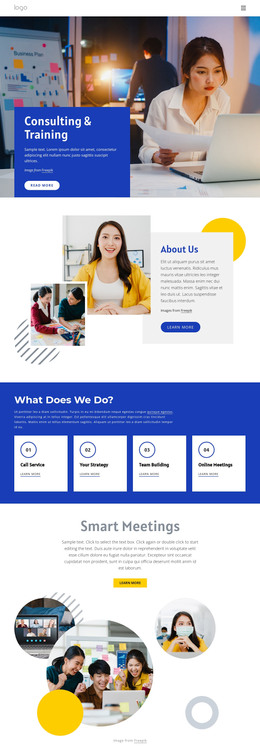
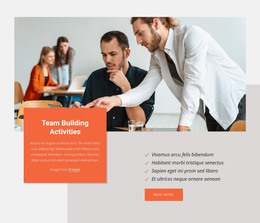
The heading gives the section a direct introductory focus, while the two-column text row lets two related pieces of information appear together. The left text area is visually distinguished by a vivid blue panel; the second text area remains lighter against the white background, producing a clear contrast between emphasis and support. Below them, the wide workplace technology photograph adds a broad visual layer without introducing additional interaction. The static layout therefore reads as a composed information section rather than a sequence of changing states.
For a WordPress-managed page, this content can fit naturally as a stable About or IT-business section. The heading and explanatory paragraphs provide durable page information, while the blue panel can retain an emphasized statement within the same visual region. The image offers a strong visual pause before the next section, which may contain more detailed services or a separate response point. This interpretation focuses on publishable page content rather than treating the block as a complete theme. A WordPress project can place the section alongside other content areas, keeping its two-column structure, highlighted panel, and wide supporting image intact while the wider site evolves around it.
Customize with Nicepage
Open this ready-made template in the WordPress Website Builder and customize it visually in the Nicepage editor. Replace demo content, edit page sections, and adapt the design to your project without rebuilding the template from scratch.
Edit Template Offline
2. Create a new page or select existing
3. Click Add new block, search for id 2283422 and click enter
Edit Template Online
Create Awesome Websites


Free Nicepage Builder
Keywords
Use This Block in a WordPress-Managed Website
Keep the Block as Page Content
Use the block as one content/layout section inside a WordPress-oriented site rather than treating the Block ID as a complete WordPress Theme. Its verified text, images, repeated items, forms, galleries, or other elements can remain part of permanent page content while WordPress manages the wider site.
Work With Nicepage and WordPress
A Nicepage WordPress project can be installed using the WordPress Theme, Plugin, and Pages workflow. After installation, the same visual section can participate in WordPress-managed pages as part of the broader theme/site structure.
Continue Editing in WordPress
Nicepage supports editing the WordPress Theme directly in WordPress. Use WordPress Pages, Posts, Blog structures, and other CMS concepts only when they are relevant to the surrounding project; their existence must not be inferred from the analyzed block alone.
This workflow keeps the block's verified section function separate from the WordPress theme architecture while allowing it to participate in a CMS-managed website.