General queries WordPress Theme


Edit Template Offline
2. Create new page and search for id 5533401
Edit Template Online
Create Awesome Websites


Free Nicepage Builder
Keywords
Role-Based Profiles Give WordPress Content a Clear Page Structure
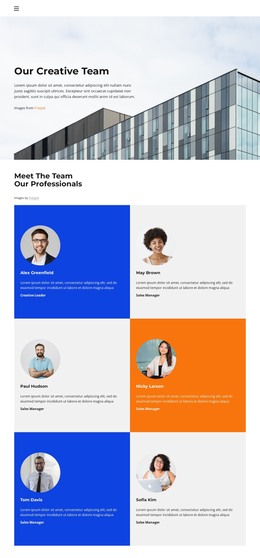
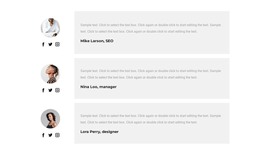
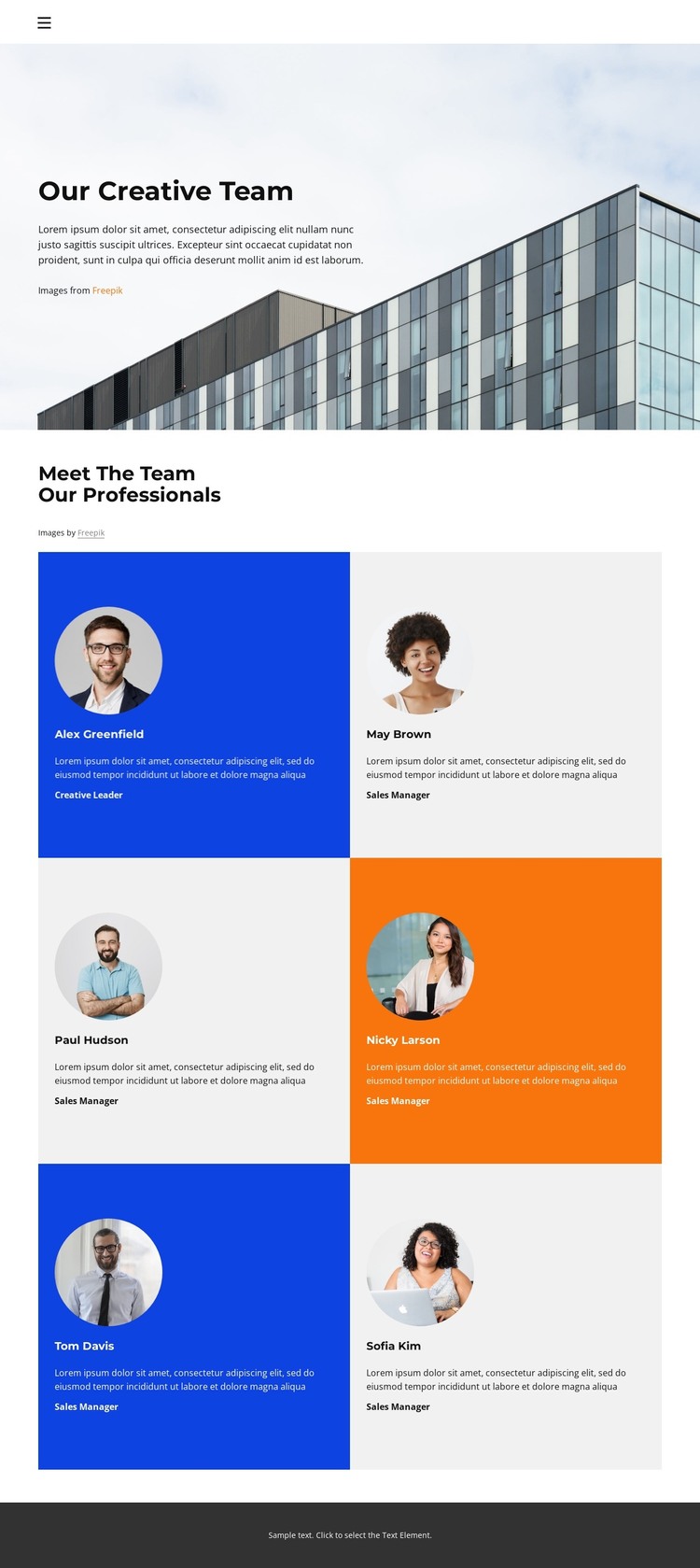
The six repeating profile cards provide the strongest content framework for a WordPress-oriented adaptation. Each card separates a portrait area from a person’s name, professional role, and description, so permanent team information can be presented in a consistent page section rather than embedded in one undifferentiated text block. The circular portraits also give each profile a shared visual marker, while the alternating blue, orange, gray, and white backgrounds distinguish entries without changing the overall design character.
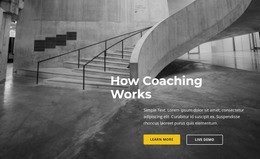
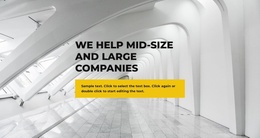
The large architectural image and the “Our Creative Team” introduction create a separate page-opening context before visitors reach the personnel content. This relationship leaves room for the page to function as a team or company-information destination within a larger site, while the Home link provides a verified connection back to the main navigation context. The supplied names and role labels are demo content, so a WordPress project should replace them with the organization’s own people and verified professional information.
A dark footer bar closes the page with a stable visual endpoint, and the compact sans-serif typography keeps labels and descriptions aligned with the light, spacious layout. The design can therefore accommodate WordPress-managed page content while preserving a recognizable presentation for profiles. It should be understood as one verified team-page design, not as evidence of existing blog, post, category, or multi-page structures.
Customize with Nicepage
Open this ready-made template in the WordPress Website Builder and customize it visually in the Nicepage editor. Replace demo content, edit page sections, and adapt the design to your project without rebuilding the template from scratch.
Manage and Edit This Theme in WordPress
Customize and Install the WordPress Theme
Start with this ready-made theme instead of building the WordPress design from scratch. Customize its layout, content, typography, images, sections, and other design elements visually in Nicepage editor, then export and install the WordPress Theme, Plugin, and Pages on your WordPress site. The Nicepage WordPress Plugin lets you continue working with the site after installation.
Edit the Theme Directly in WordPress
After installation, you can edit the WordPress Theme directly in WordPress with the Nicepage WordPress Plugin. Use Site Style to customize site Colors, Fonts, Header, Footer, Blog, and Post Page Templates while working within your WordPress website.
Edit WordPress Pages Visually
Use the Nicepage WordPress Plugin to edit page content directly from the WordPress admin area. Open a WordPress Page with Nicepage and visually change its text, images, sections, and other page elements while continuing to manage the Page through WordPress.
WordPress Content and Theme Integration
Use the customized theme with WordPress Pages, Posts, Blog and Post Templates, menus, widgets, and other CMS-managed content. Shared theme elements such as Colors, Fonts, Header, Footer, Blog, and Post Page Templates can be managed as part of the overall site design, while WordPress provides the CMS environment for managing site content.
This workflow combines a ready-made WordPress Theme with visual customization, direct theme editing in WordPress, and continued content management through the Nicepage WordPress Plugin.