Professionals for you WordPress Theme


A Human-Focused Prompt for WordPress Page Content
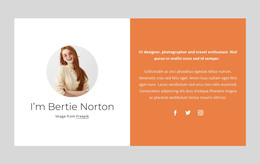
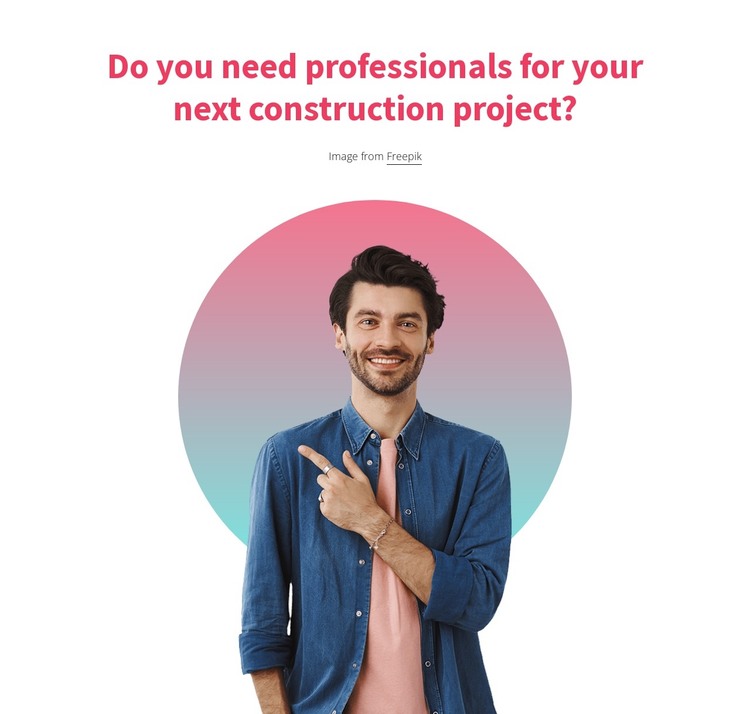
The centered heading gives the section a direct role in a WordPress-managed page: it asks whether professional support is needed for the visitor’s next construction project. The single large portrait reinforces that question through a personal visual reference, while the circular gradient backdrop makes the image feel like the focal point of the content area. Since there is no repeated item group, the section communicates one invitation rather than comparing several services or presenting multiple professionals.
As page content, this block can sit between explanatory construction information and a separate response point. For example, a broader WordPress-managed page may place project details, service descriptions, or an inquiry element nearby, while this section provides the human-centered prompt that helps move the visitor toward considering professional assistance. The block itself remains static; its effect comes from the sequence of the question, portrait, and colored backdrop.
The layout is also easy to recognize as a stable content unit. A white background frames the bold magenta heading, generous spacing prevents the portrait from feeling crowded, and the centered alignment keeps the message visually self-contained. The attribution line remains connected to the image content. Within WordPress, this section can preserve that prepared presentation as part of a larger page without being treated as a complete theme or full website.
Customize with Nicepage
Open this ready-made template in the WordPress Website Builder and customize it visually in the Nicepage editor. Replace demo content, edit page sections, and adapt the design to your project without rebuilding the template from scratch.
Edit Template Offline
2. Create a new page or select existing
3. Click Add new block, search for id 2147620 and click enter
Edit Template Online
Create Awesome Websites


Free Nicepage Builder
Keywords
Manage and Edit This Theme in WordPress
Customize and Install the WordPress Theme
Start with this ready-made theme instead of building the WordPress design from scratch. Customize its layout, content, typography, images, sections, and other design elements visually in Nicepage editor, then export and install the WordPress Theme, Plugin, and Pages on your WordPress site. The Nicepage WordPress Plugin lets you continue working with the site after installation.
Edit the Theme Directly in WordPress
After installation, you can edit the WordPress Theme directly in WordPress with the Nicepage WordPress Plugin. Use Site Style to customize site Colors, Fonts, Header, Footer, Blog, and Post Page Templates while working within your WordPress website.
Edit WordPress Pages Visually
Use the Nicepage WordPress Plugin to edit page content directly from the WordPress admin area. Open a WordPress Page with Nicepage and visually change its text, images, sections, and other page elements while continuing to manage the Page through WordPress.
WordPress Content and Theme Integration
Use the customized theme with WordPress Pages, Posts, Blog and Post Templates, menus, widgets, and other CMS-managed content. Shared theme elements such as Colors, Fonts, Header, Footer, Blog, and Post Page Templates can be managed as part of the overall site design, while WordPress provides the CMS environment for managing site content.
This workflow combines a ready-made WordPress Theme with visual customization, direct theme editing in WordPress, and continued content management through the Nicepage WordPress Plugin.